SVG Manual Pro


10Creditsper rendering
Turn product photos into technical illustrations for manuals
SVG Manual Pro converts product photos and product renders into documentation-ready technical illustrations for manuals, service guides, installation sheets, packaging inserts and support content. It is built for machinery, appliances, tools, electronics, equipment and parts where the image needs to explain form, controls and function clearly.
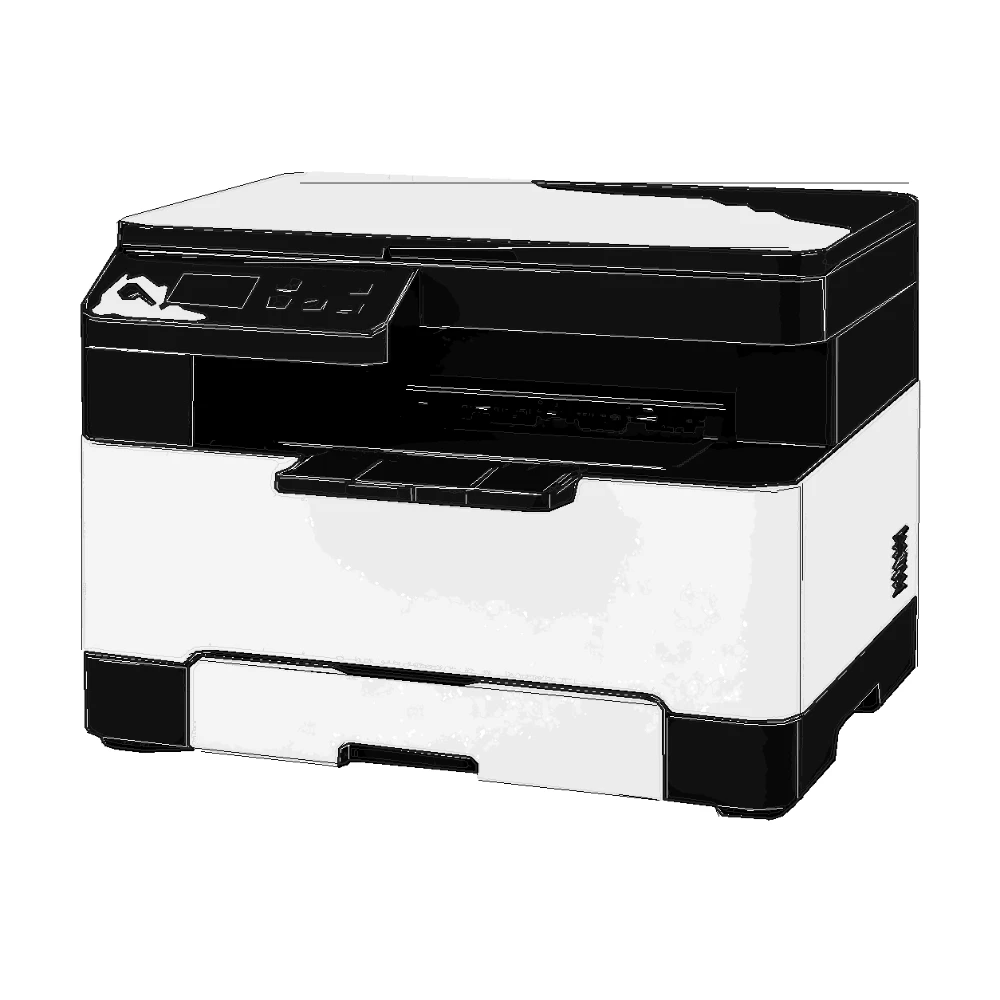
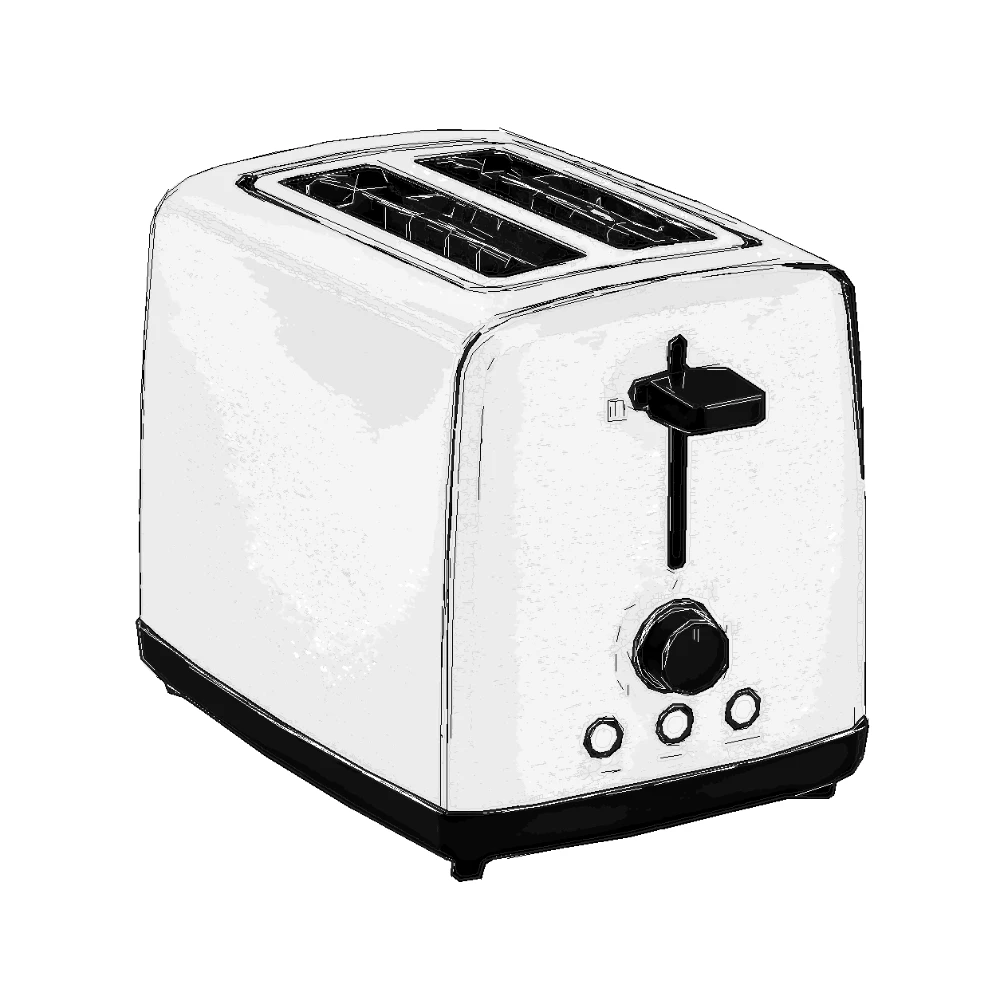
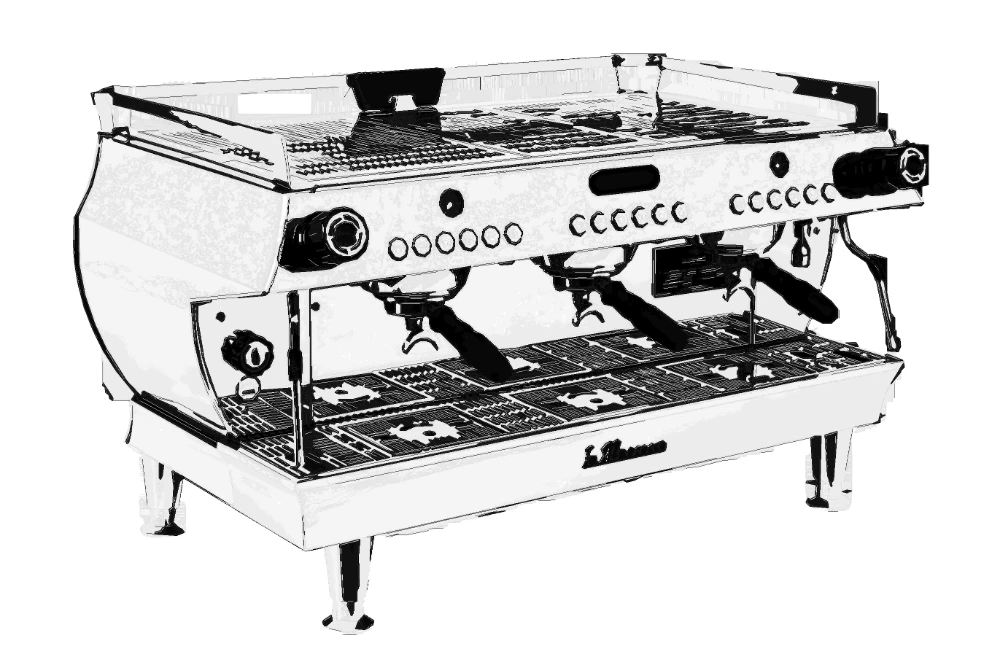
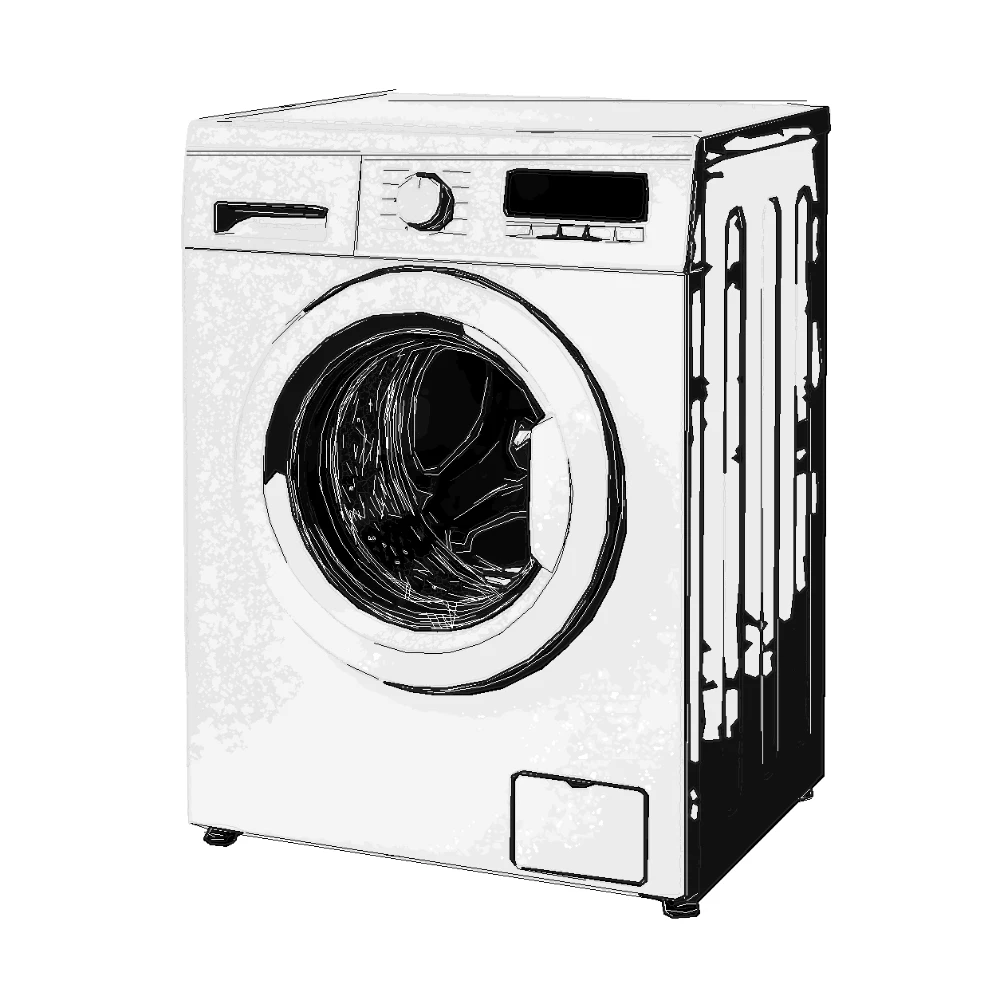
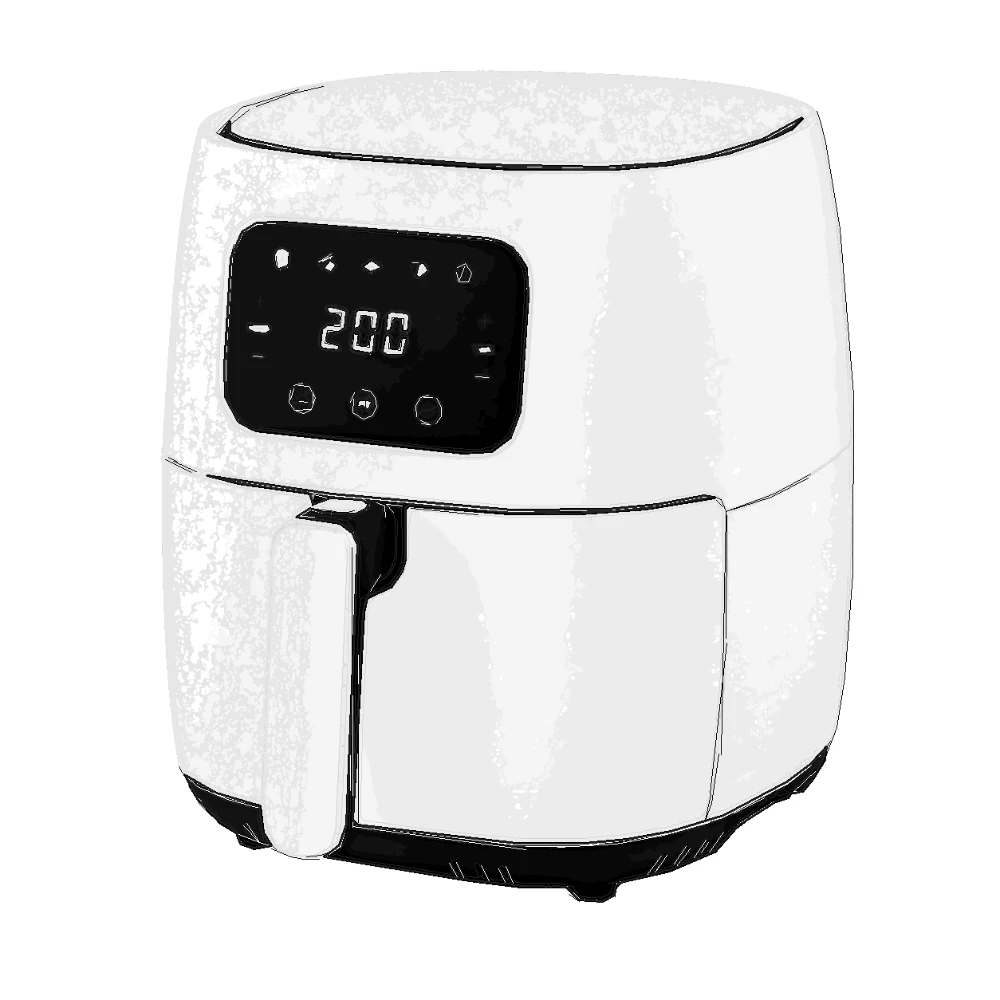
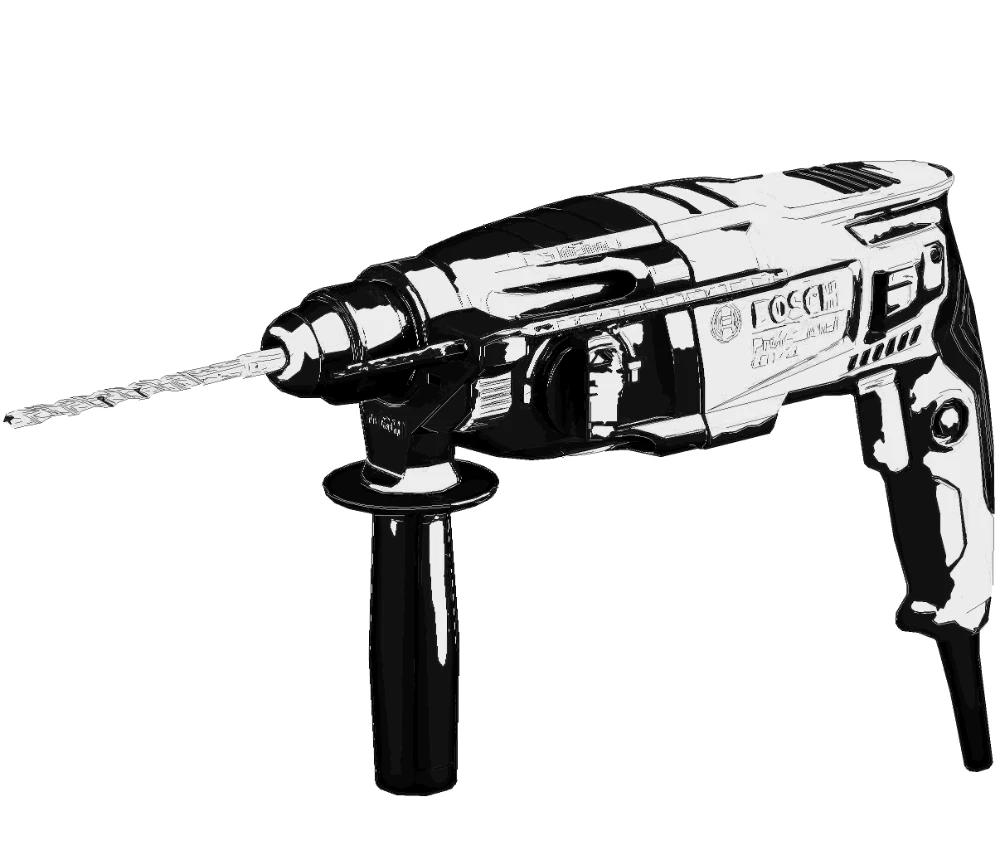
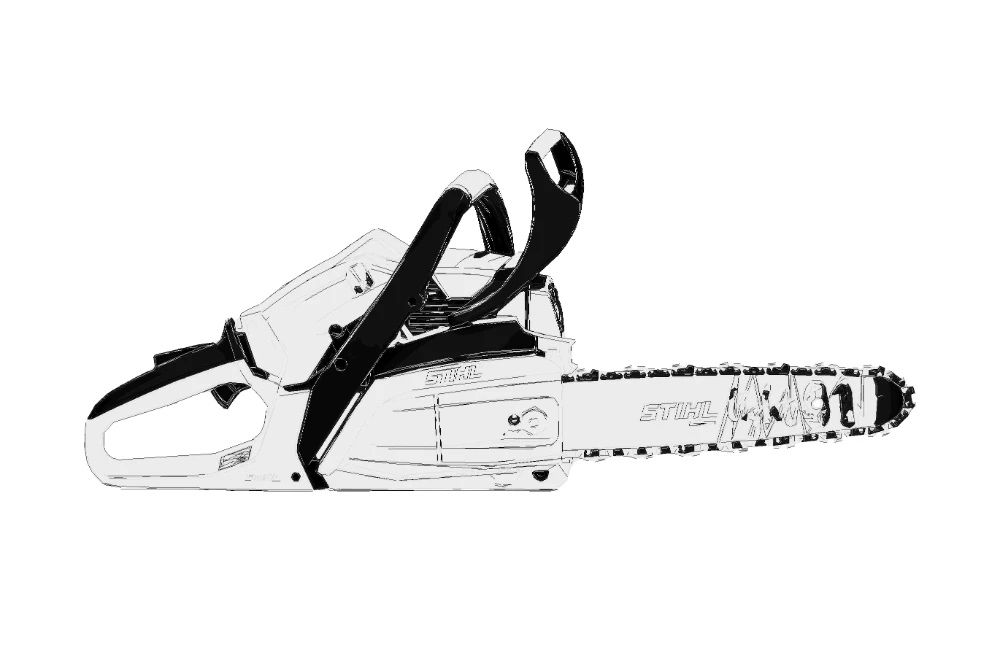
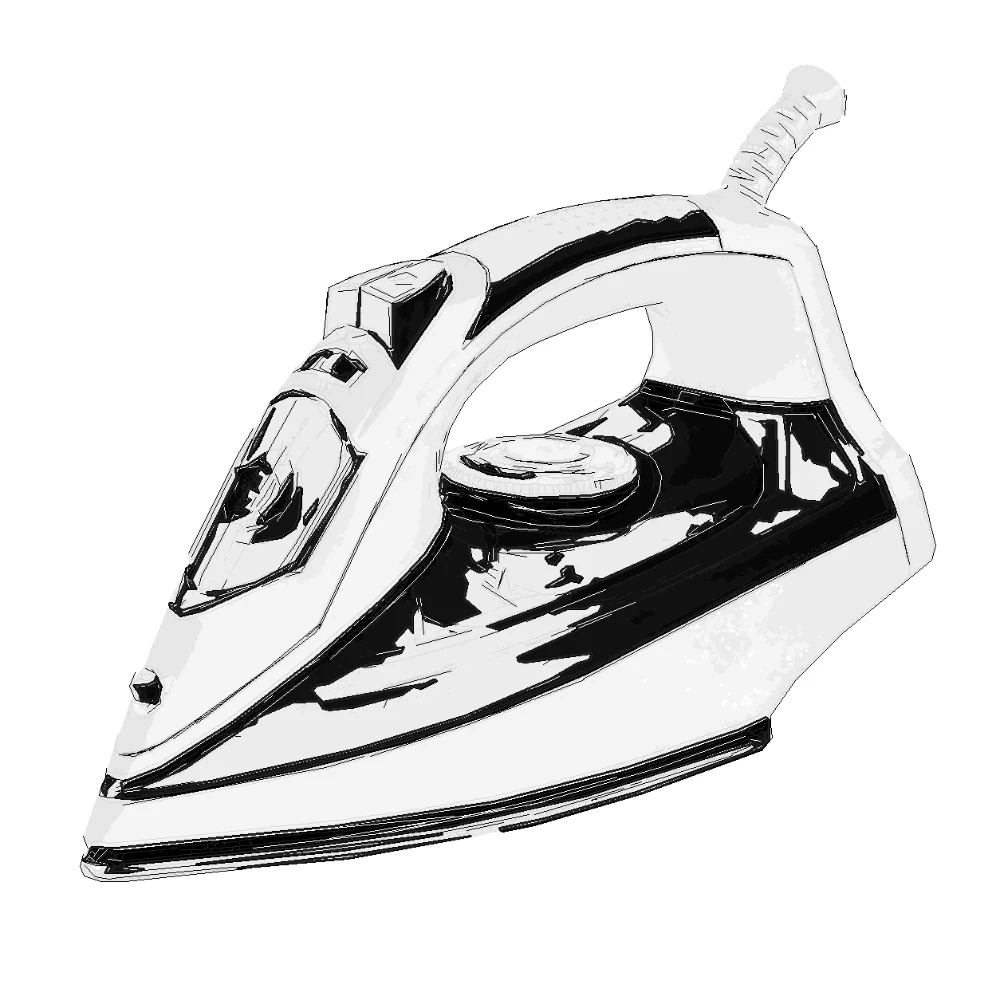
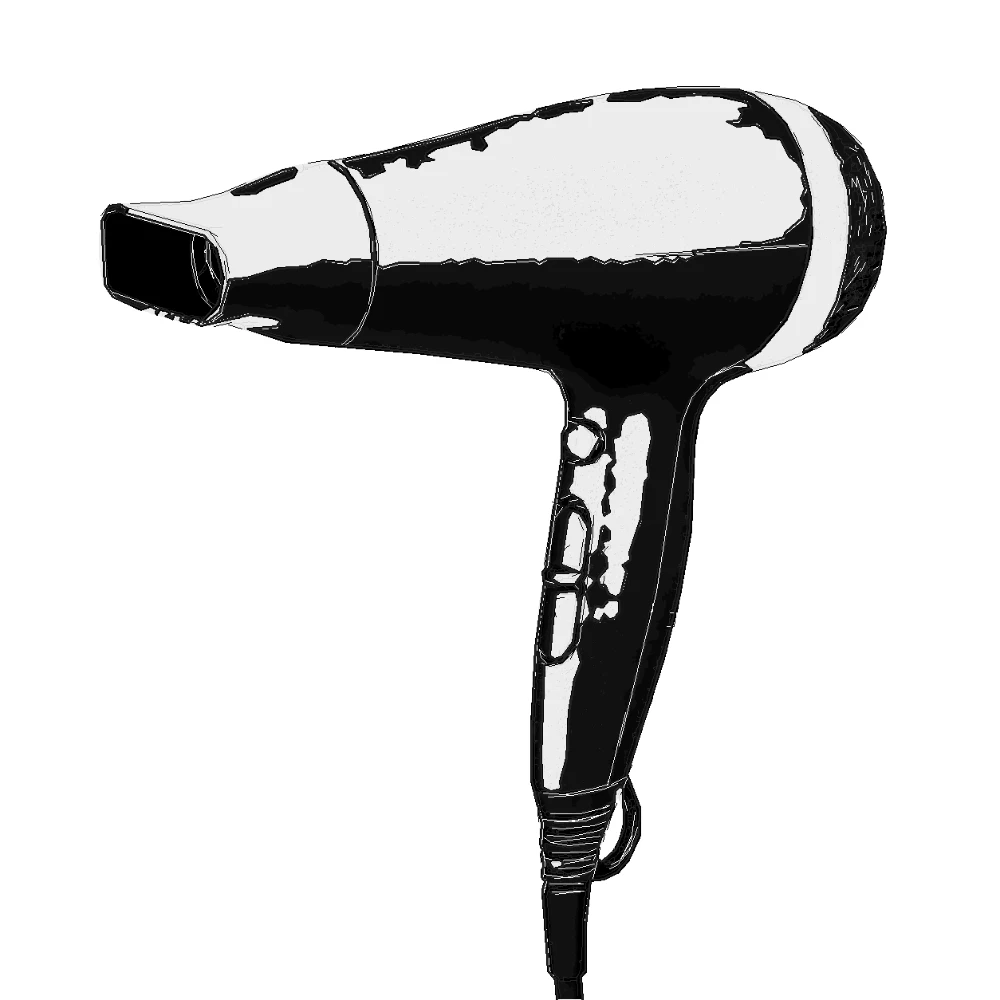
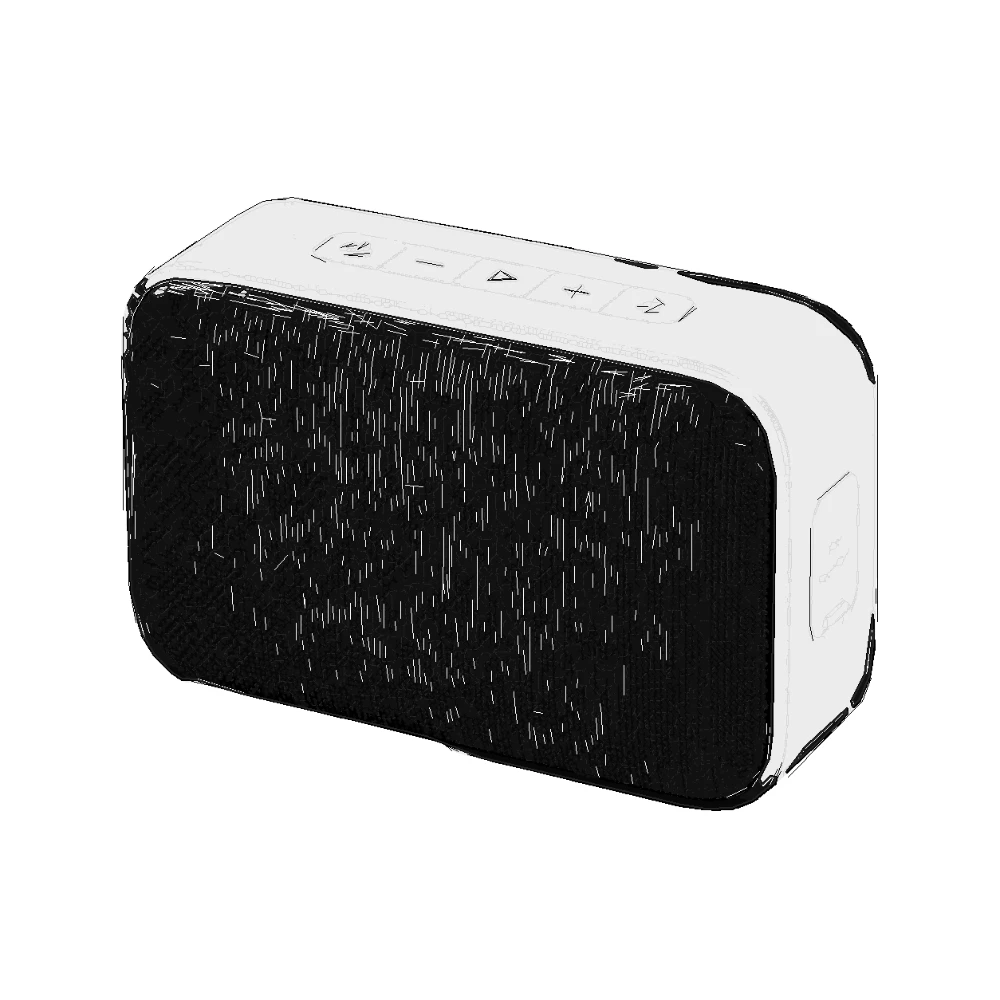
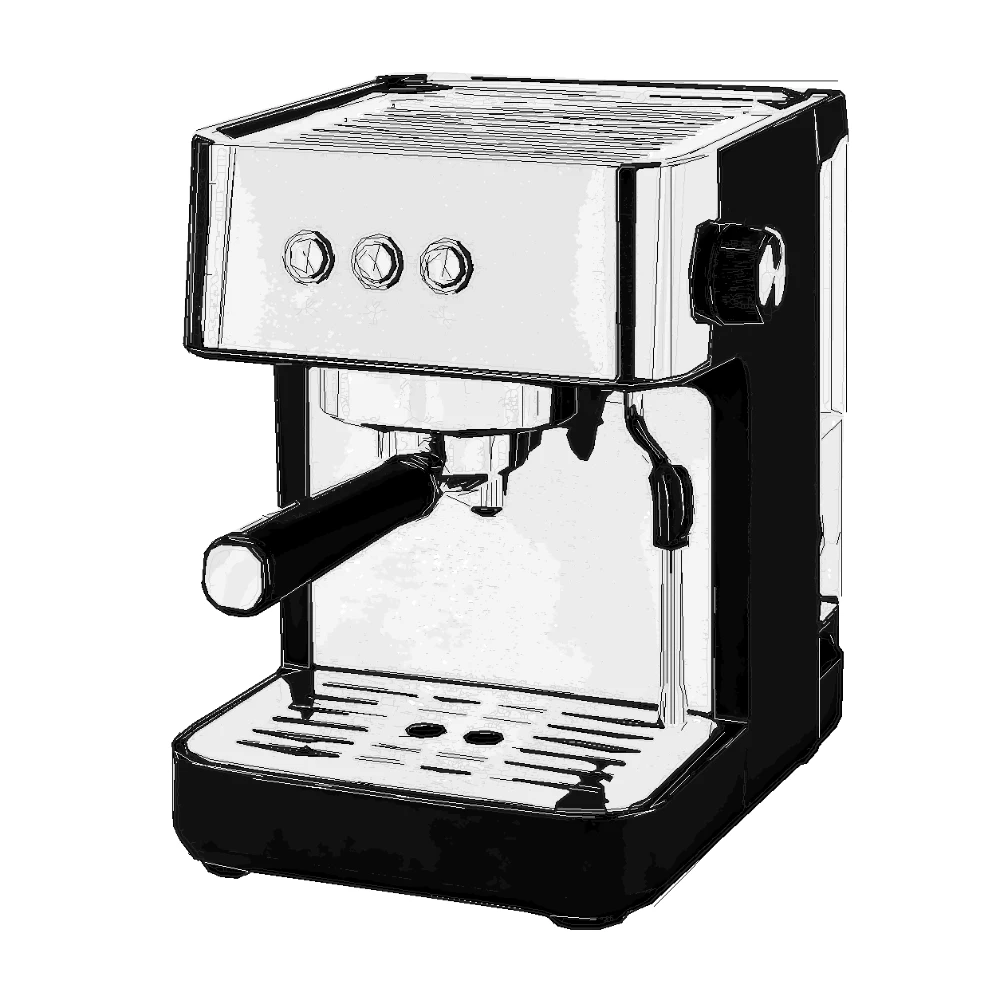
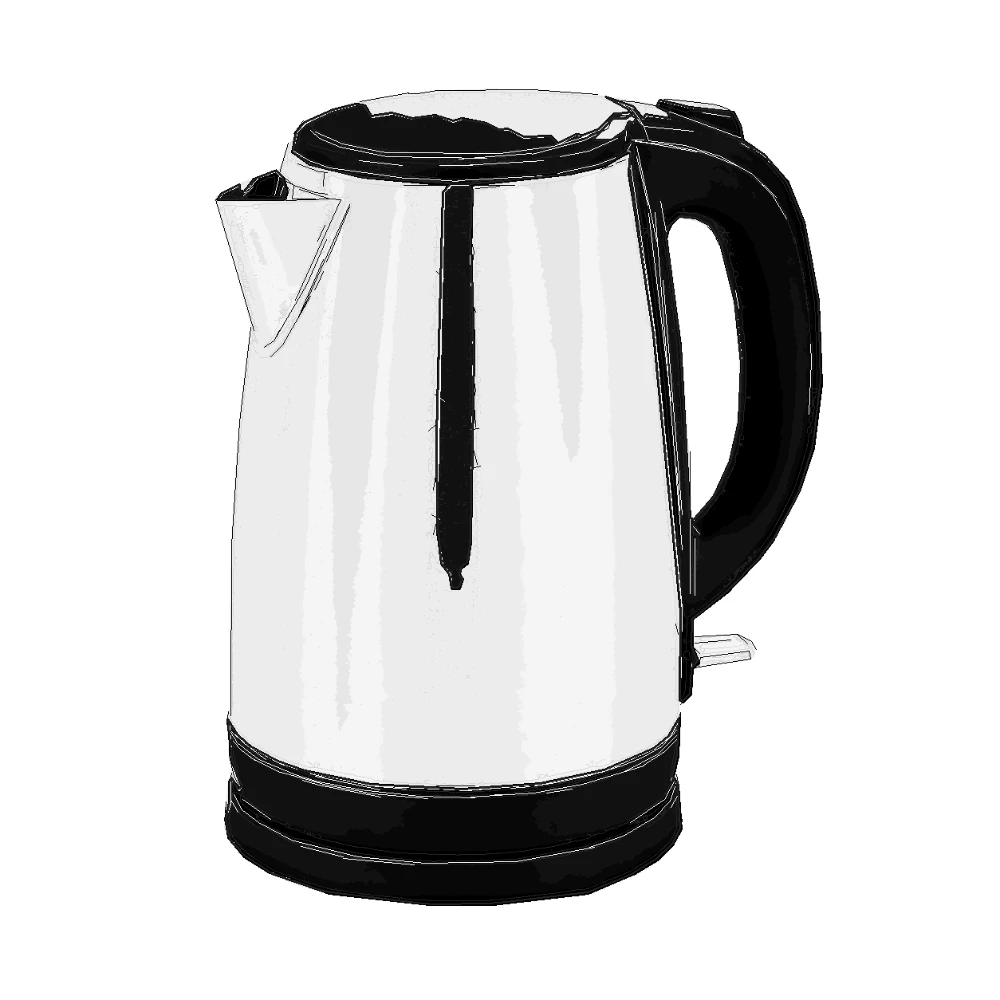
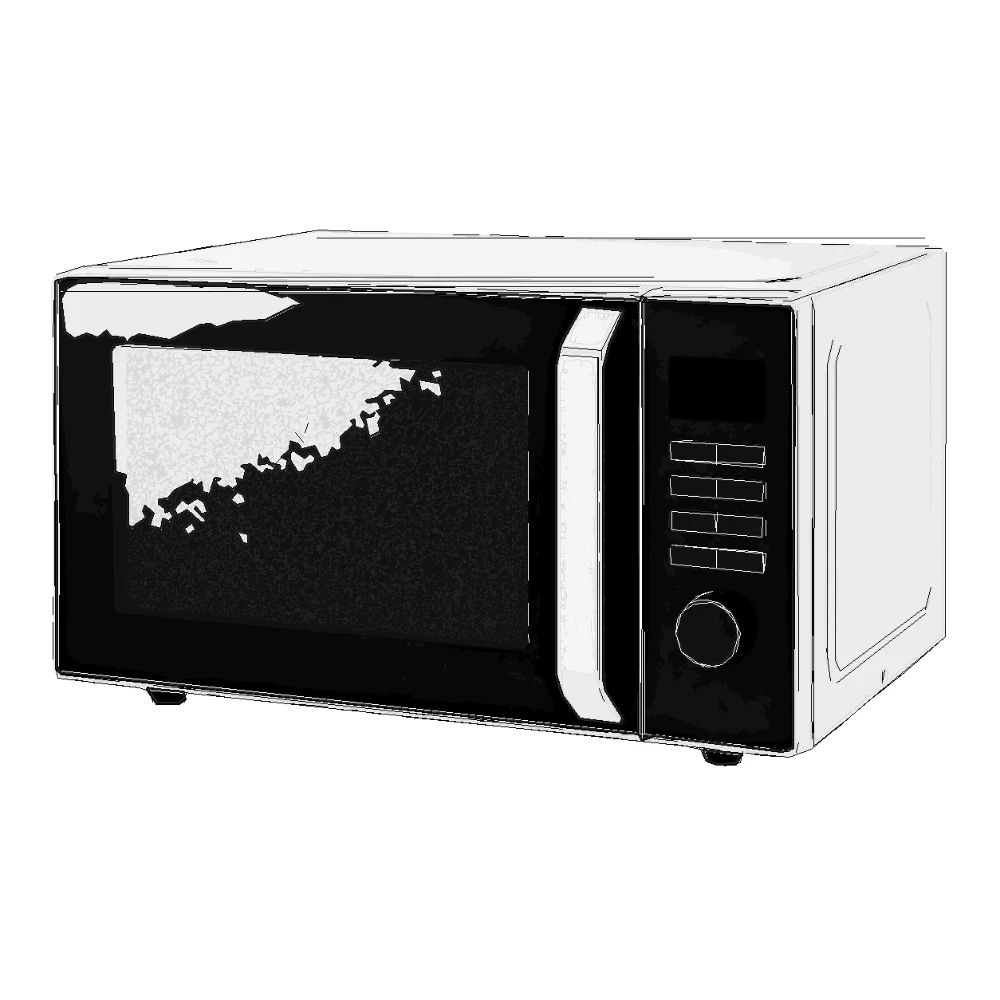
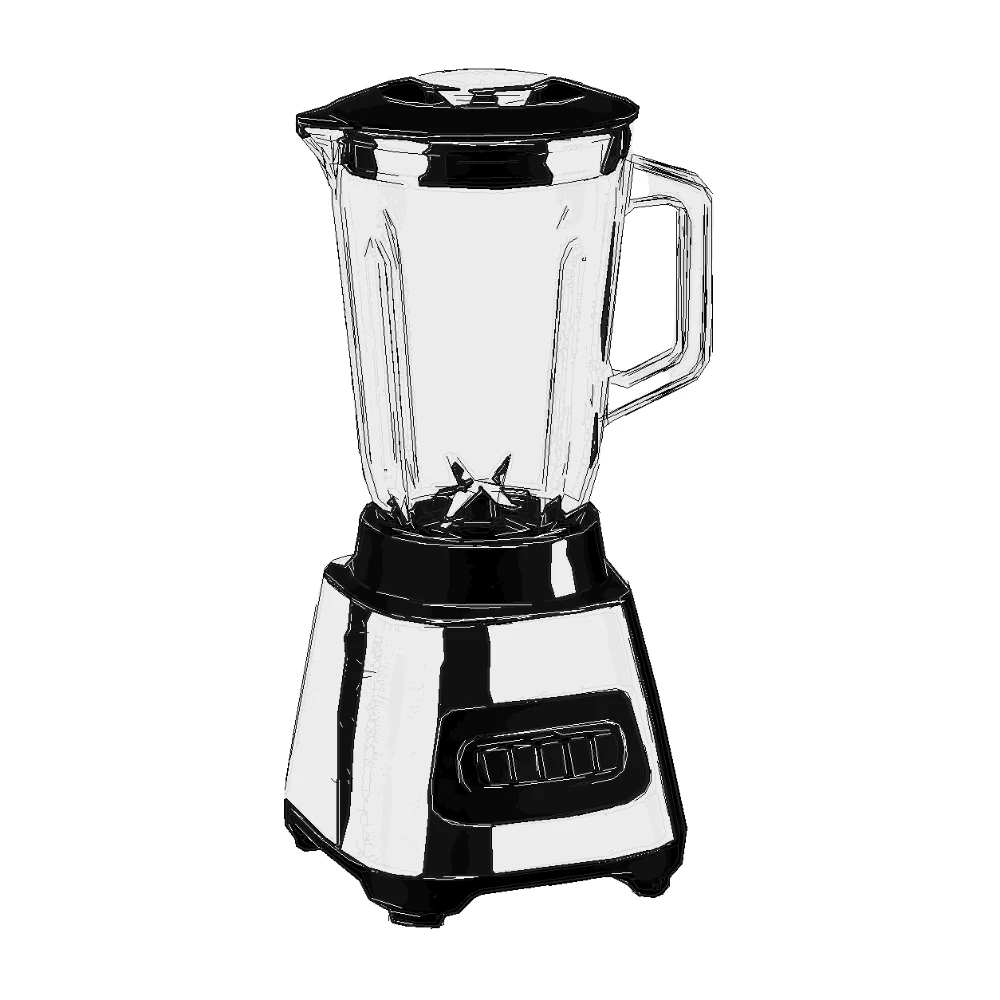
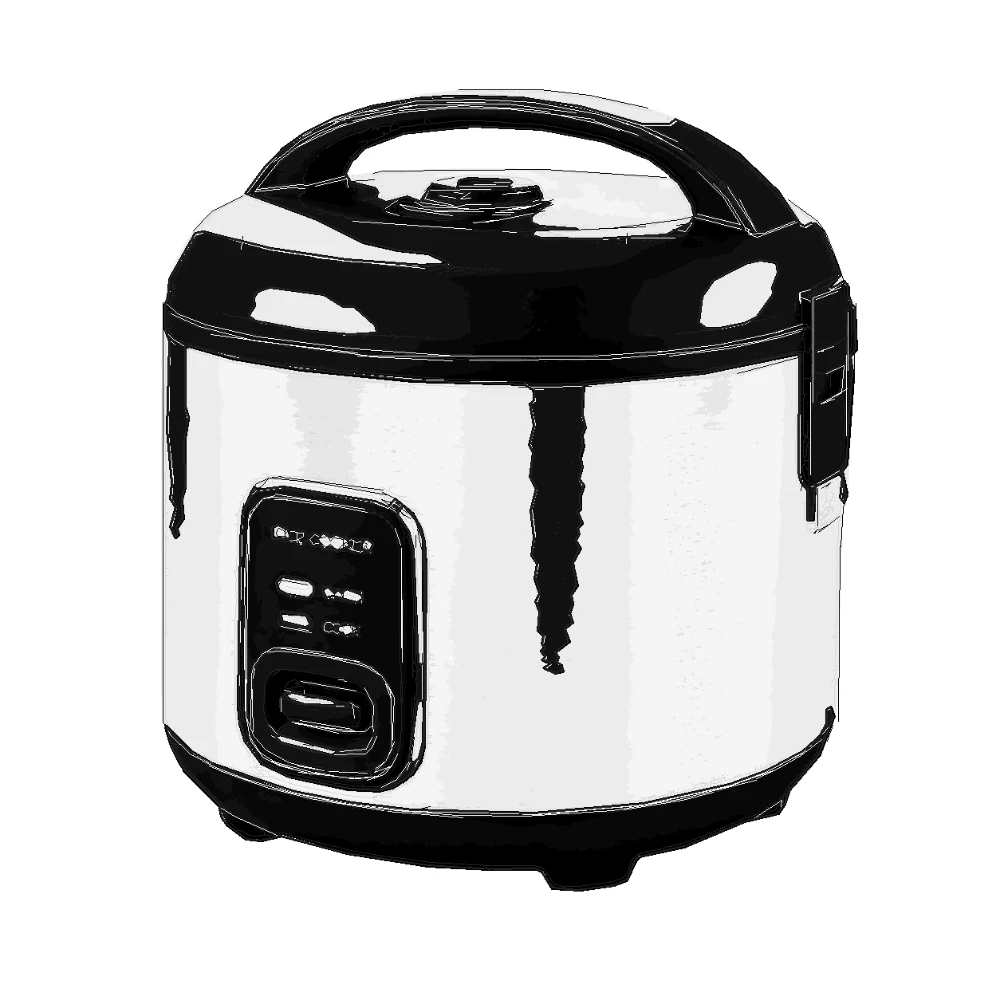
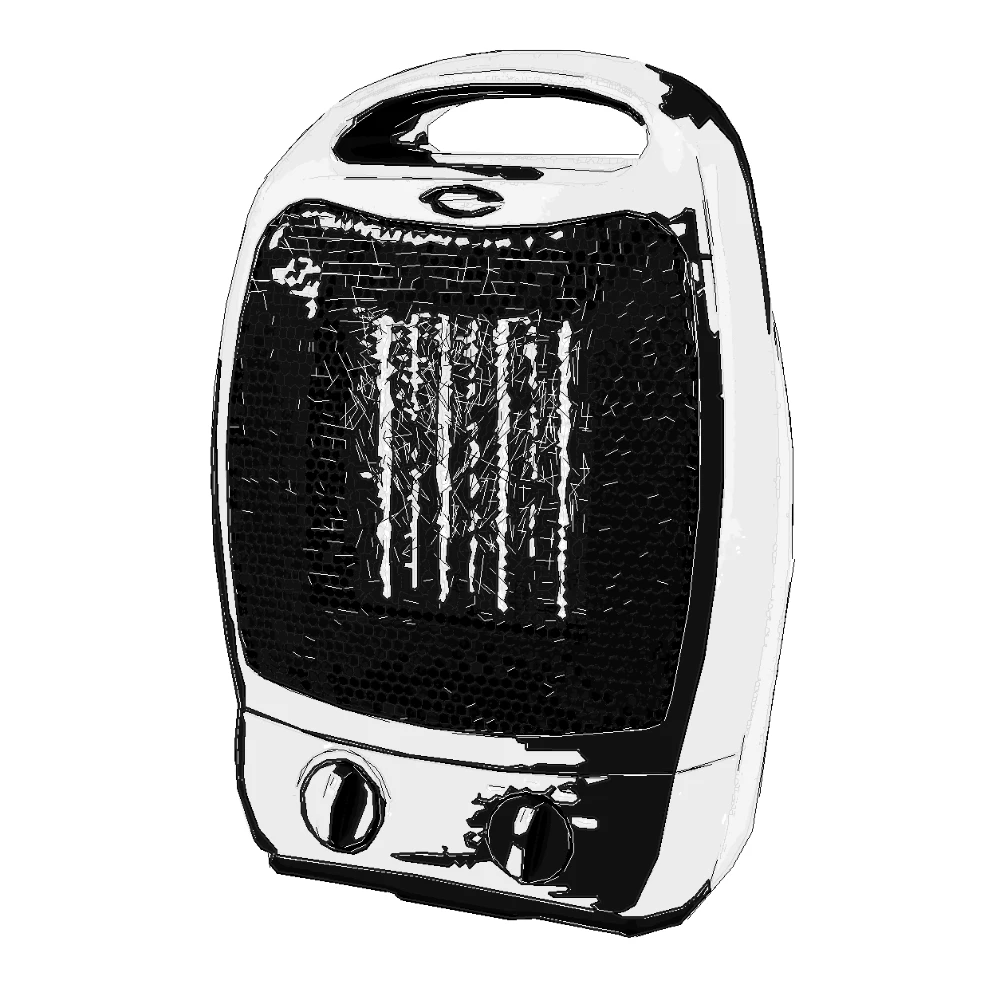
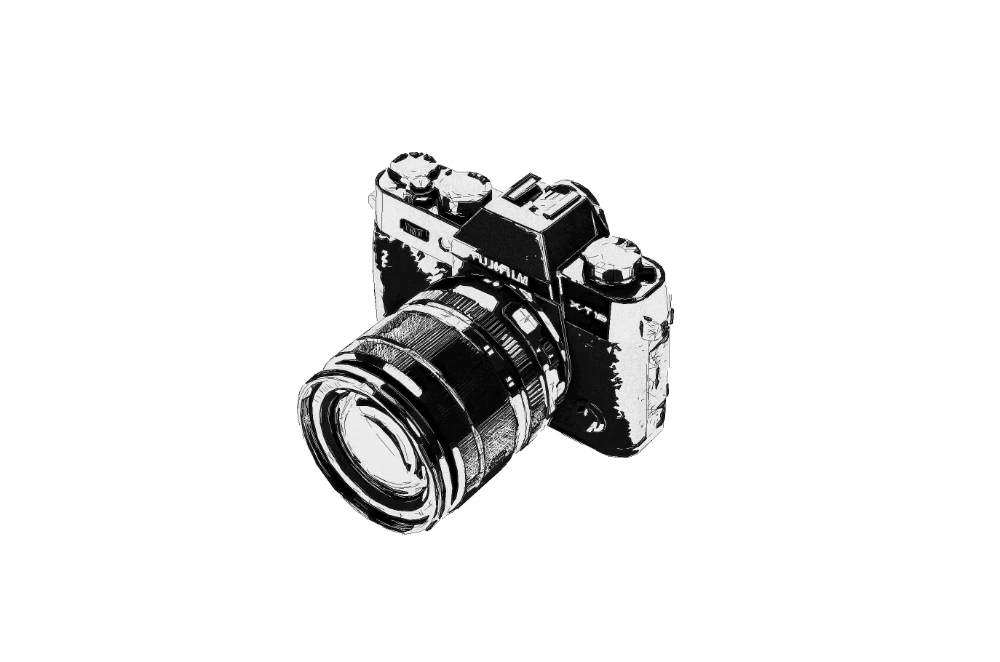
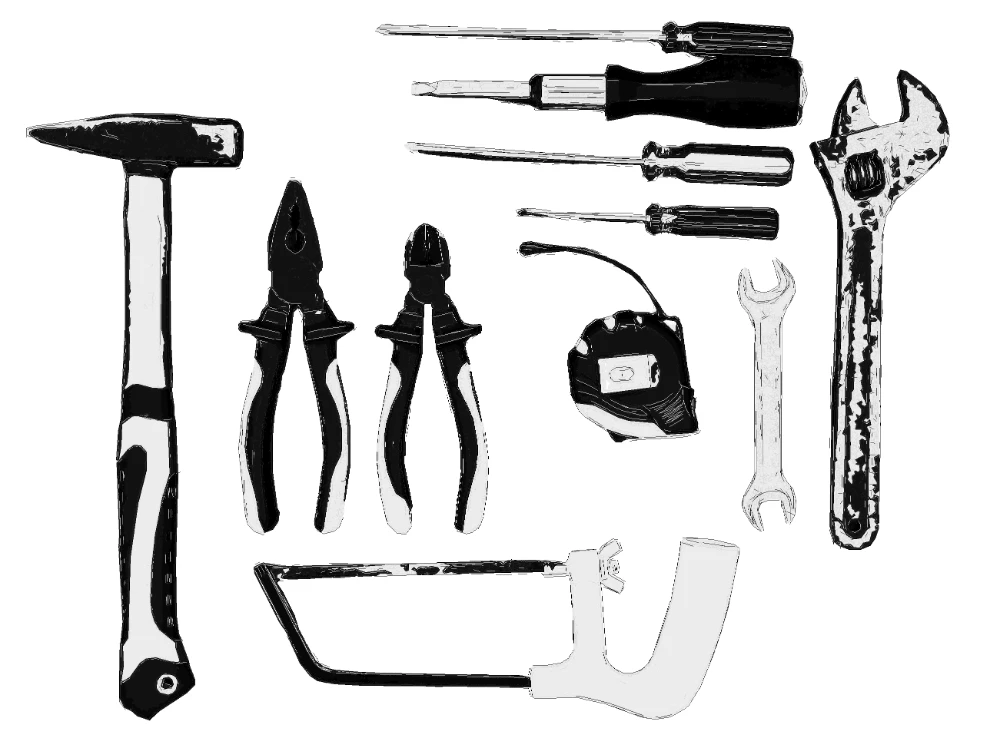
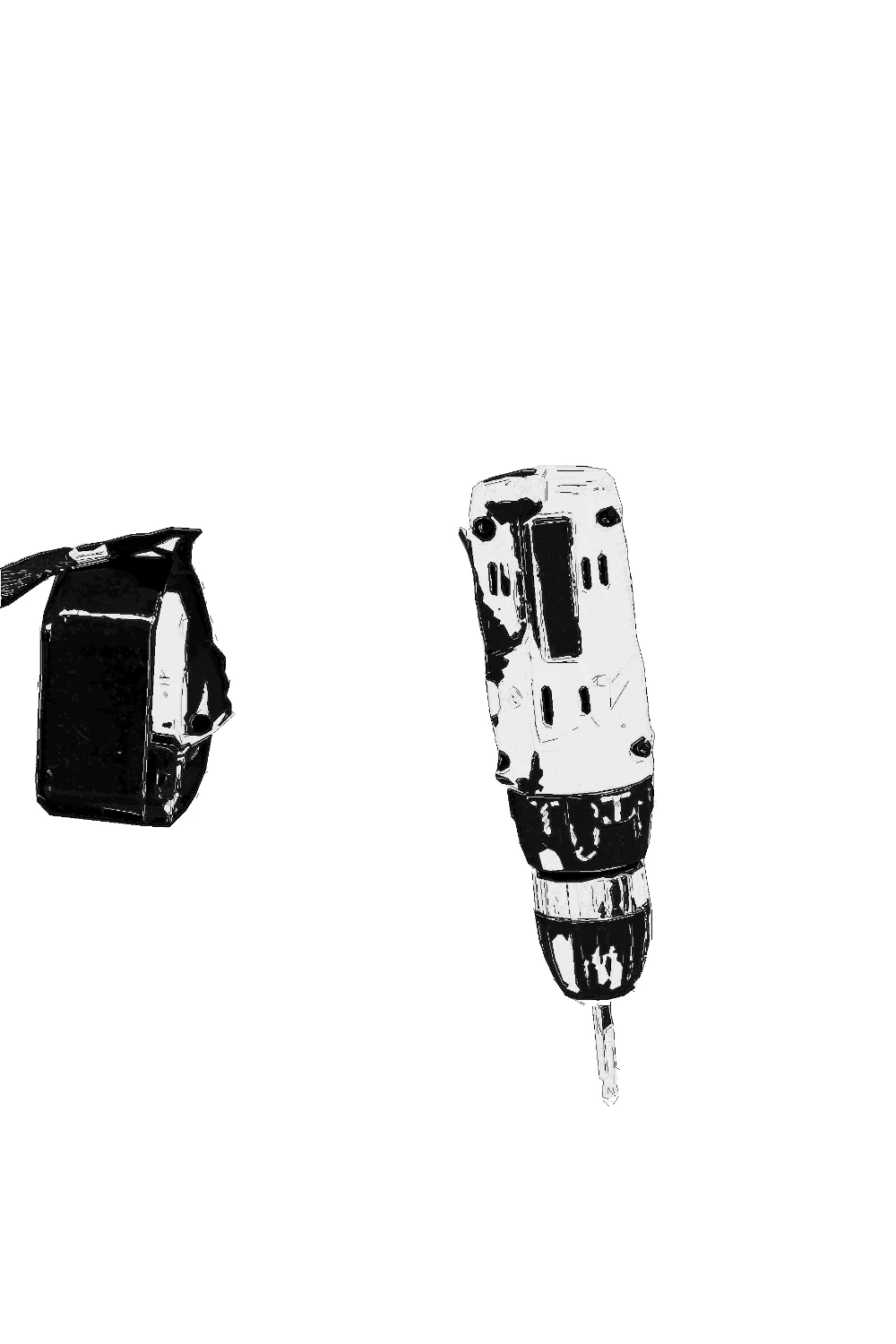
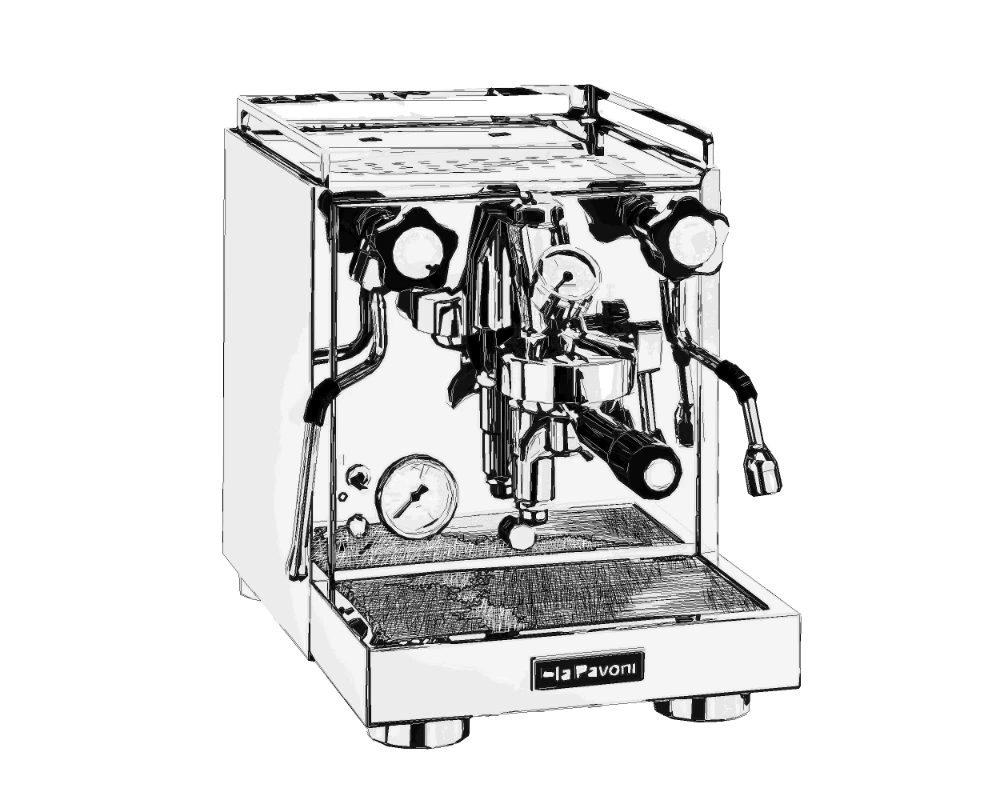
The workflow produces controlled black-and-white product illustration with clean outlines, structured shadow masses, subtle gray and charcoal tonal depth and editable SVG layers. It is not a cartoon filter, CAD replacement, patent drawing workflow, or certification tool; it is a production-oriented technical illustration service for teams that need consistent product documentation graphics from real images.
What SVG Manual Pro is built for
Input - Product images
Product photos, product renders, machinery, appliances, tools, electronics, equipment and parts with visible object structure.
Output - Technical illustration
Documentation-ready SVG and PNG output with controlled fills, subtle gray and charcoal depth, clean outlines and editable technical line layers.
Best for - Professional teams
Technical writing teams, manufacturers, product companies, support teams, ecommerce operations, field-service teams and agencies.
Different from - Generic tracing
A documentation illustration workflow, not a generic trace, photo filter, CAD system, legal patent drawing workflow, or certification tool.
Supported Formats
SVG - Editable SVG Illustration
Layered SVG output for manuals, documentation layouts, product sheets, support graphics and downstream design editing.
PNG - Review-Ready PNG Render
Clean PNG output for quick review, documentation drafts, web support pages and print layout previews.
Examples




How SVG Manual Pro works
- 1
Upload a product image
Start with a product photo, product render, machinery view, appliance image, tool reference, or equipment detail.
- 2
Convert it into technical illustration
SVG Manual Pro separates the subject, simplifies visual structure, controls black-and-white regions and preserves useful line and tonal detail.
- 3
Use SVG or PNG in documentation
Place the result into manuals, setup guides, repair documentation, product sheets, training material, packaging inserts, or support pages.

Get credits now and start rendering
Where SVG Manual Pro fits
Product Manuals
Create consistent product manual illustration from real product images, with attention on shape, controls and key visible structure.
Setup Guides
Prepare clean technical illustration assets for quick-start sheets, installation steps, onboarding guides and instruction cards.
Repair and Maintenance Docs
Convert machinery, tools, appliances and equipment references into readable visuals for repair flows, service notes and maintenance documentation.
Packaging Inserts
Produce compact black-and-white product illustration for printed inserts, safety cards, assembly notes and in-box documentation.
Ecommerce Support Graphics
Turn product photos into simplified product documentation graphics for help centers, product pages, FAQs and comparison diagrams.
Training Sheets
Use a consistent technical illustration style for field-service handouts, internal training material, process sheets and equipment overviews.
SVG Manual Pro questions
Practical answers for turning product images into documentation-focused technical illustrations.