Pixel2Lines is now Laserlinez - Get laser-ready vector files with our advanced algorithms!

Laserlinez
Service
Tonal Line VectorizationSVG
Tonal Line Vectorization
Contour VectorizationSVGDXF
Contour Vectorization
Centerline VectorizationSVGDXF
Centerline Vectorization
Photo to SVG Manual ProSVGPNG
Photo to SVG Manual Pro
SVG to DXFSVG→DXFDXF
SVG to DXF
GalleryPricingAPI
Workspace

Convert logos and graphics into cut-ready SVG and DXF

Contour Vectorization detects the outer shape, holes and internal details in a raster image and converts them into clean vector paths for laser cutting, vector engraving and CNC profile work. Simplified paths mean smoother tool motion and less manual cleanup.

  • Closed paths for cutting
  • Separate paths for engraving details
  • Fewer nodes and cleaner toolpaths
Try Contour Vectorization

For LightBurn, xTool and CNC workflows

...Creditsper rendering
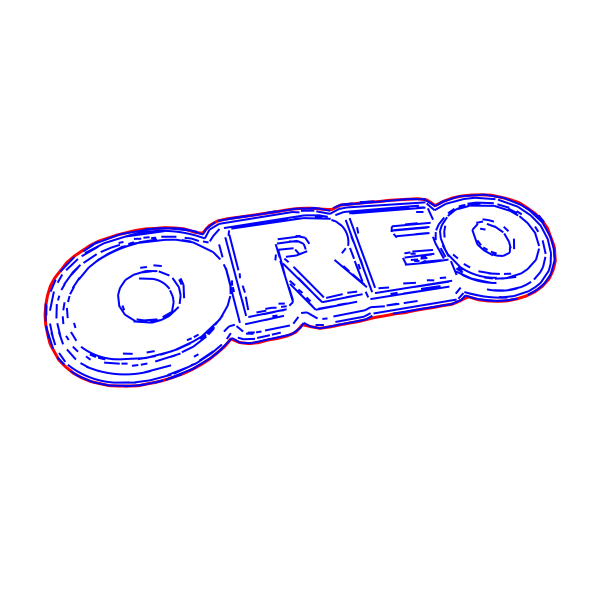
Cut-ready closed-contour SVG result
After
Original logo before contour vectorizationBefore
OUTPUT: SVG / DXF (Cut-Ready)
INPUT: JPEG | PNG | WEBP | AVIF | TIFF

Clean contours, organized for production

Contour Vectorization converts the visible boundaries in your image into closed, simplified vector paths and separates the result into three production groups.

  • CUT_HOLES

    Internal openings and enclosed cutouts.

  • DETAIL

    Internal paths for engraving or scoring.

  • CUT_OUTER

    The outside perimeter of the finished part.

Export SVG for laser workflows or DXF for CNC and CAM software.

When to use Contour Vectorization

  • Best input - Clear-edged graphics

    Logos, icons, product graphics and high-contrast images with clearly visible outer edges, internal details and holes.

  • Output - Production-ready paths

    Closed, simplified paths organized as CUT_HOLES, DETAIL and CUT_OUTER at true scale.

  • Best for - Laser + CNC workflows

    Laser cutting and engraving shops, sign makers, personalization studios and CNC operators.

  • Why it’s different - Cleaner than auto-tracing

    Produces simplified closed contours with fewer unnecessary nodes and less manual cleanup. Unlike Centerline or Tonal Line Vectorization, every path is closed.

Export formats

  • SVG

    SVG - For laser workflows

    Cut-ready SVG with closed paths, production layers and true-scale dimensions for LightBurn and xTool.

  • DXF

    DXF - For CNC and CAM

    True-scale DXF with the same closed contours and production groups for CNC routing, sign cutting and CAM software.

See Contour Vectorization in action

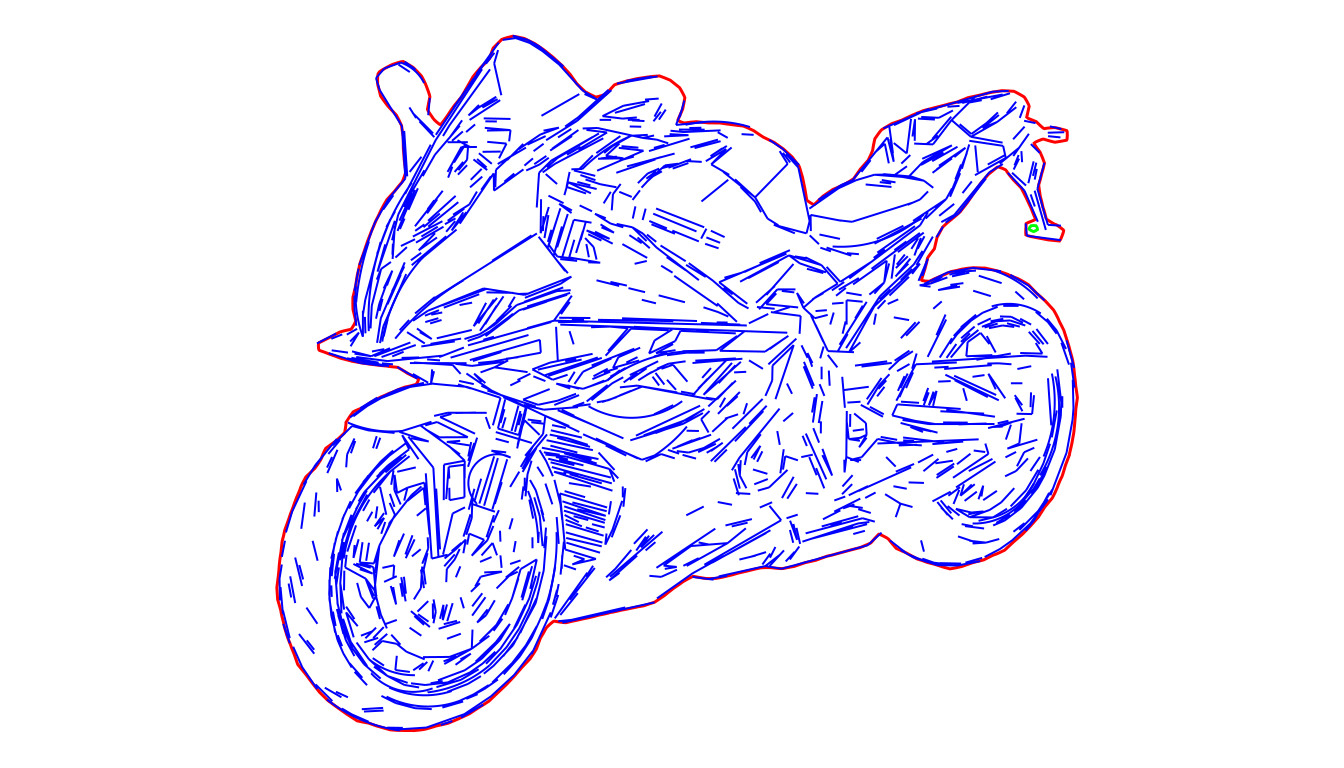
Compare the original raster image with the closed vector contours created for laser and CNC workflows.

Cut-ready closed-contour SVG result
After
Original logo before contour vectorizationBefore
OUTPUT: SVG / DXF (Cut-Ready)
INPUT: JPEG | PNG | WEBP | AVIF | TIFF
Cut-ready SVG with closed contours and cut layers
After
Source graphic before contour vectorizationBefore
OUTPUT: SVG / DXF (Cut-Ready)
INPUT: JPEG | PNG | WEBP | AVIF | TIFF

Examples

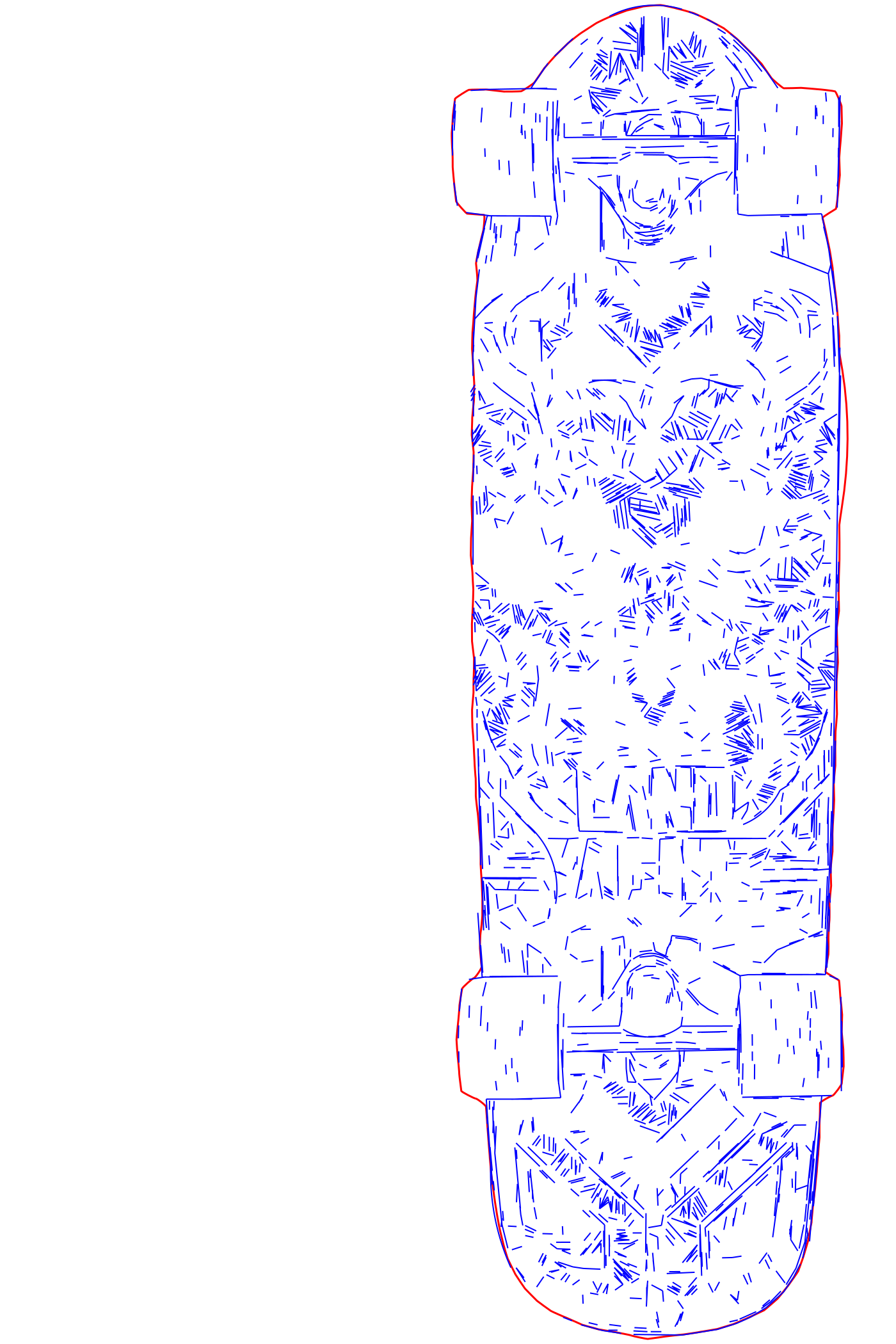
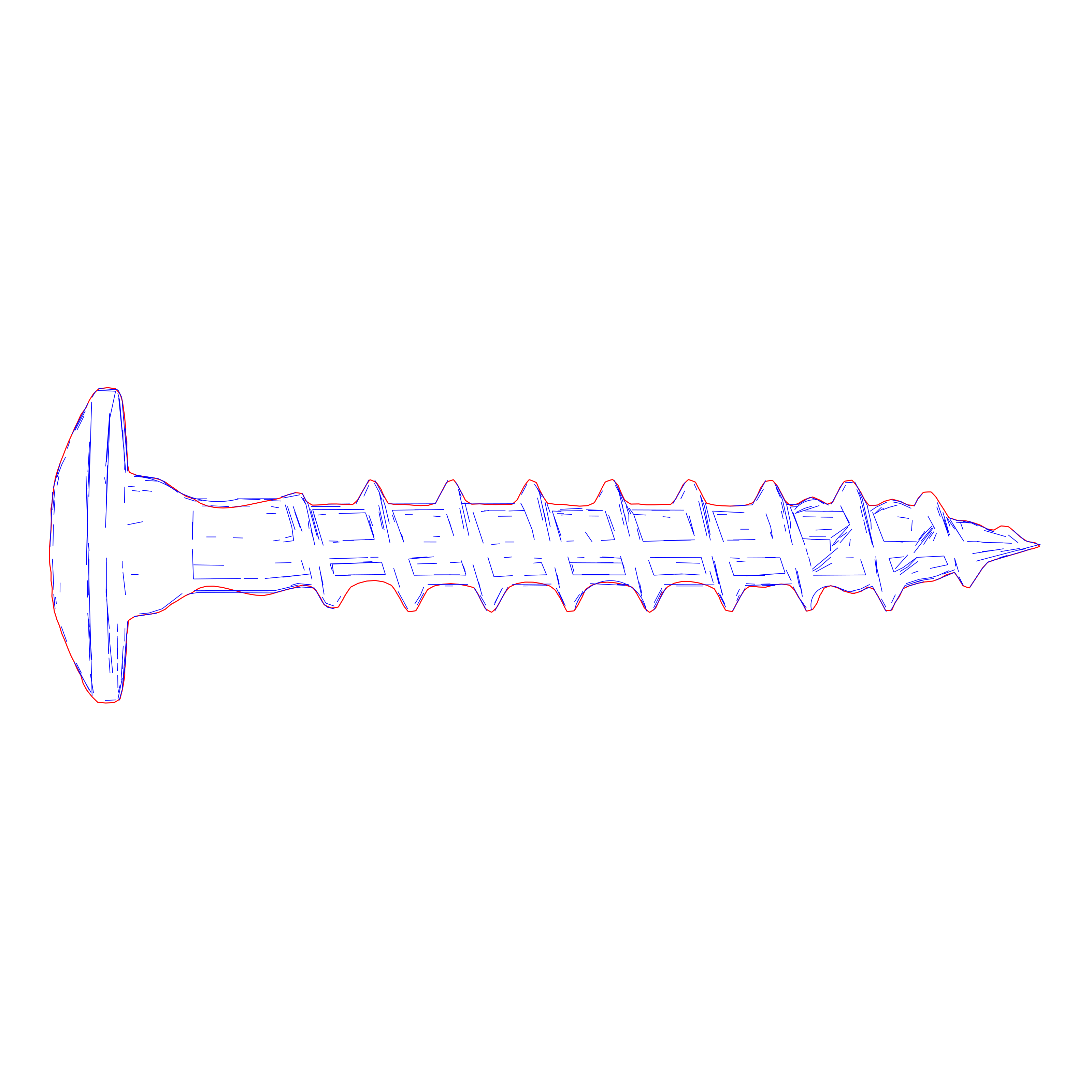
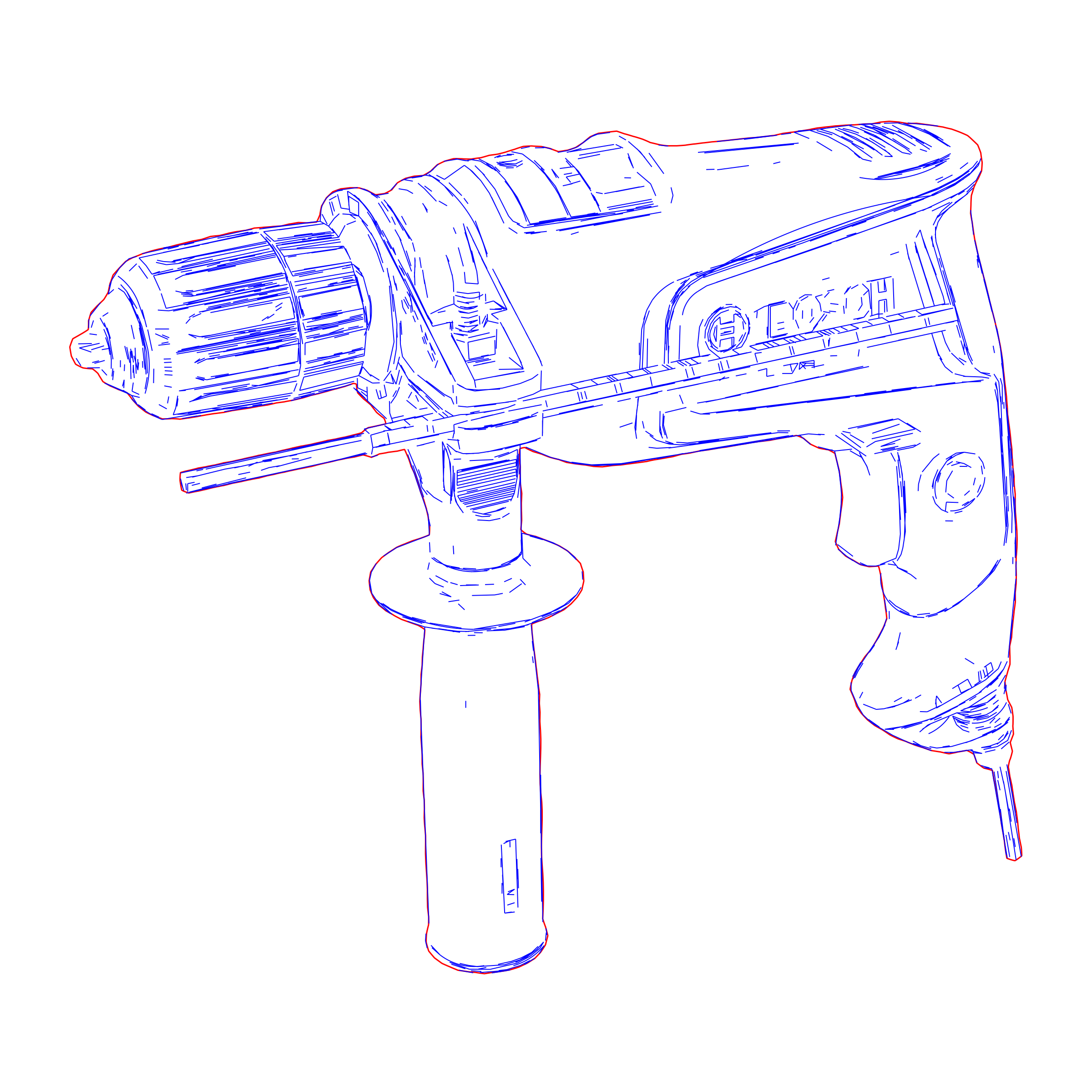
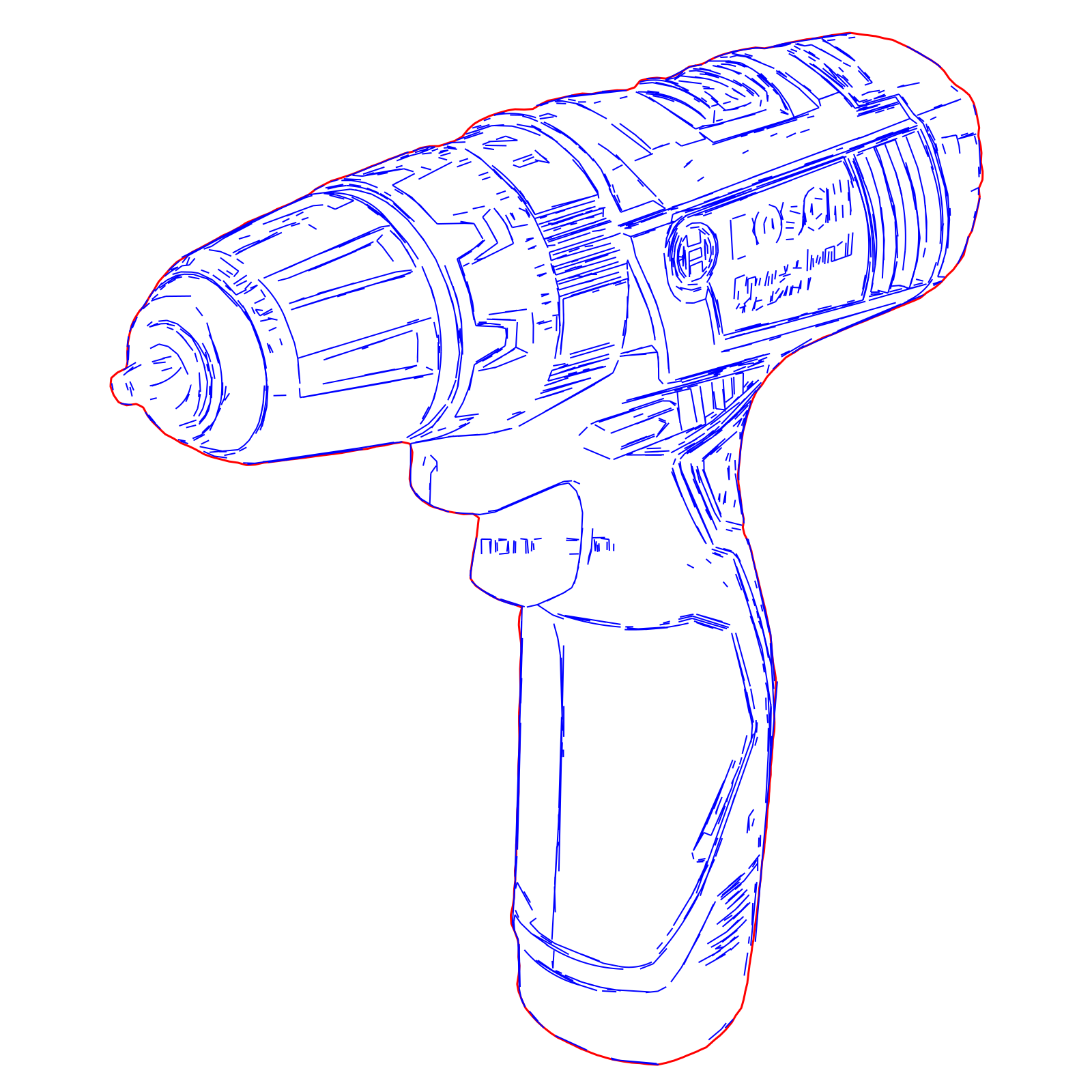
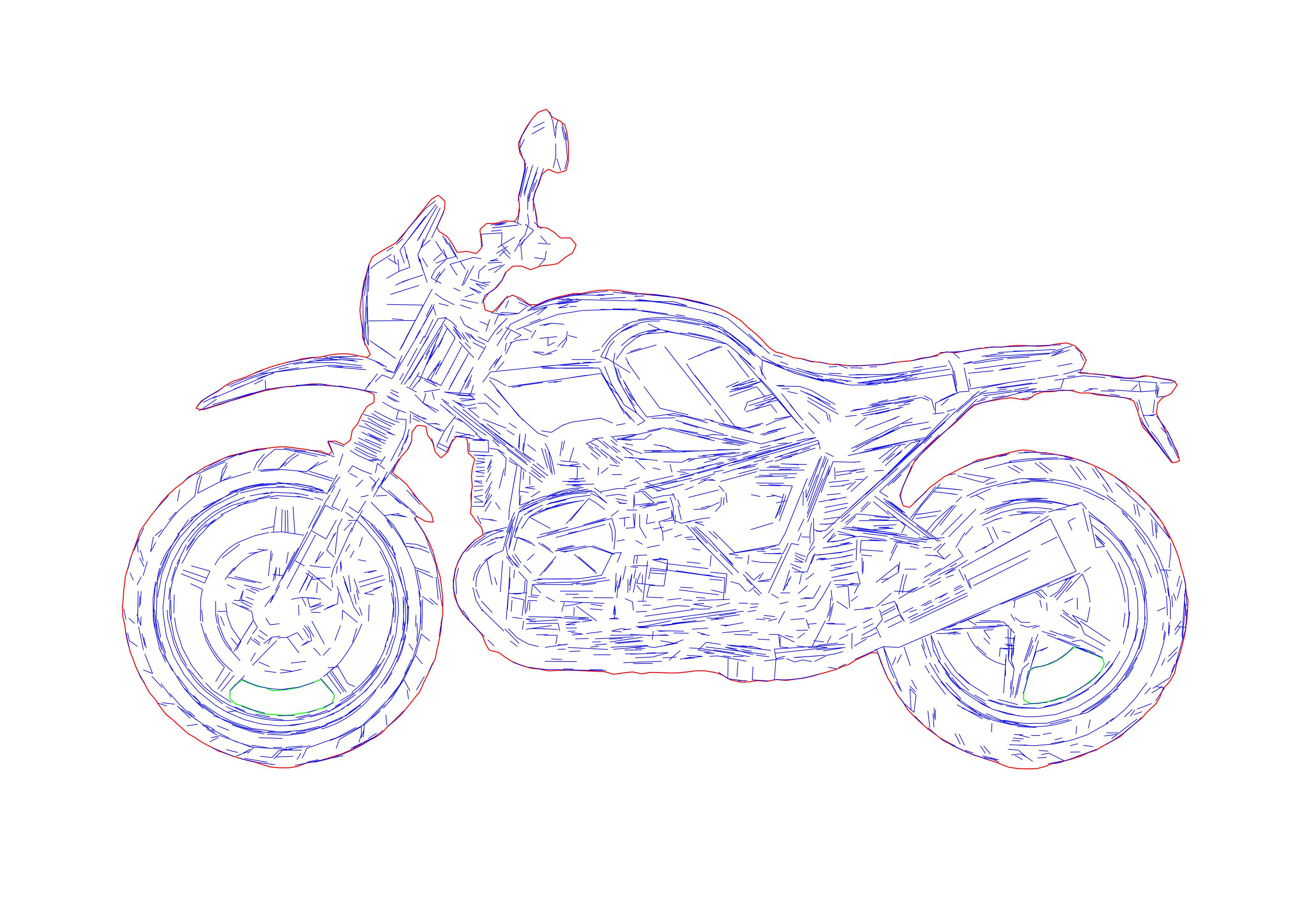
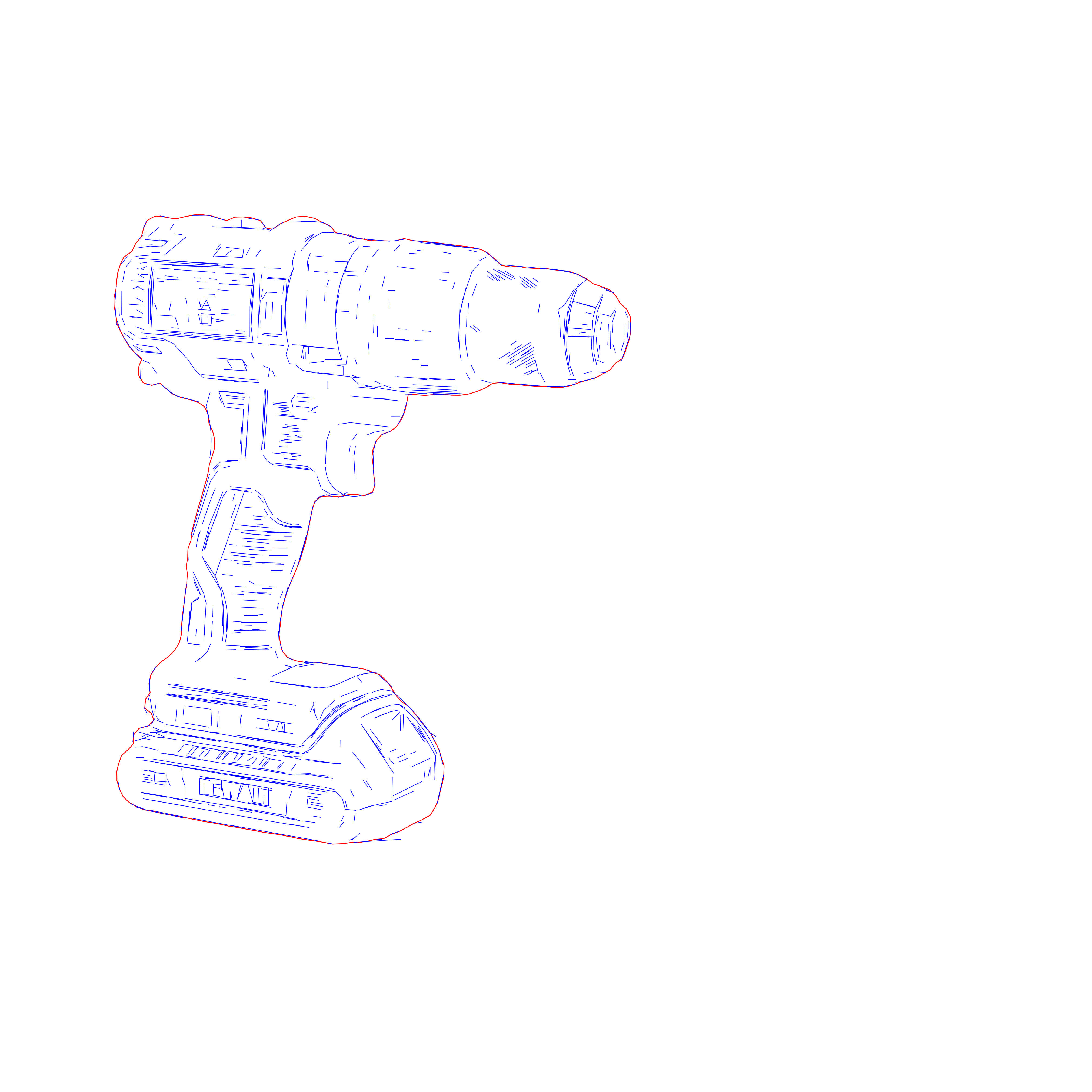
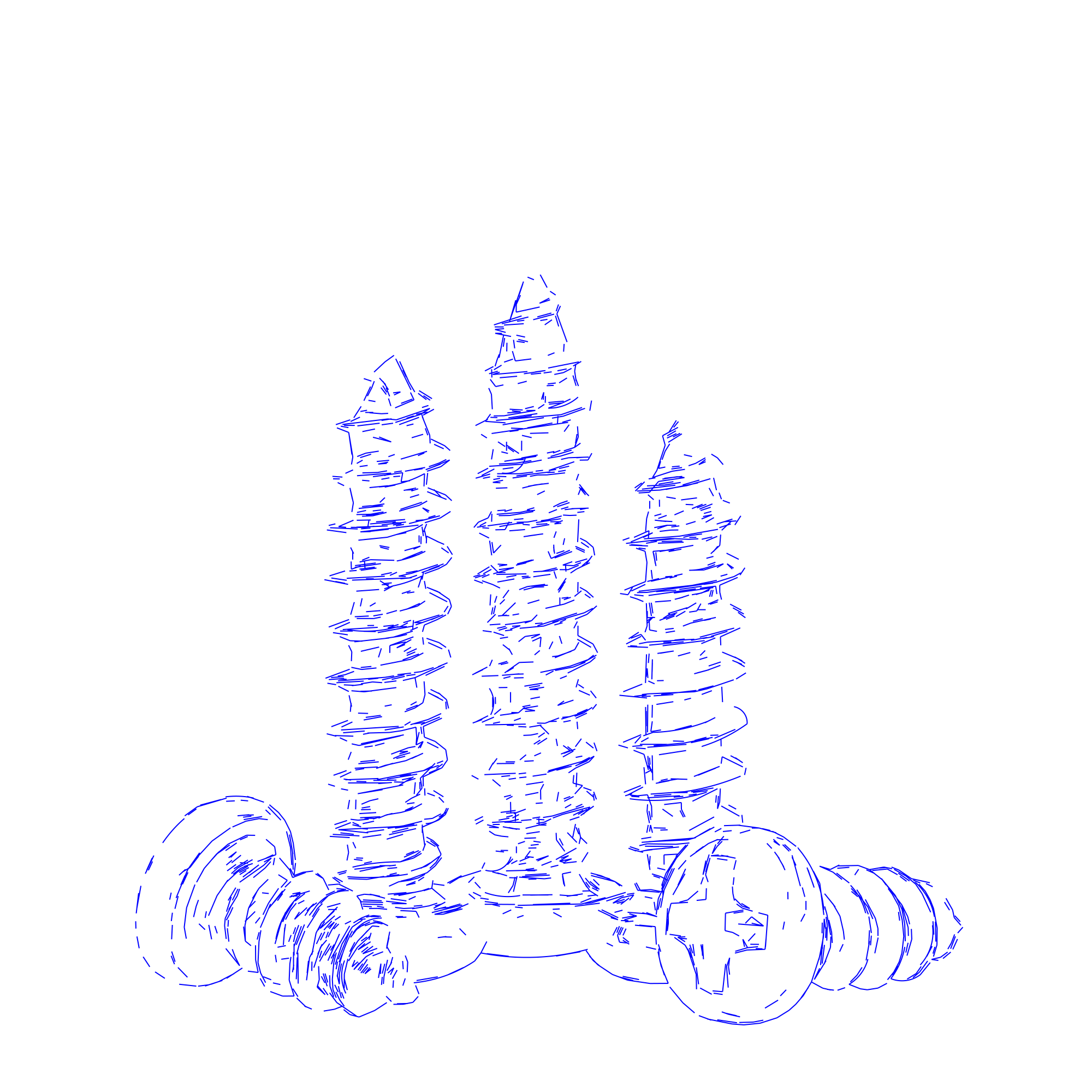
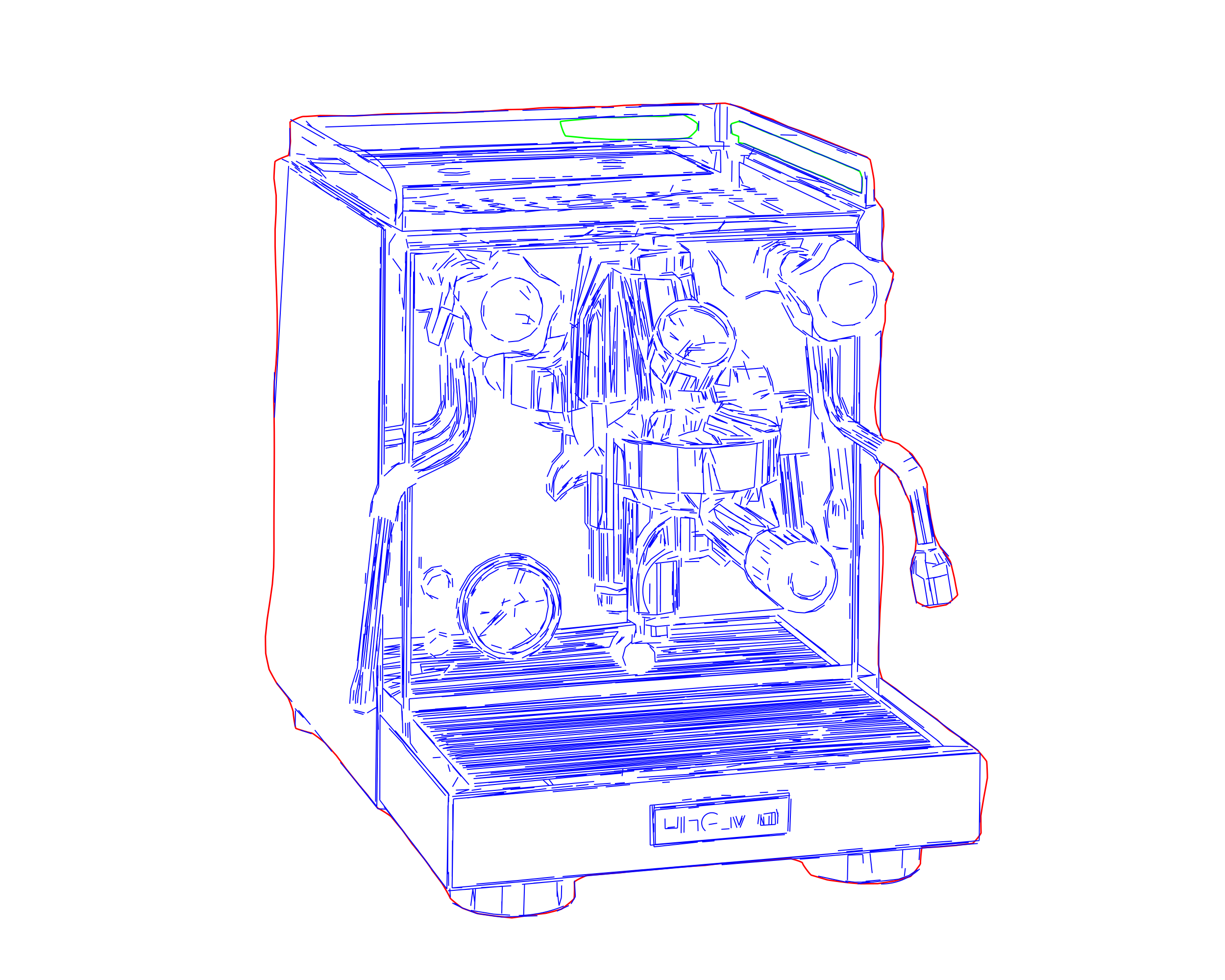
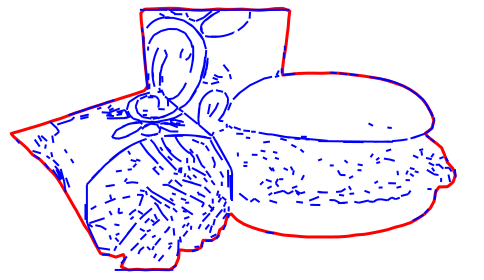
Precision laser engraving SVG optimized for LightBurn and xTool
Production-ready laser engraving paths with clean geometry
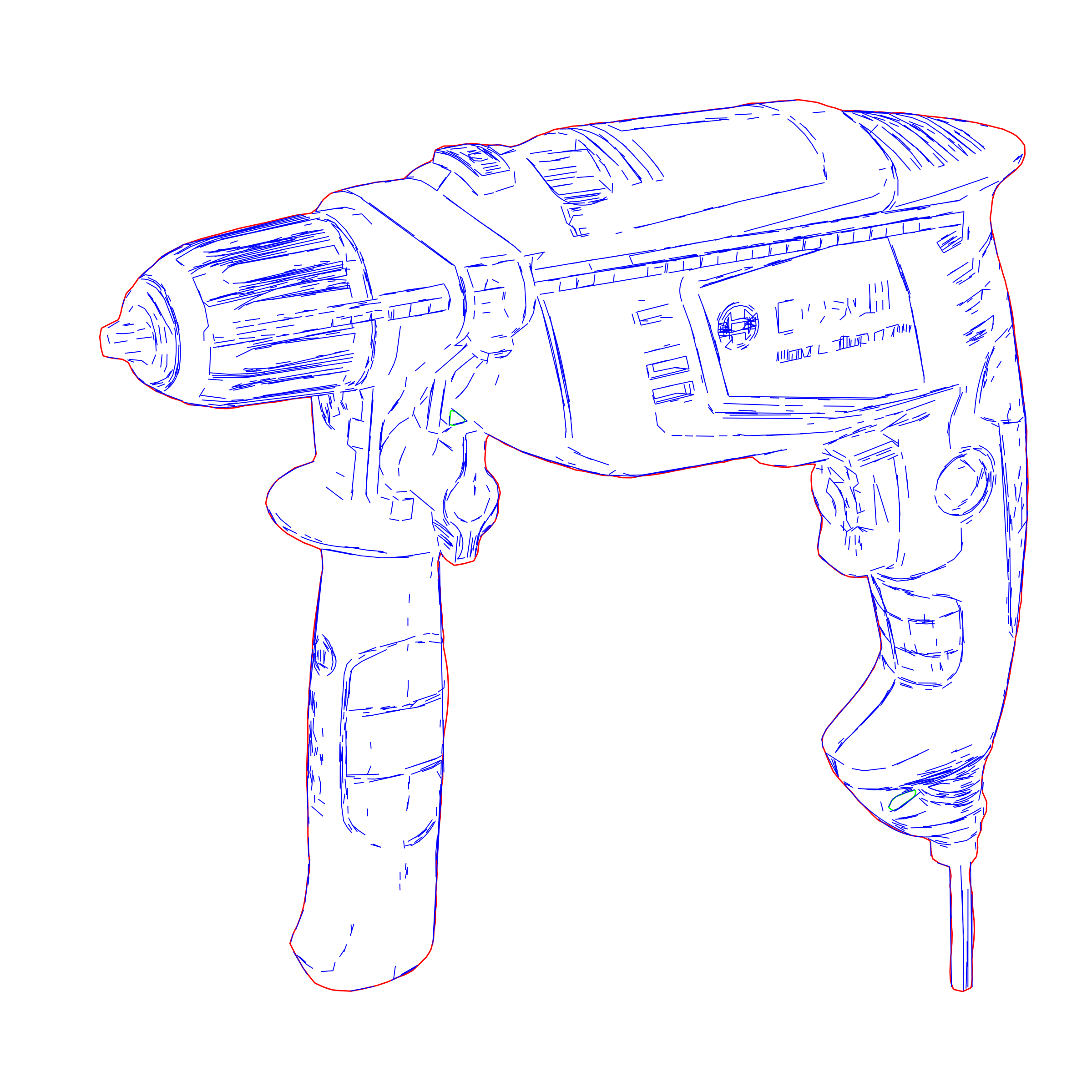
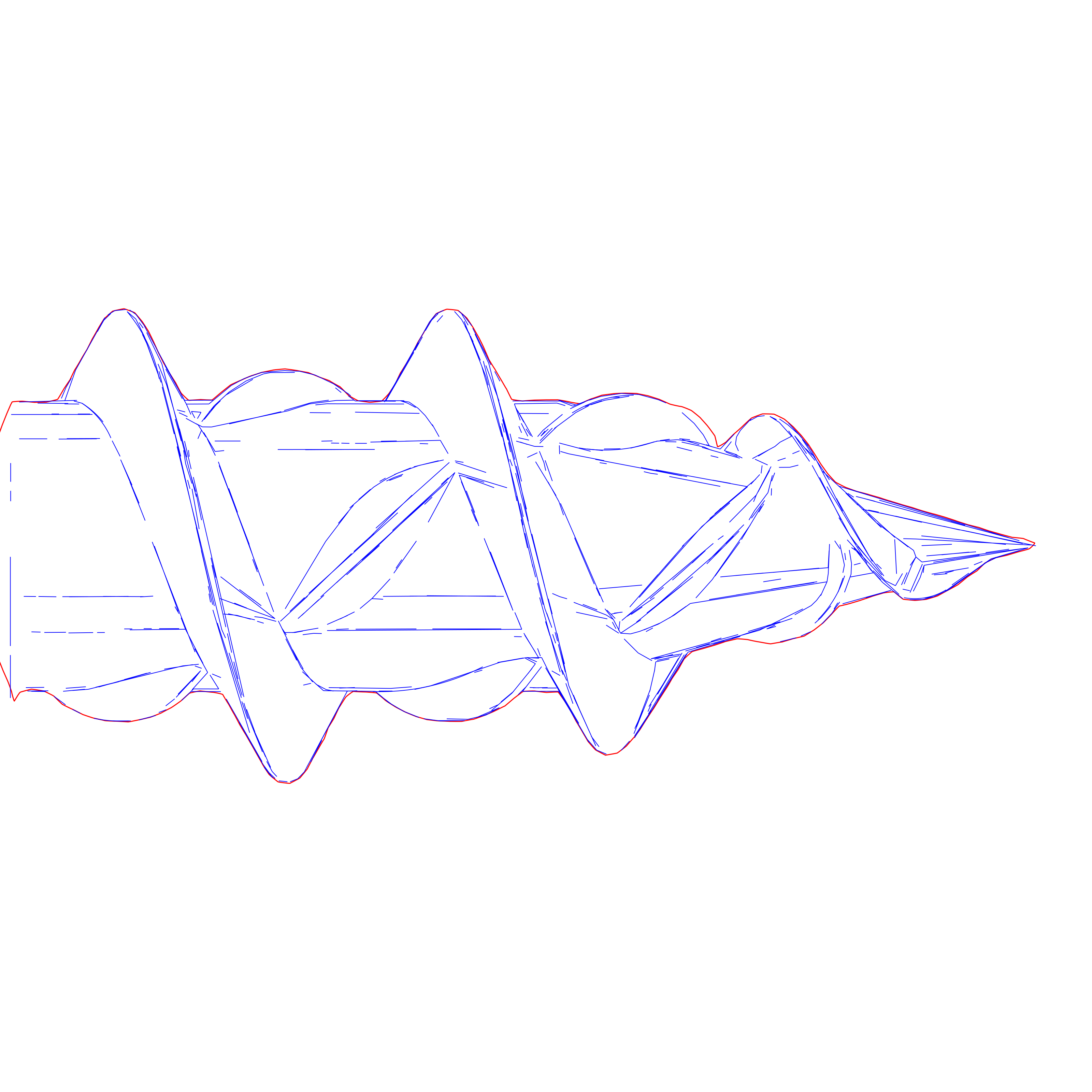
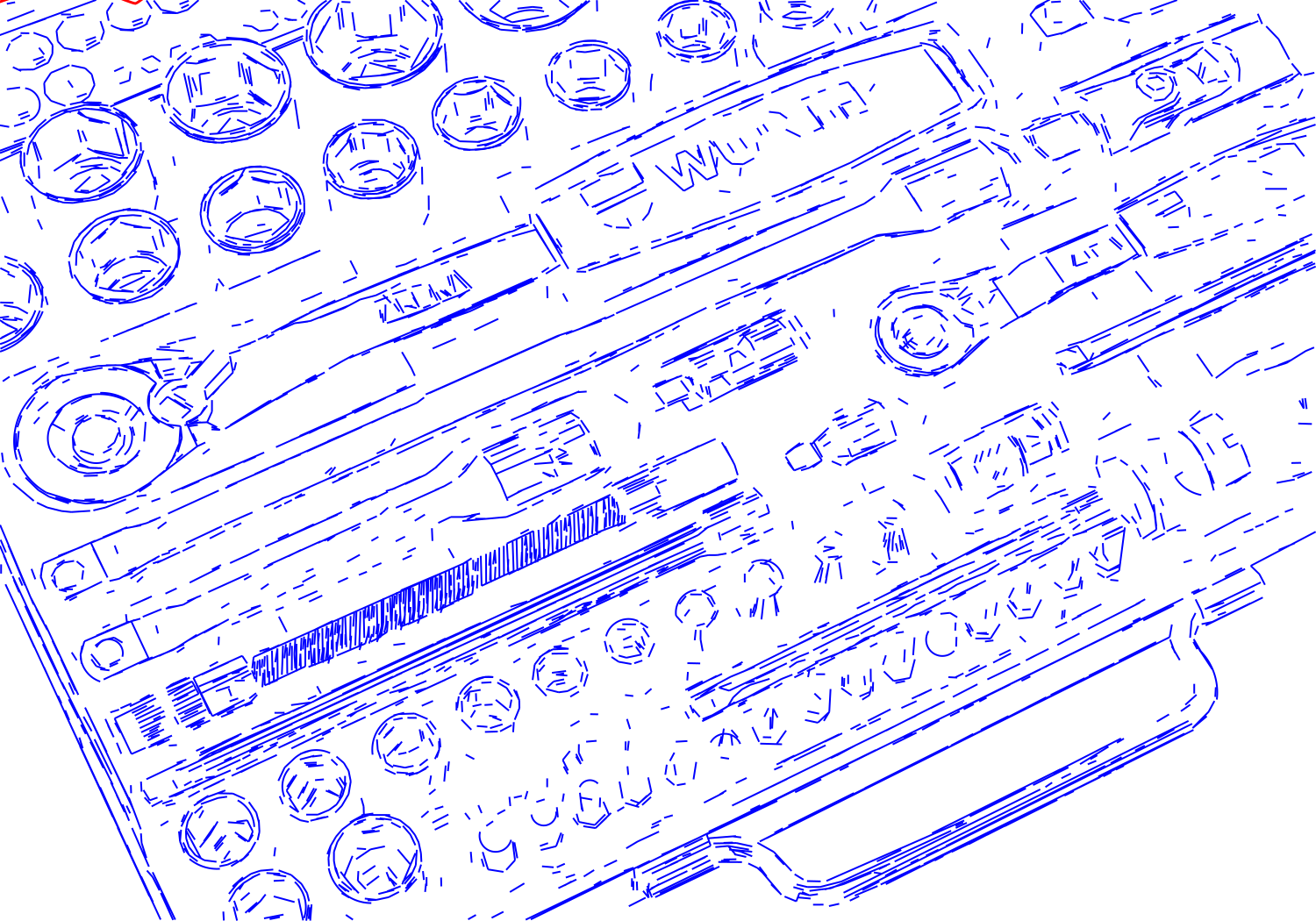
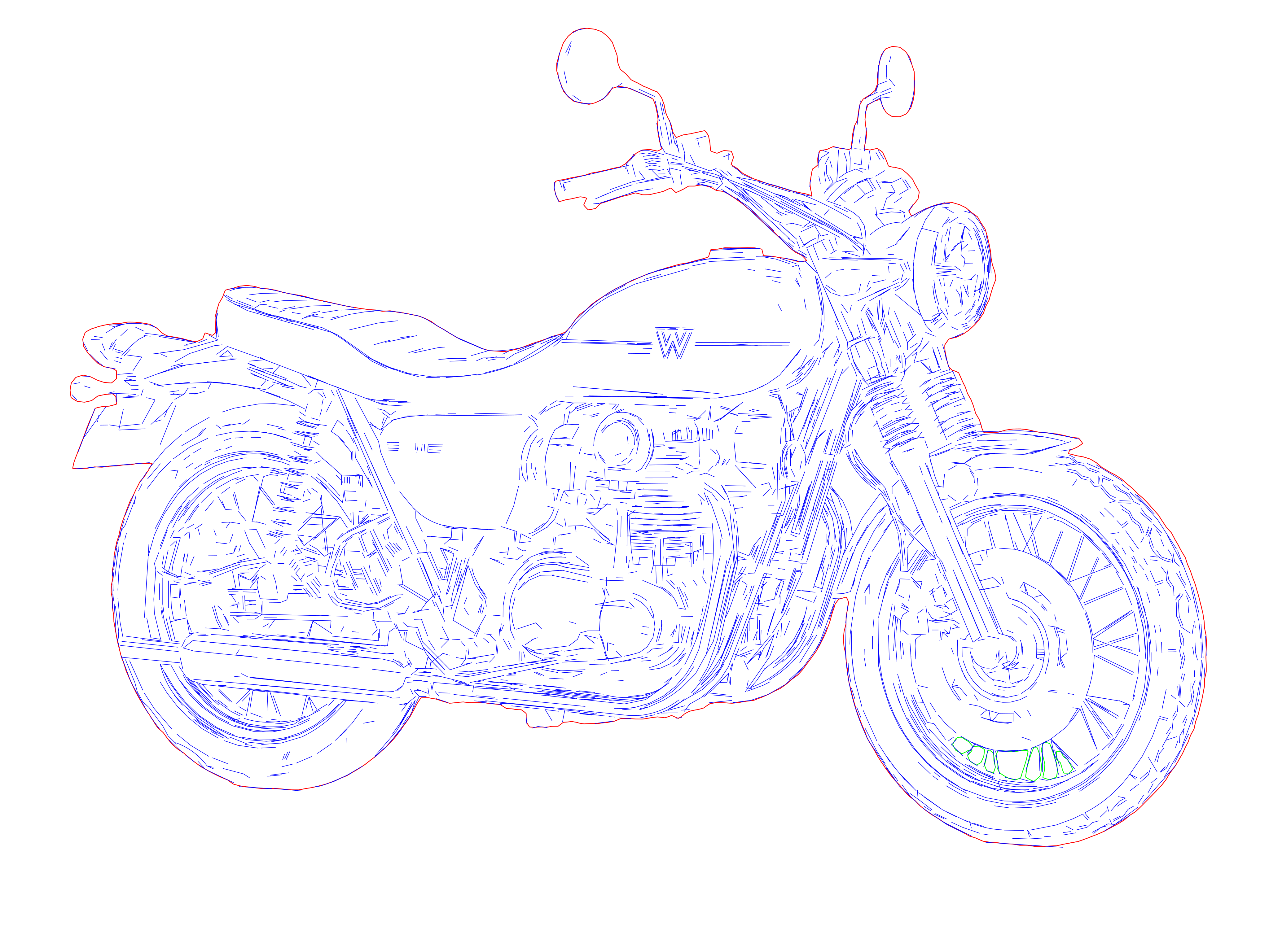
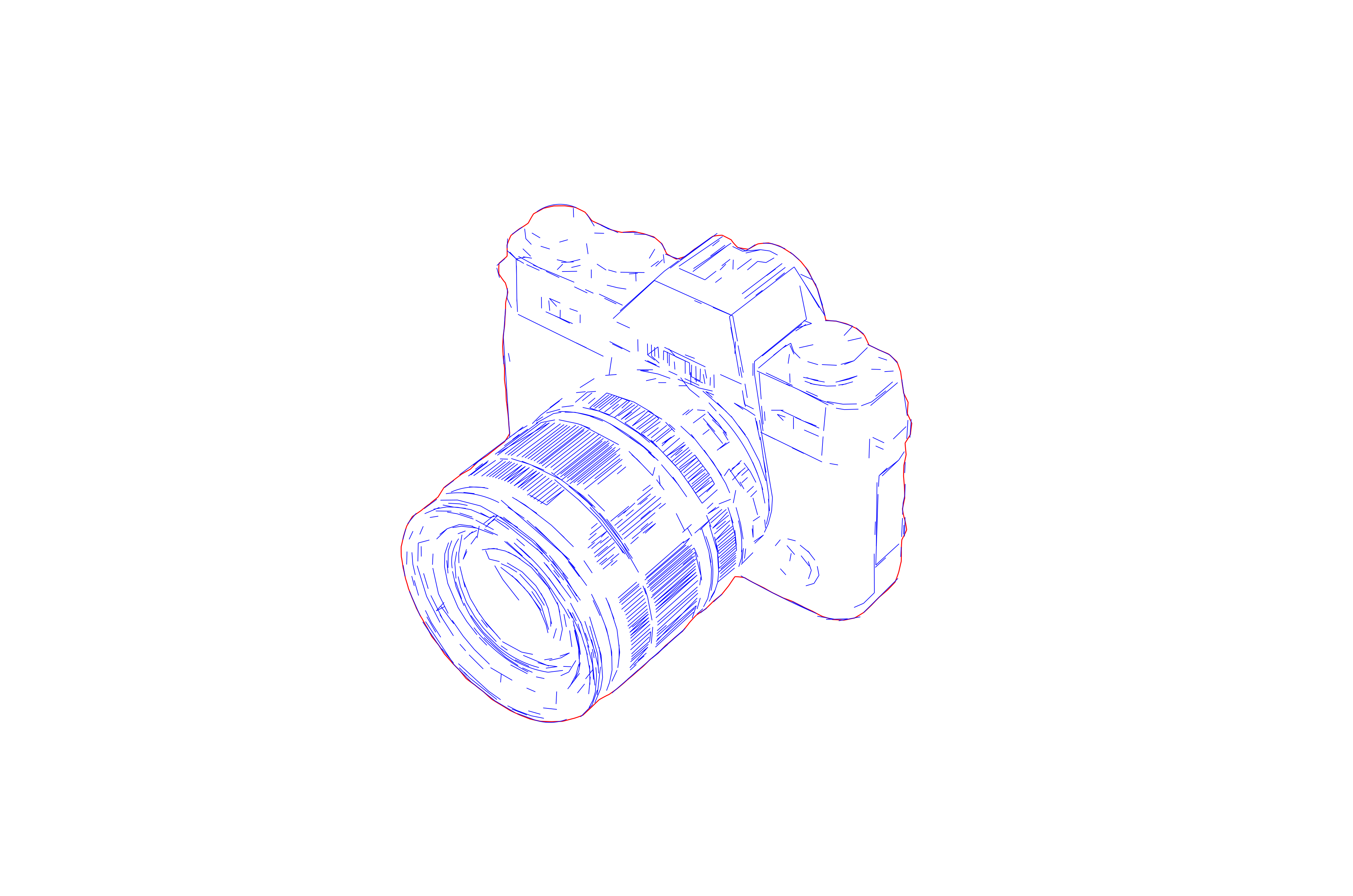
Laser-ready vector drawing with optimized line weights
Precision laser engraving SVG optimized for LightBurn and xTool
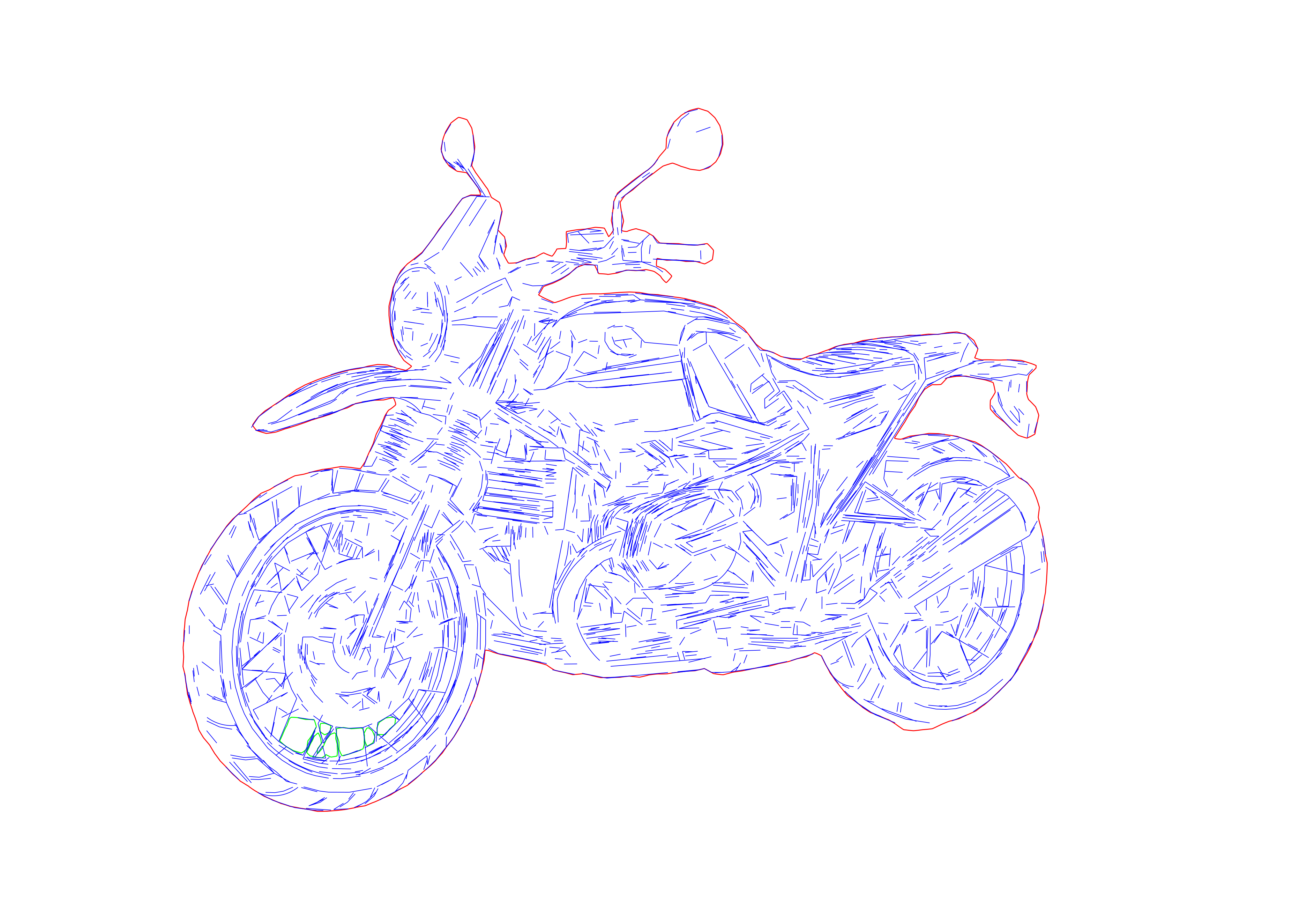
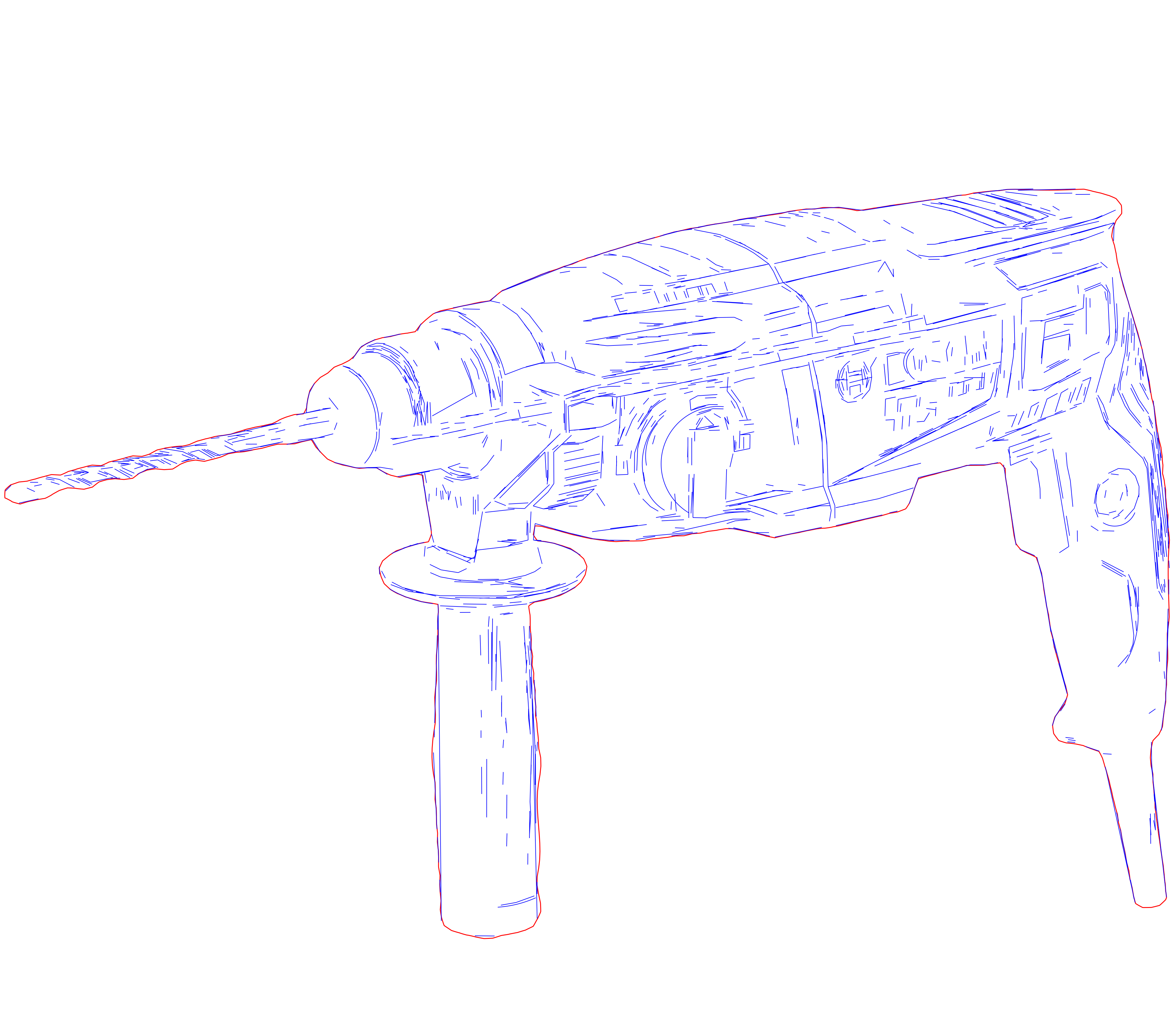
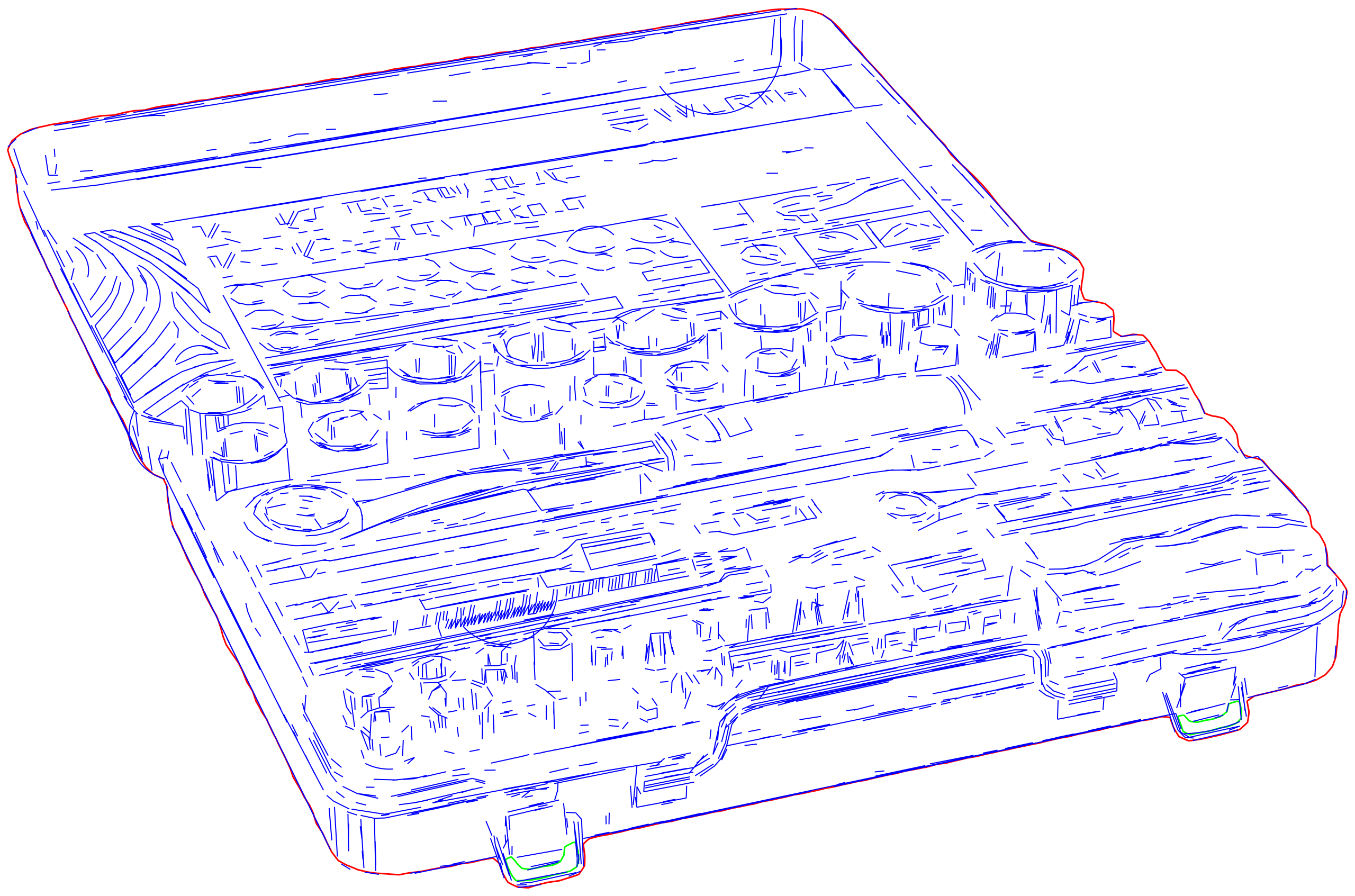
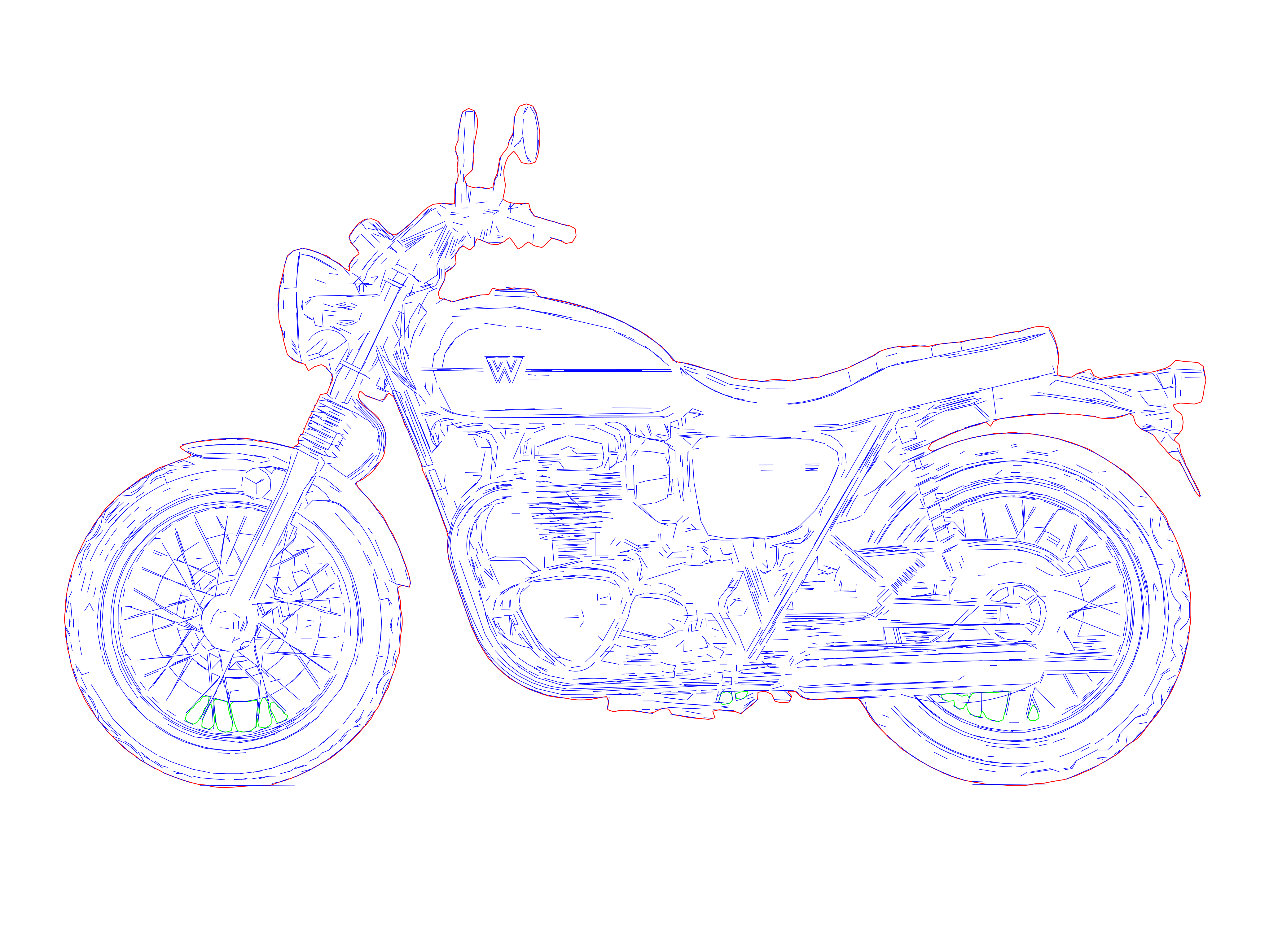
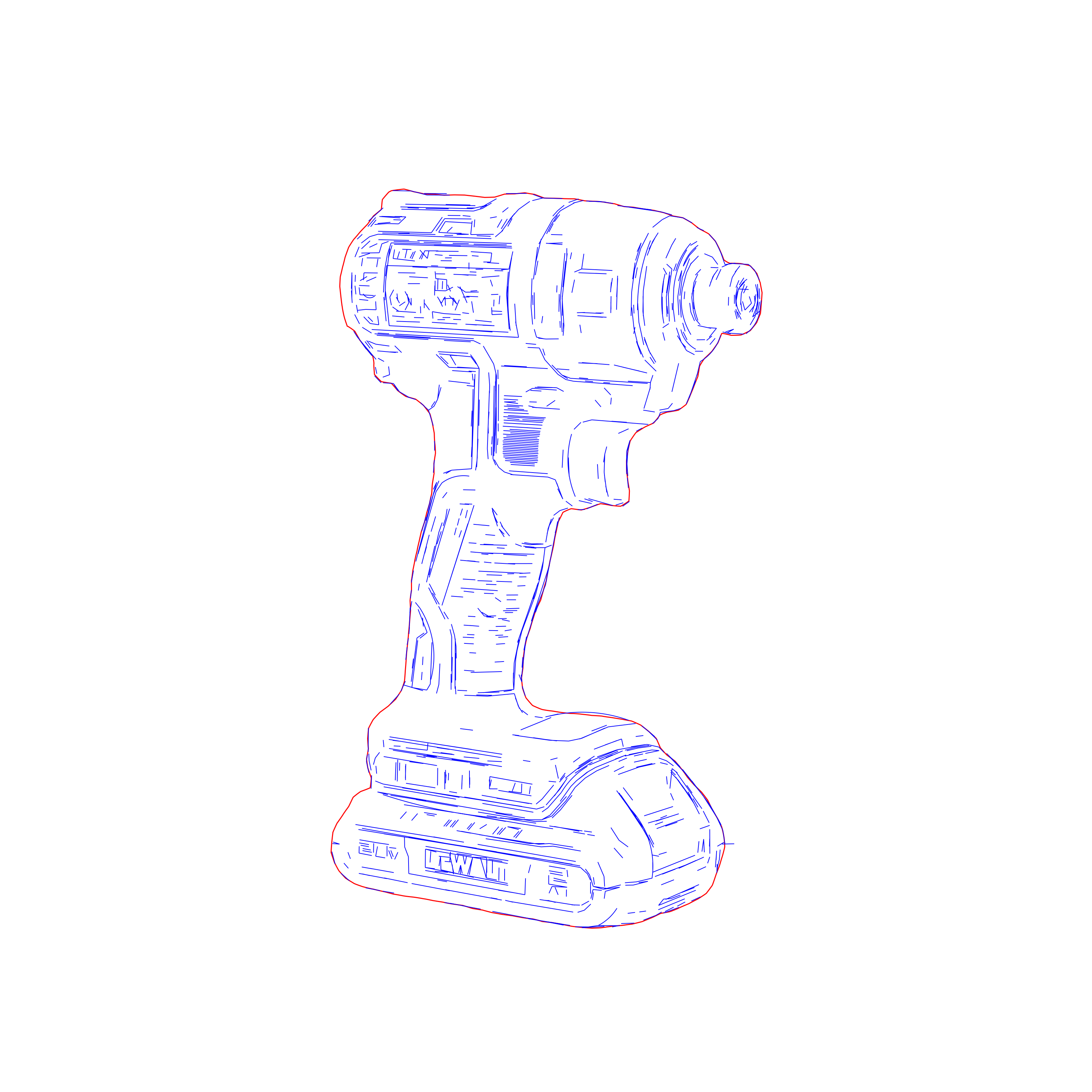
Production-ready laser engraving paths with clean geometry
High-detail laser engraving SVG for professional workflows
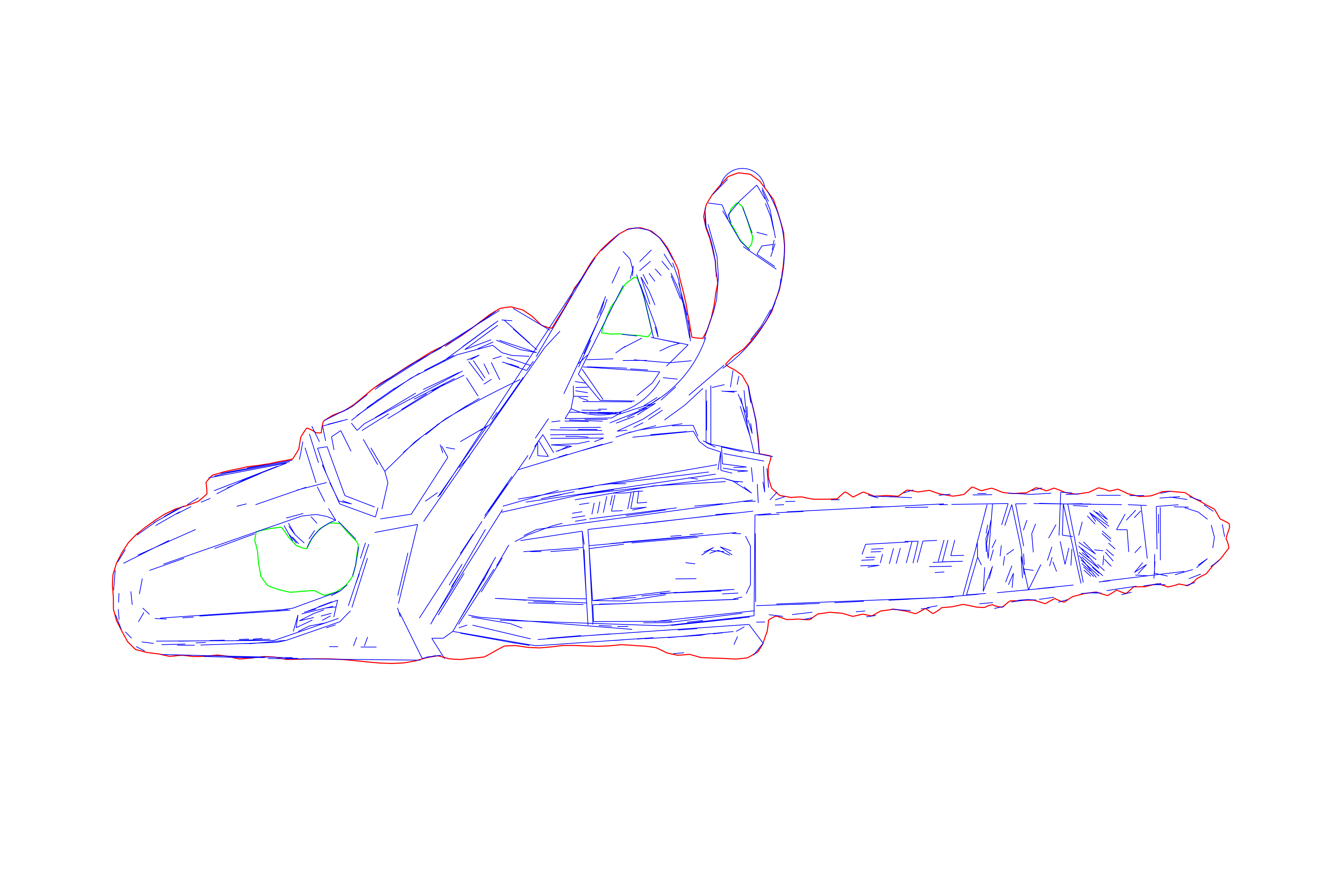
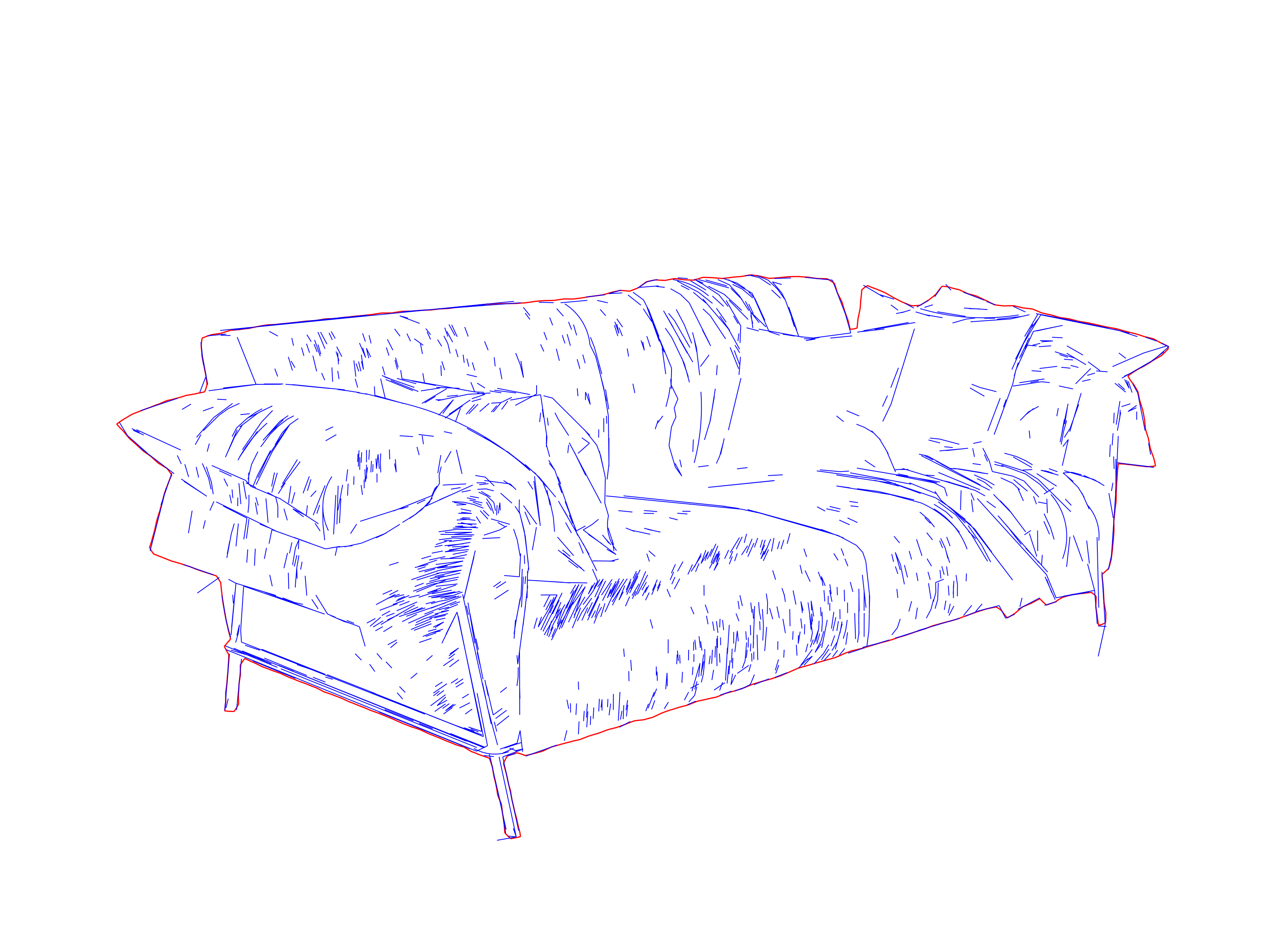
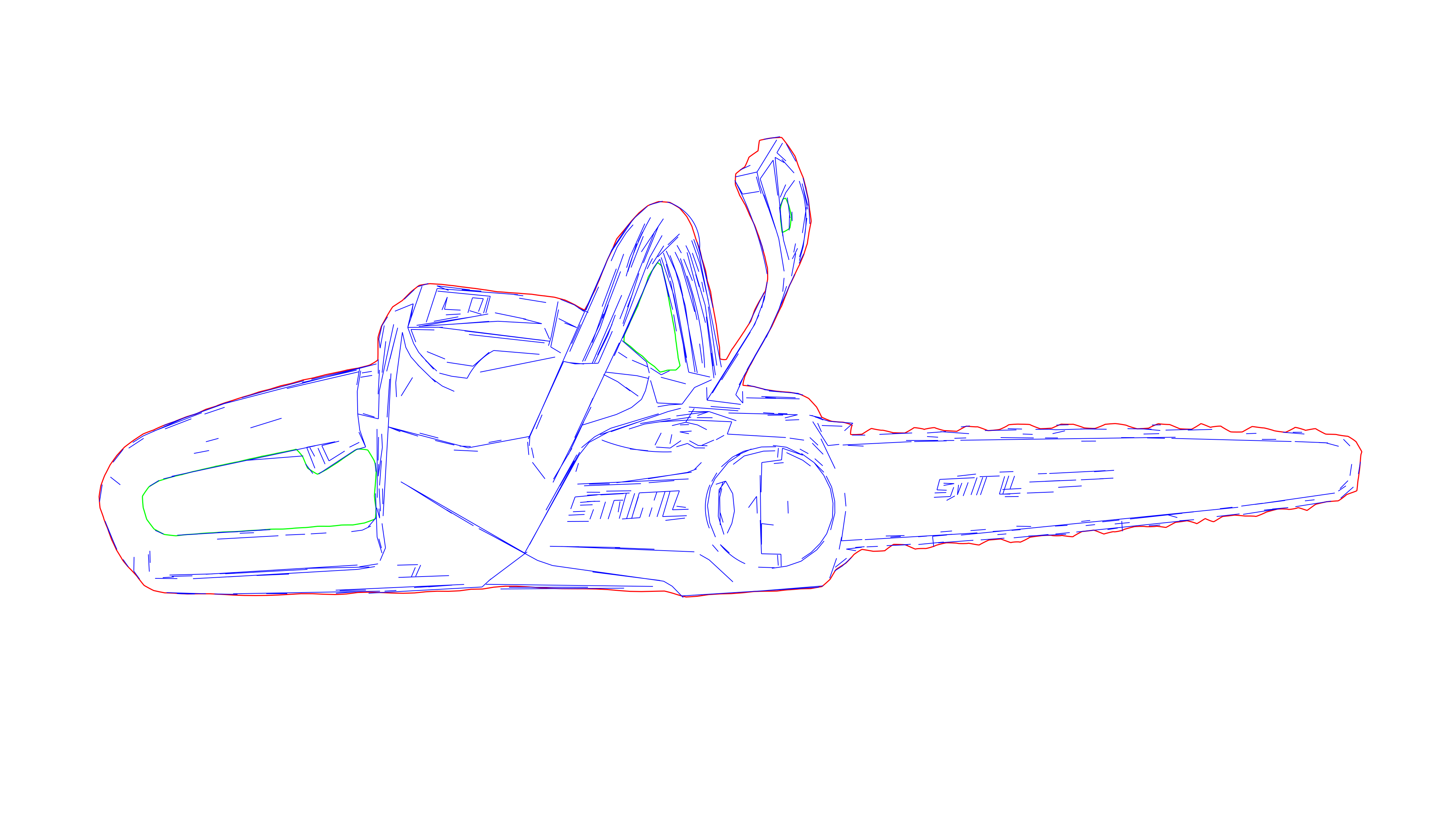
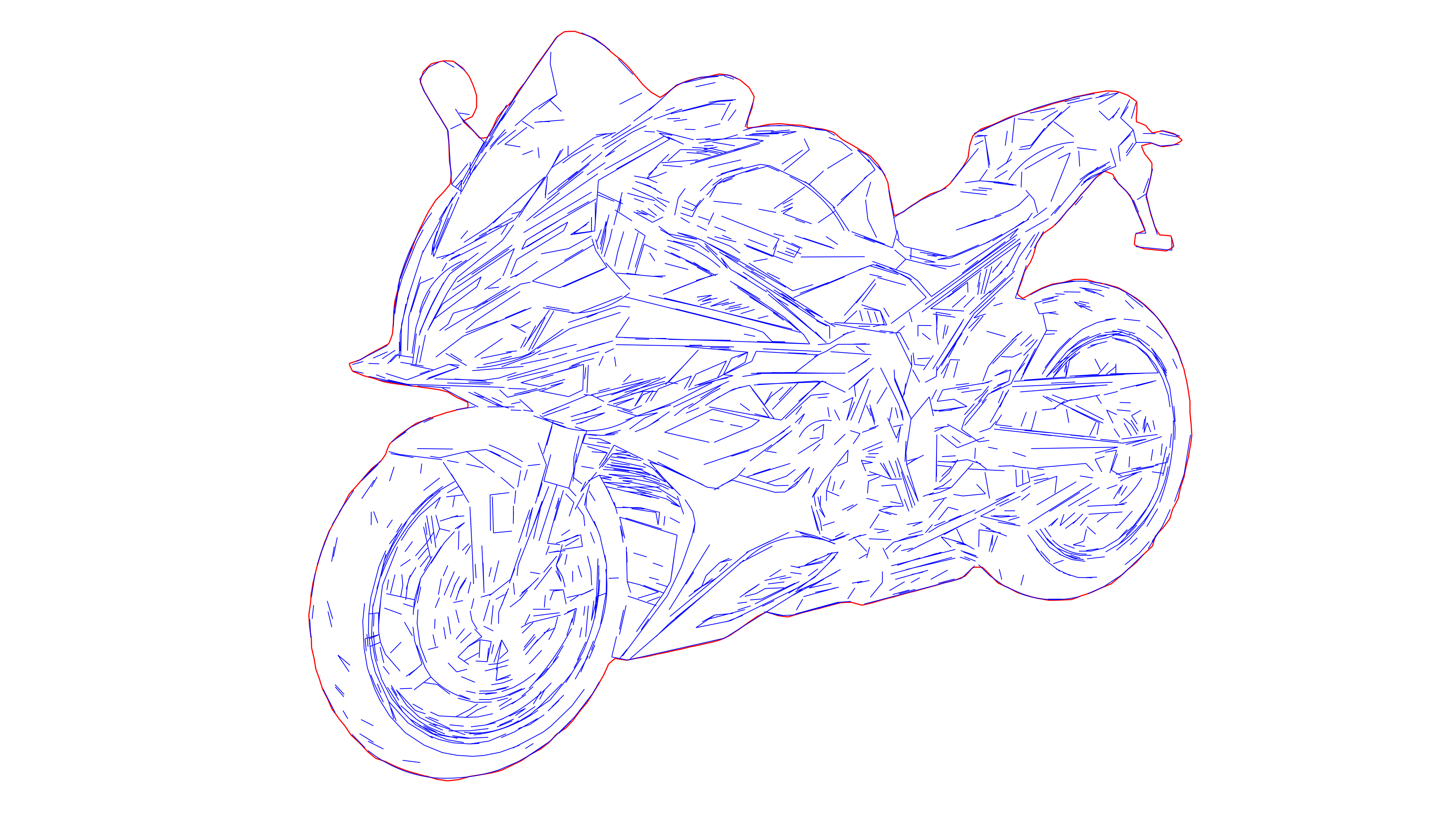
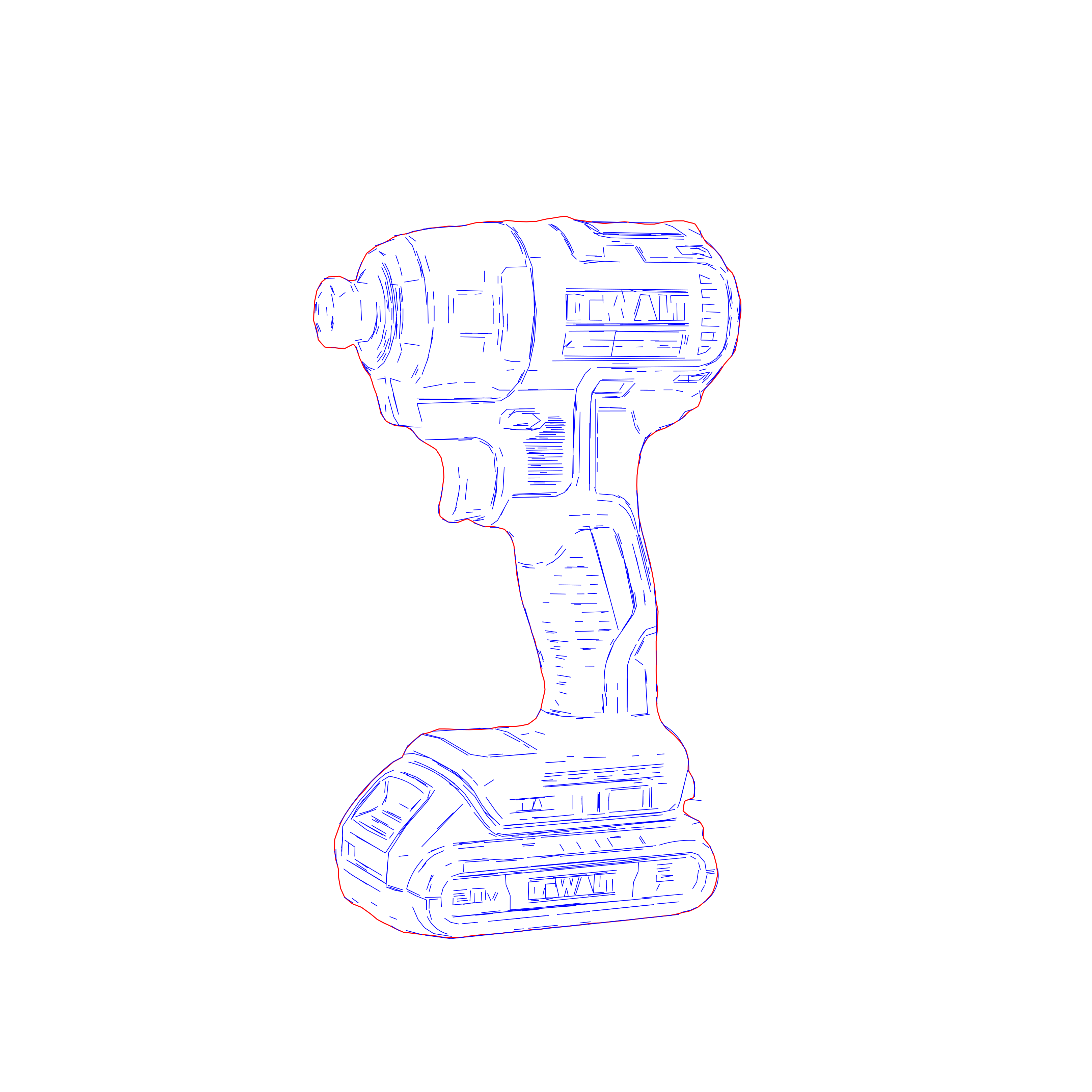
Laser-ready vector drawing with optimized line weights
High-detail laser engraving SVG for professional workflows
Laser-ready vector drawing with optimized line weights
Precision laser engraving SVG optimized for LightBurn and xTool
Production-ready laser engraving paths with clean geometry
High-detail laser engraving SVG for professional workflows
Laser-ready vector drawing with optimized line weights
Precision laser engraving SVG optimized for LightBurn and xTool
Production-ready laser engraving paths with clean geometry
High-detail laser engraving SVG for professional workflows
Laser-ready vector drawing with optimized line weights
Precision laser engraving SVG optimized for LightBurn and xTool
High-detail laser engraving SVG for professional workflows
Laser-ready vector drawing with optimized line weights
Precision laser engraving SVG optimized for LightBurn and xTool
Production-ready laser engraving paths with clean geometry
High-detail laser engraving SVG for professional workflows
Production-ready laser engraving paths with clean geometry
Precision laser engraving SVG optimized for LightBurn and xTool
High-detail laser engraving SVG for professional workflows

How it works

  1. 1

    Drop your image anywhere

    Drop a logo or clear-edged raster graphic anywhere on this page to open it directly in the workspace.

  2. 2

    Review and adjust the contours

    Set the contour detail and simplification level, then review CUT_HOLES, DETAIL and CUT_OUTER before export.

  3. 3

    Export SVG or DXF

    Download a true-scale, cut-ready file for LightBurn, xTool, or your CNC and CAM workflow.

Ready to create your cut-ready SVG or DXF?

View credit packs

Where Contour Vectorization works best

Turn clear-edged logos and graphics into closed, organized paths for laser cutting, vector engraving, scoring and CNC routing.

  • Logos, Badges & Nameplates

    Convert clear-edged graphics into clean contours without duplicate paths that can cause double-burns.

    Open workspace
  • Cut and Engrave in One File

    Use CUT_OUTER, DETAIL and CUT_HOLES to assign separate cutting, scoring and engraving settings.

    Open workspace
  • Personalized Products

    Prepare names, logos and graphics for gifts, tags, merchandise and custom products.

    Open workspace
  • Signs, Plaques & Panels

    Create closed outer profiles, internal details and mounting holes for signage and fabricated panels.

    Open workspace
  • Repeat Production Runs

    Use simplified, lower-node paths for smoother machine movement and consistent batch production.

    Open workspace
  • CNC and CAM Handoff

    Export true-scale DXF contours for routing, plasma cutting, sign production and other CAM workflows.

    Compare SVG and DXF

FAQ

Use Contour Vectorization when you need closed paths around the outer shape, internal details and holes for cutting, scoring, or vector engraving. Use Centerline Vectorization when each visible stroke should become a centerline path and Tonal Line Vectorization for detailed linework derived from photographs and complex images.

Clear, high-contrast logos, badges, icons, decals and graphics with sharp boundaries work best. Use the largest, cleanest source available — preferably PNG — and avoid motion blur, heavy JPEG artifacts, soft shadows and busy backgrounds.

Yes. Laserlinez separates the result into CUT_OUTER for the outer perimeter, CUT_HOLES for internal cutouts and DETAIL for paths you want to score or vector engrave. Assign power, speed and passes to these groups in your laser or CAM software before running the job.

Yes. Adjust contour detail and path simplification in the workspace, then inspect the preview. Keep enough detail to preserve important corners and holes while avoiding unnecessary nodes that create larger files and less-smooth machine motion.

Choose SVG for LightBurn, xTool and design tools that preserve editable groups. Choose DXF for CNC or CAM software and fabrication handoff. Both outputs use the same closed-contour geometry; verify the imported dimensions and layer assignments before production.

Preview the Contour Vectorization workflow on the workspace

Laserlinez

Cut-ready SVG and DXF contours for laser and CNC.

Open Workspace

1 file = 1 credit · from $0.10

Services

  • Contour VectorizationSVGDXF
  • Centerline VectorizationSVGDXF
  • Tonal Line VectorizationSVG
  • Photo to SVG Manual ProSVGPNG
  • SVG to DXFDXF

Resources

  • Gallery
  • API
  • Technology
  • Helpful Guides
  • All conversion tools→

Company

  • Pricing
  • About Us
  • Custom Development
  • Contact

Compatible with LightBurn, xTool and CNC

  • Legal
  • Privacy Policy
  • Terms
  • Cookies