Pixel2Lines is now Laserlinez - Get laser-ready vector files with our advanced algorithms!

Laserlinez
Service
Tonal Line VectorizationSVG
Tonal Line Vectorization
Contour VectorizationSVGDXF
Contour Vectorization
Centerline VectorizationSVGDXF
Centerline Vectorization
Photo to SVG Manual ProSVGPNG
Photo to SVG Manual Pro
SVG to DXFSVG→DXFDXF
SVG to DXF
GalleryPricingAPI
Workspace

Turn detailed images into SVG linework for laser engraving and design workflows

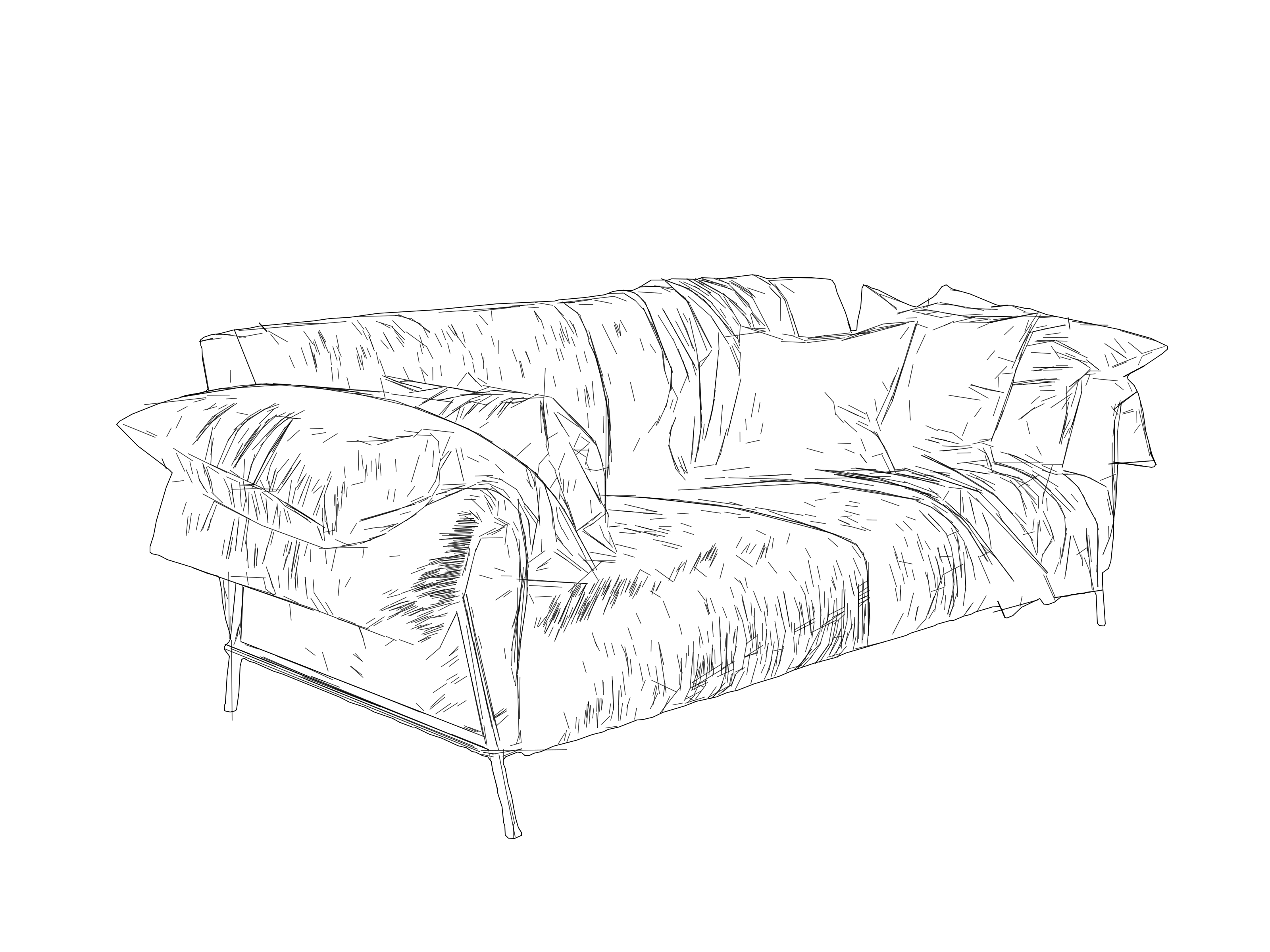
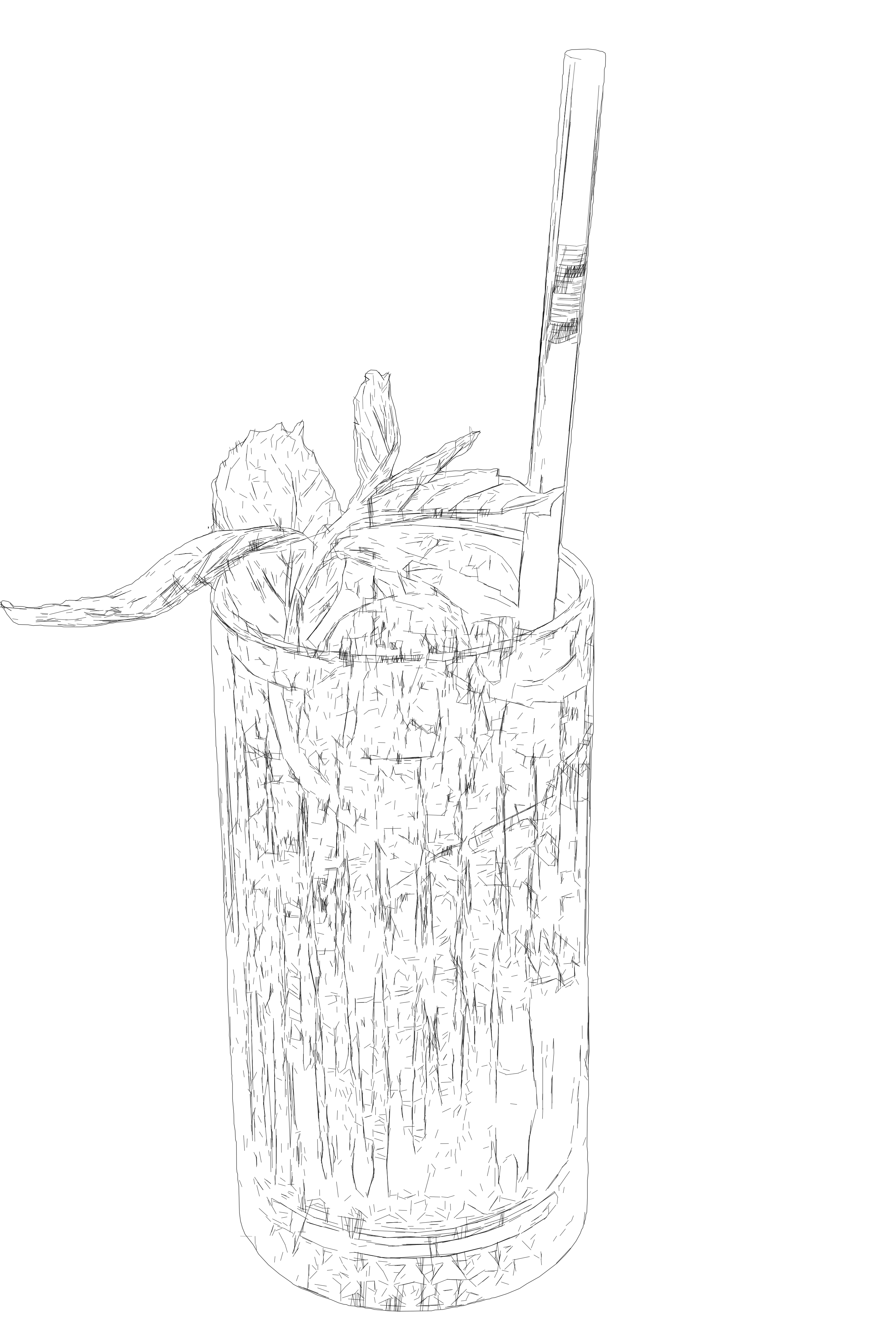
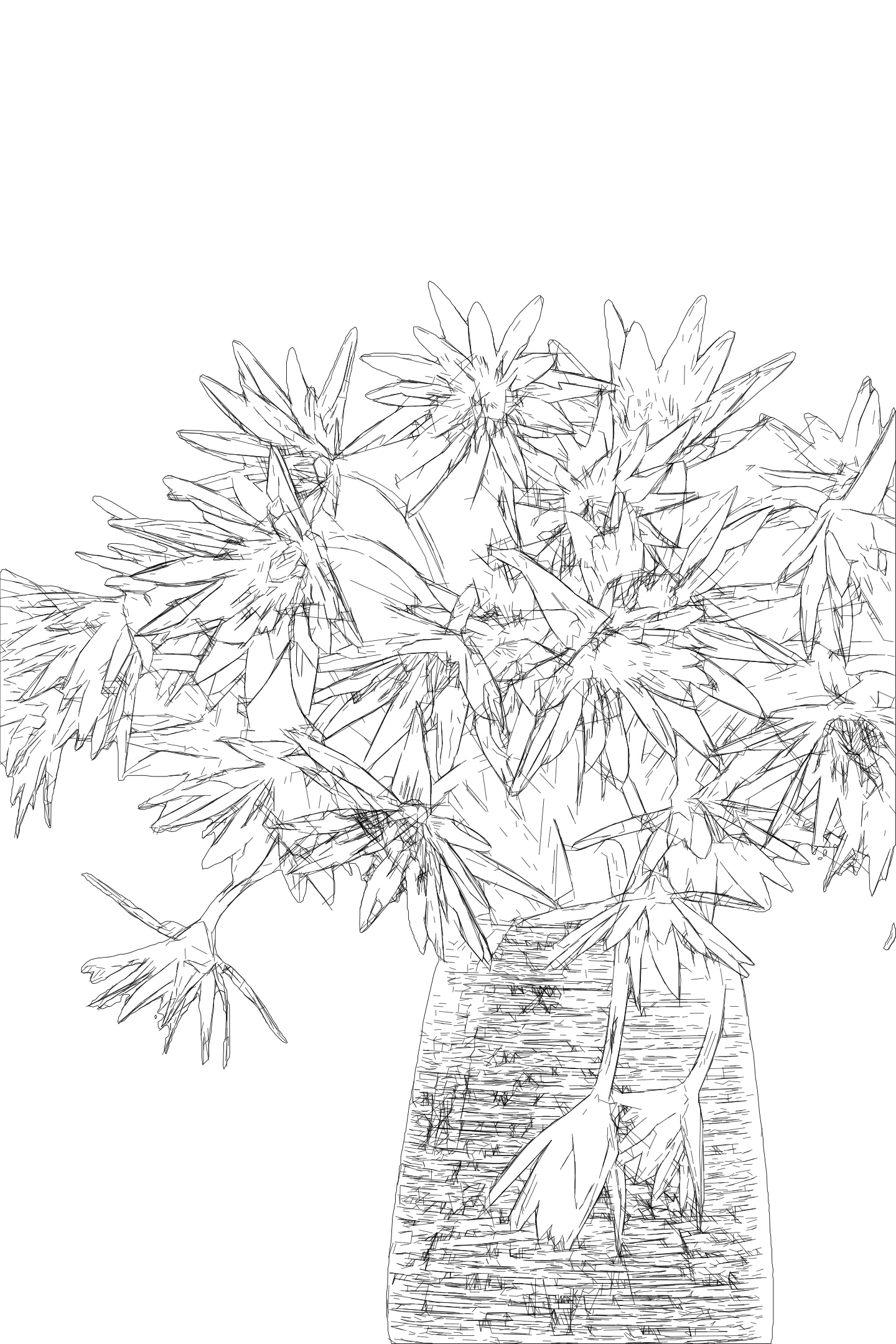
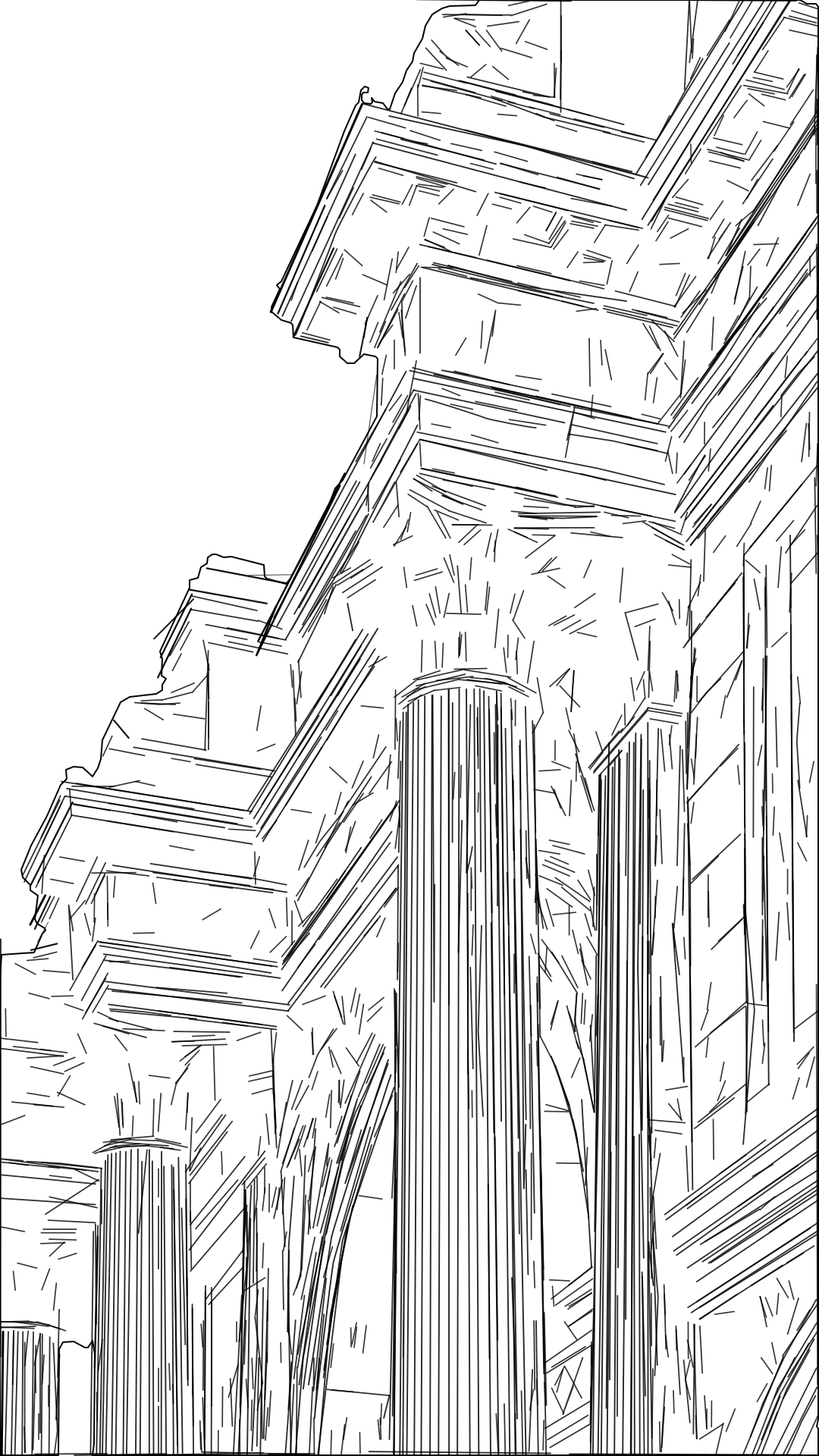
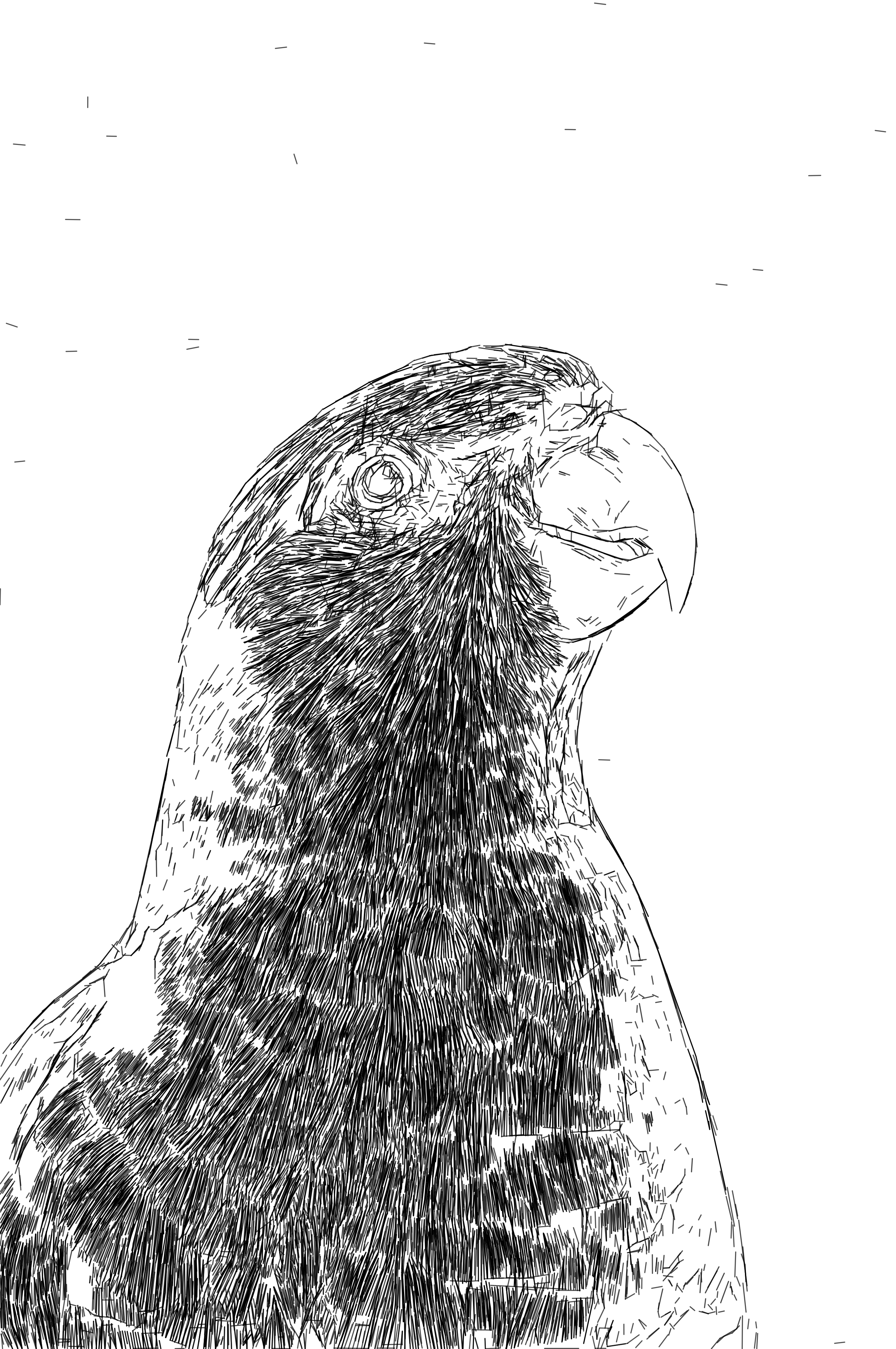
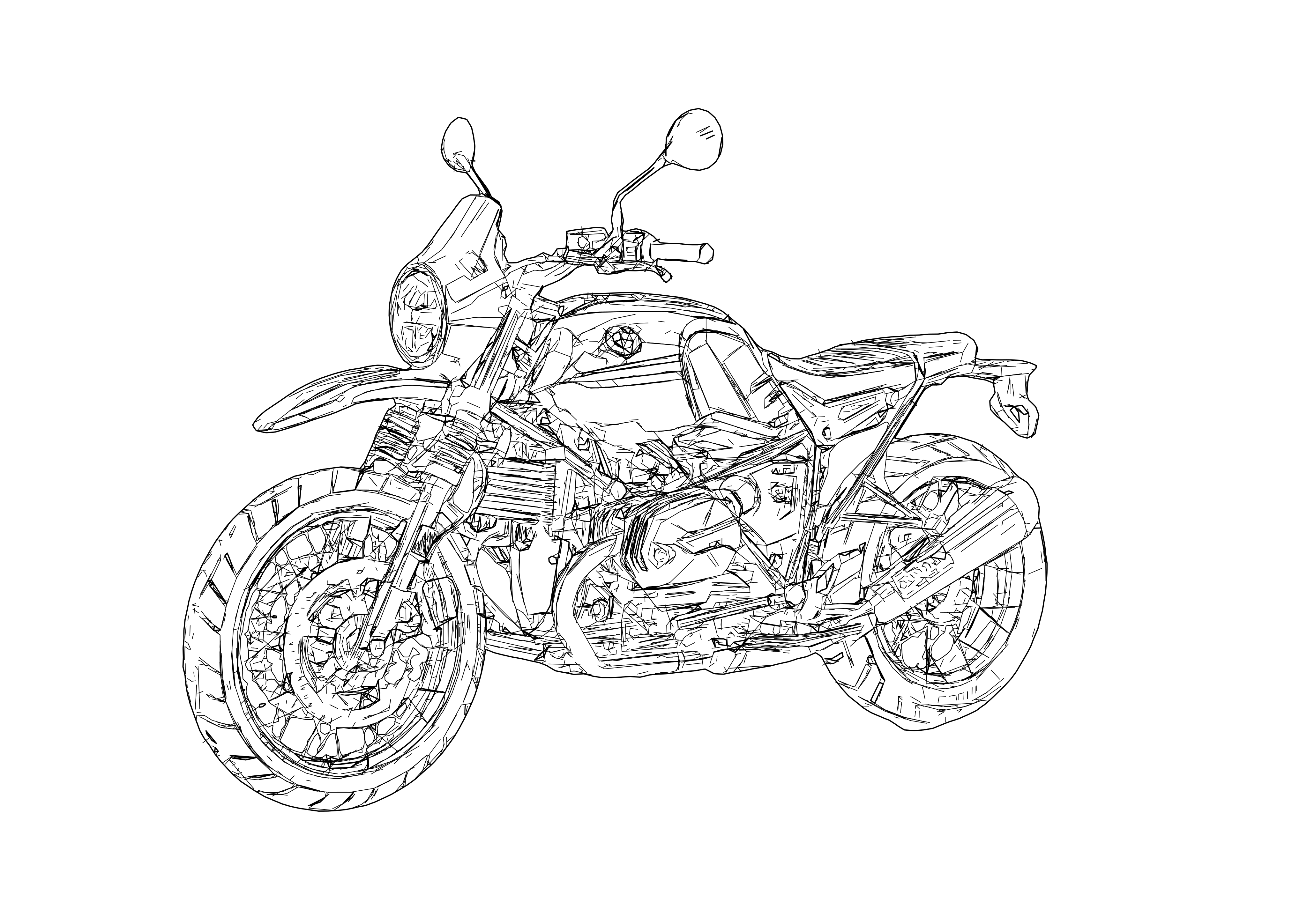
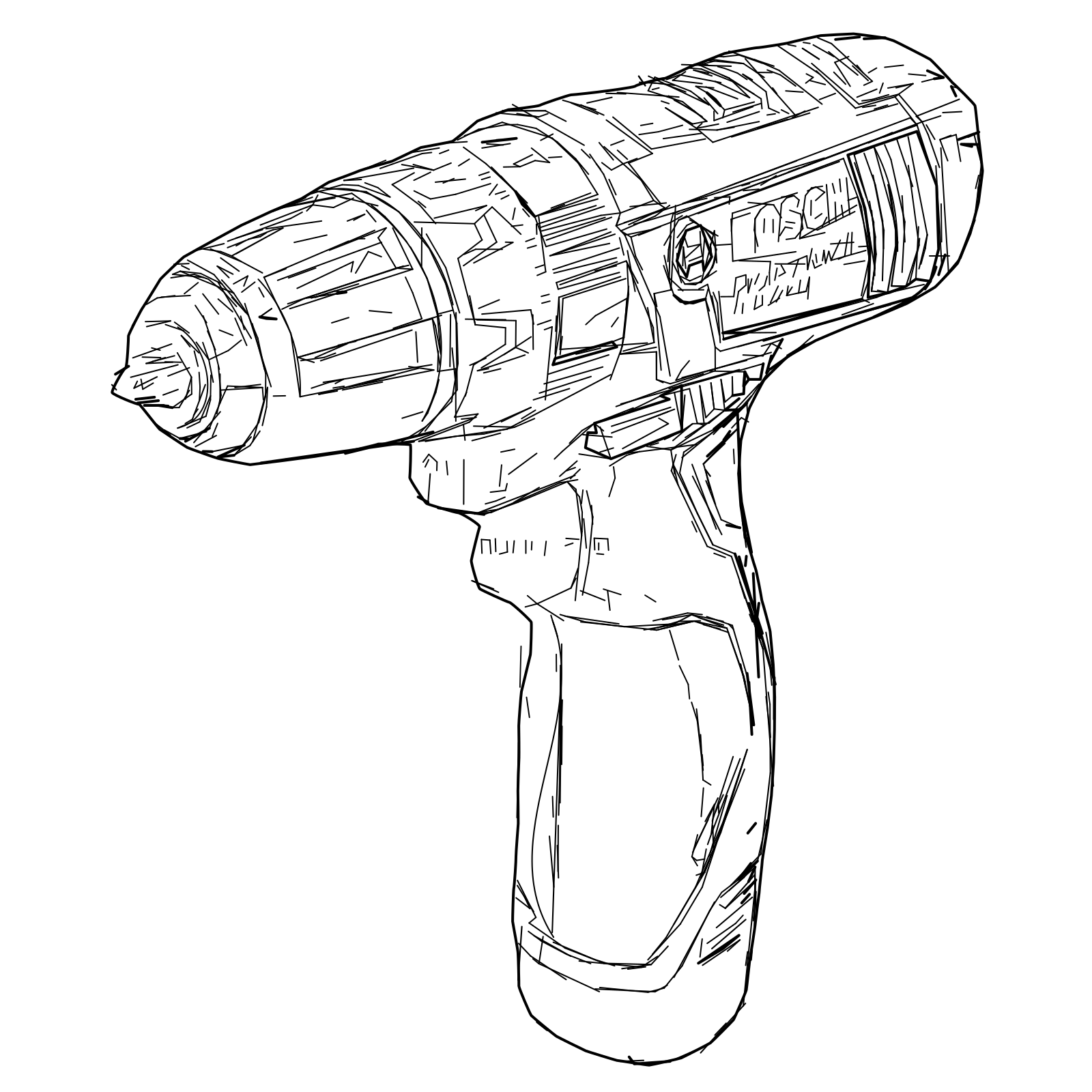
Tonal Line Vectorization automatically converts detailed raster images into editable multi-line SVG graphics that capture visible structure, texture, contrast and tonal variation. Use the result for laser engraving, pen plotting, architectural visuals, technical illustration and design mockups.

  • One-click linework instead of hours of manual redrawing
  • Adjustable detail for the final output size
  • Editable SVG paths for engraving, plotting and further refinement
Try Tonal Line Vectorization

For LightBurn, xTool, Illustrator, Inkscape and compatible pen-plotter workflows

...Creditsper rendering
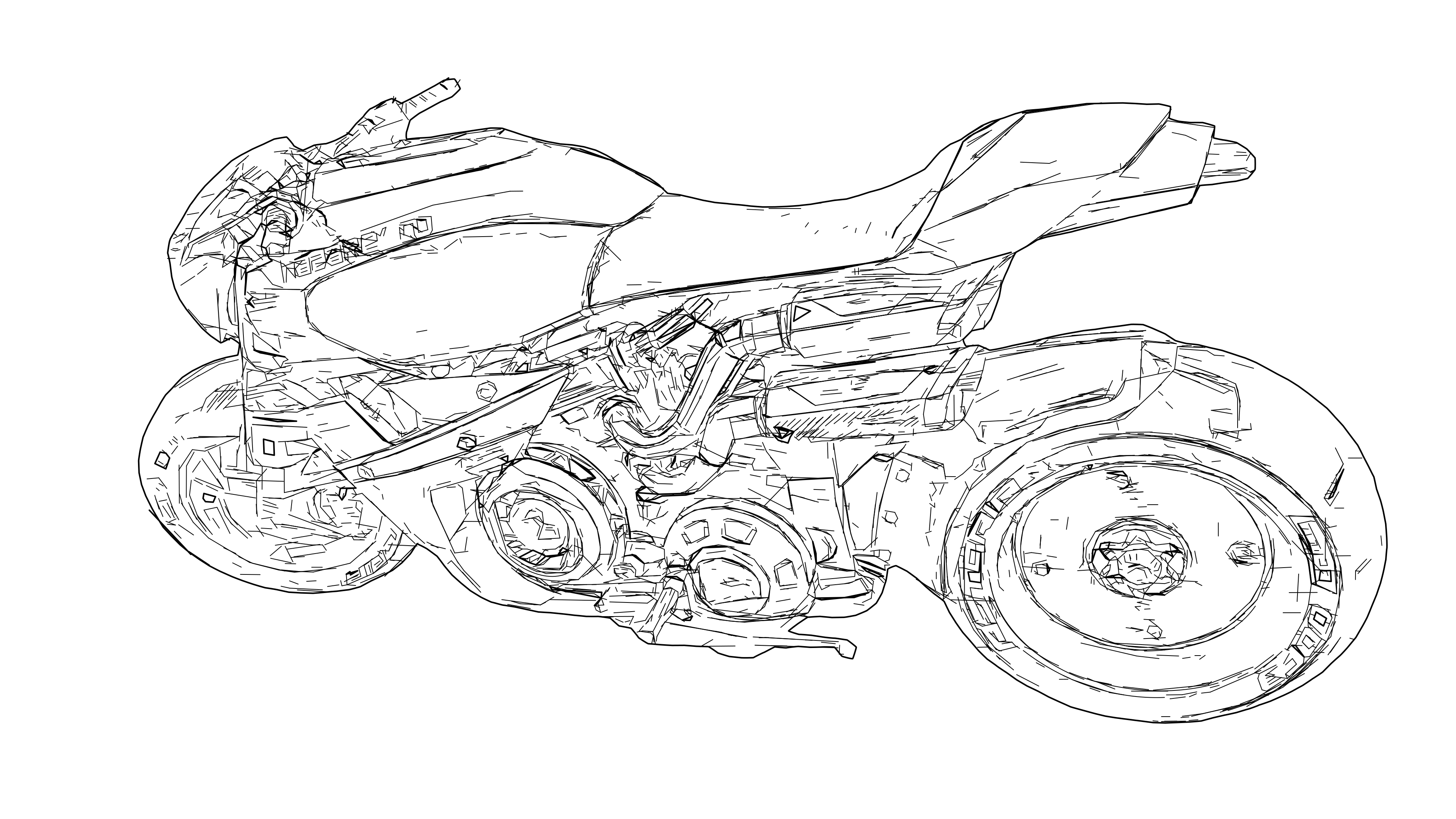
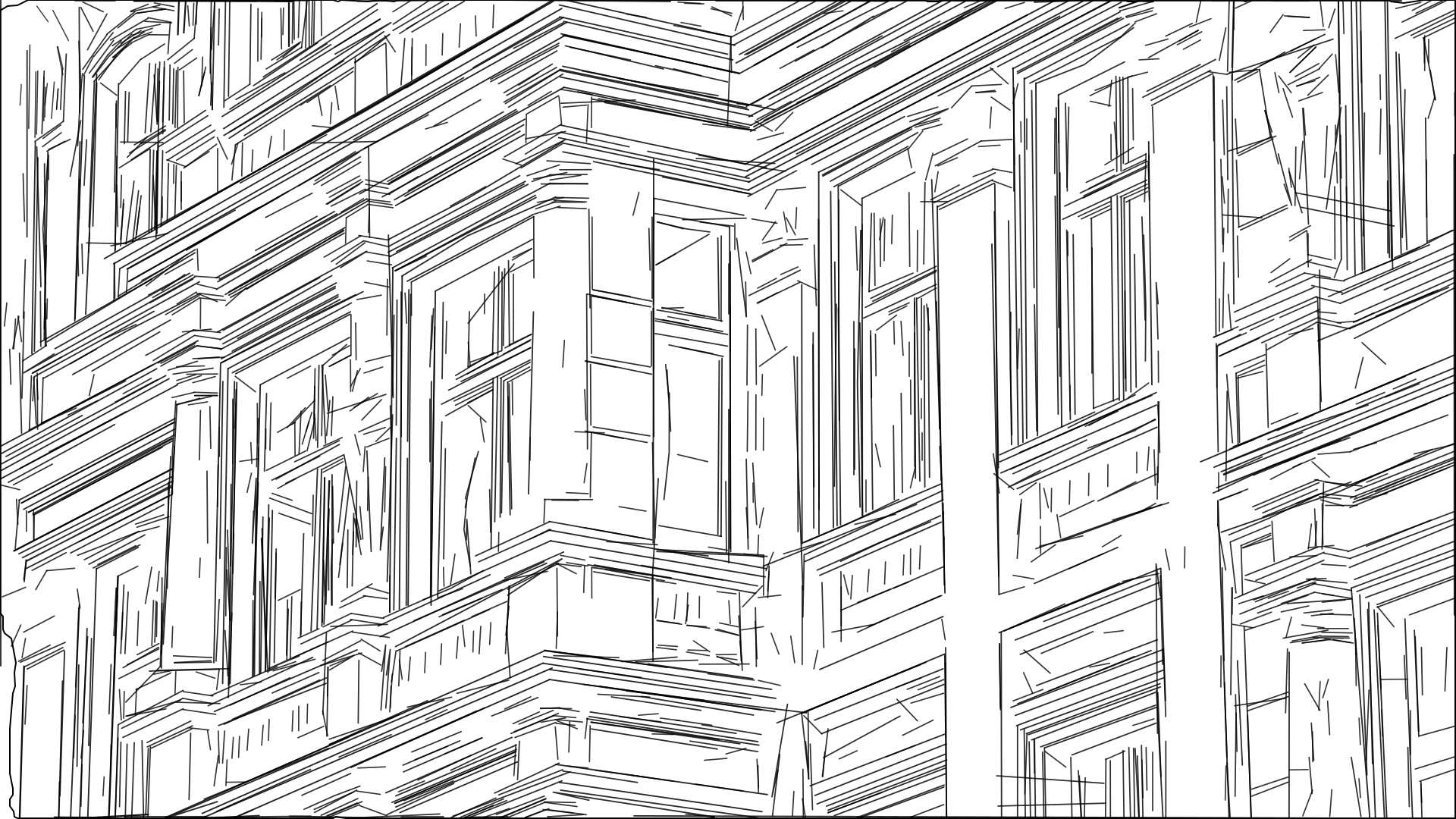
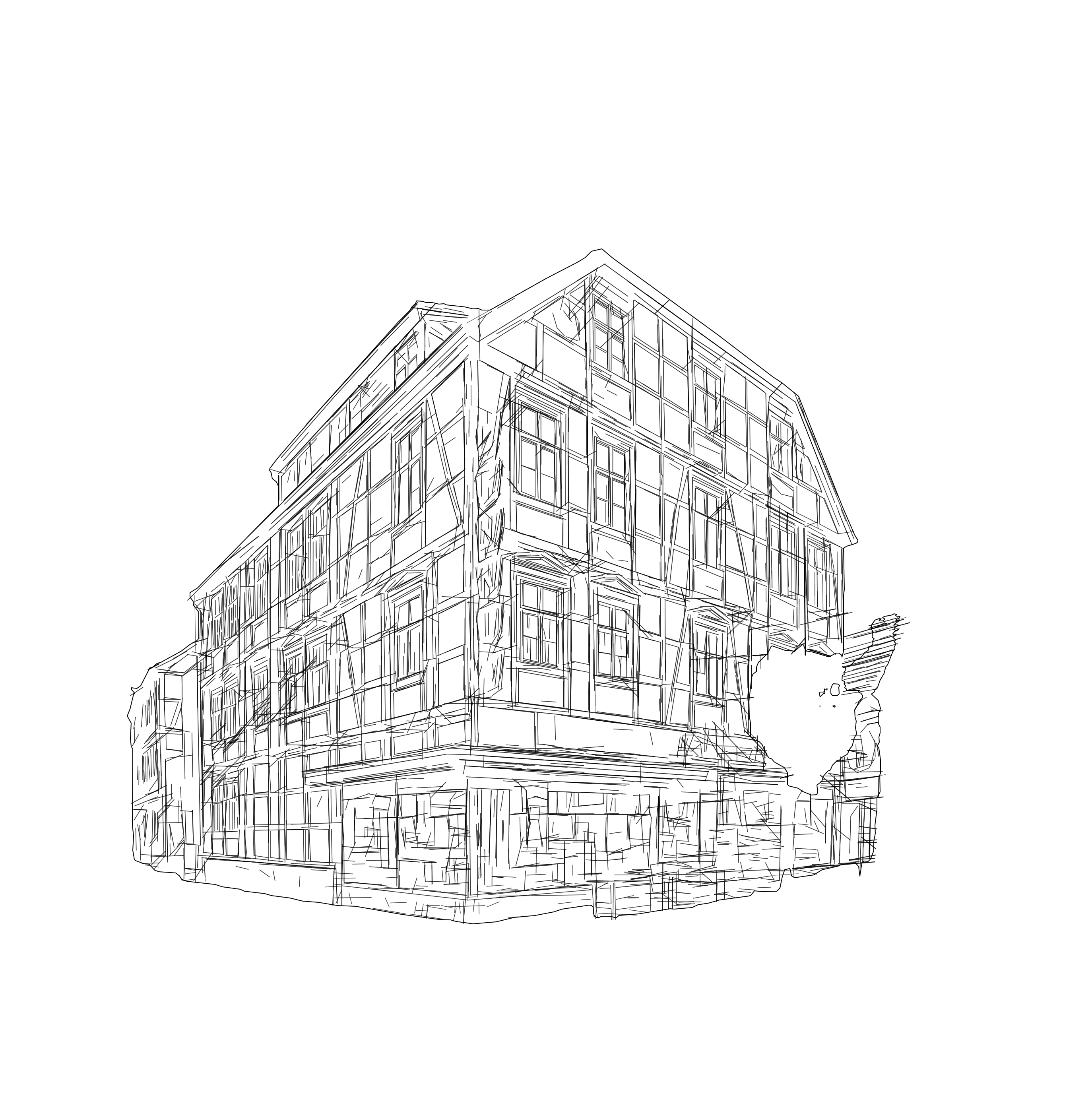
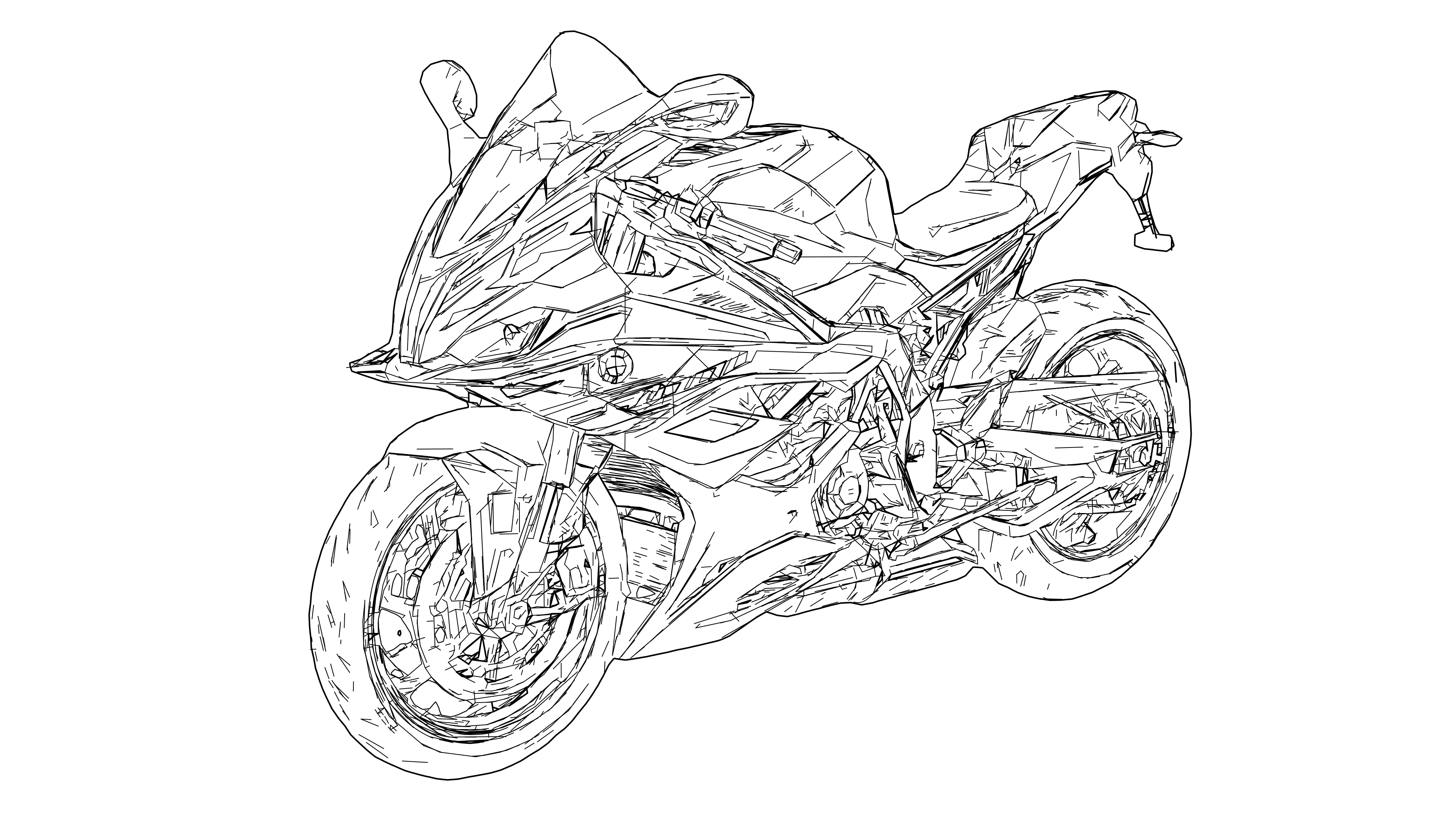
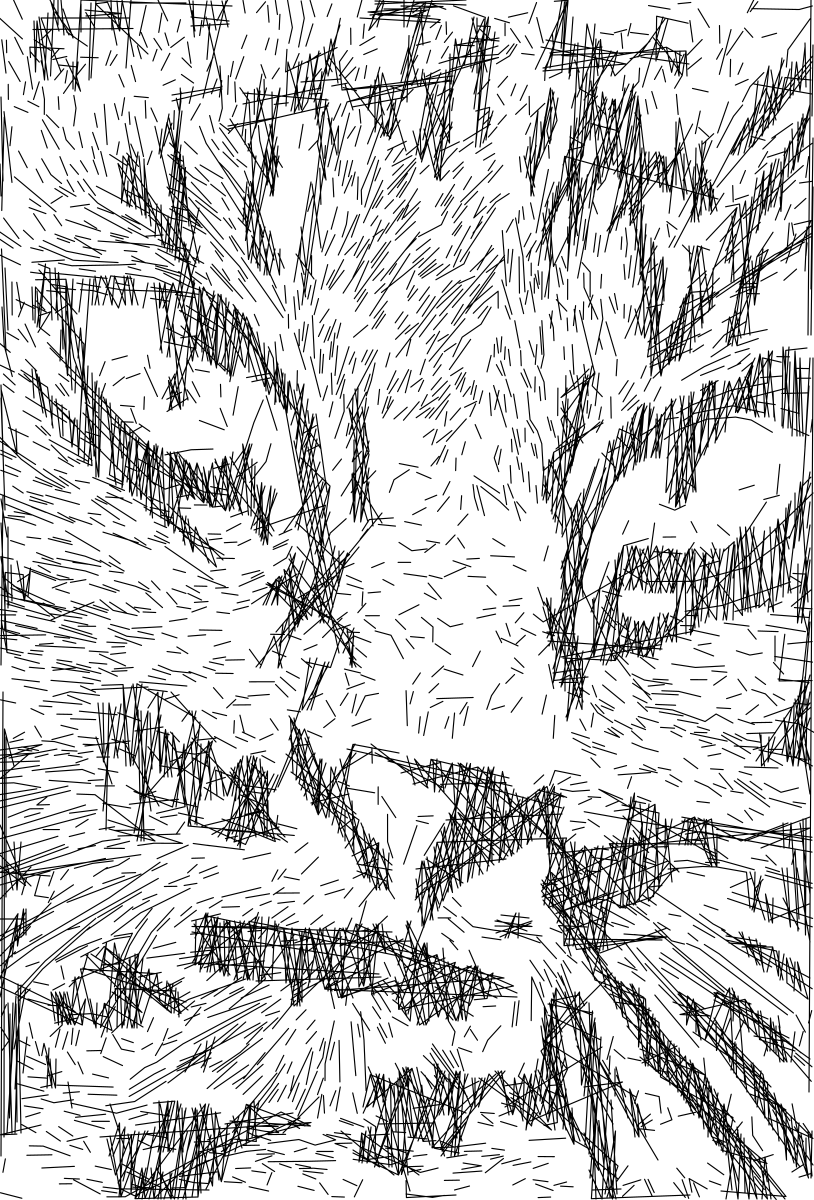
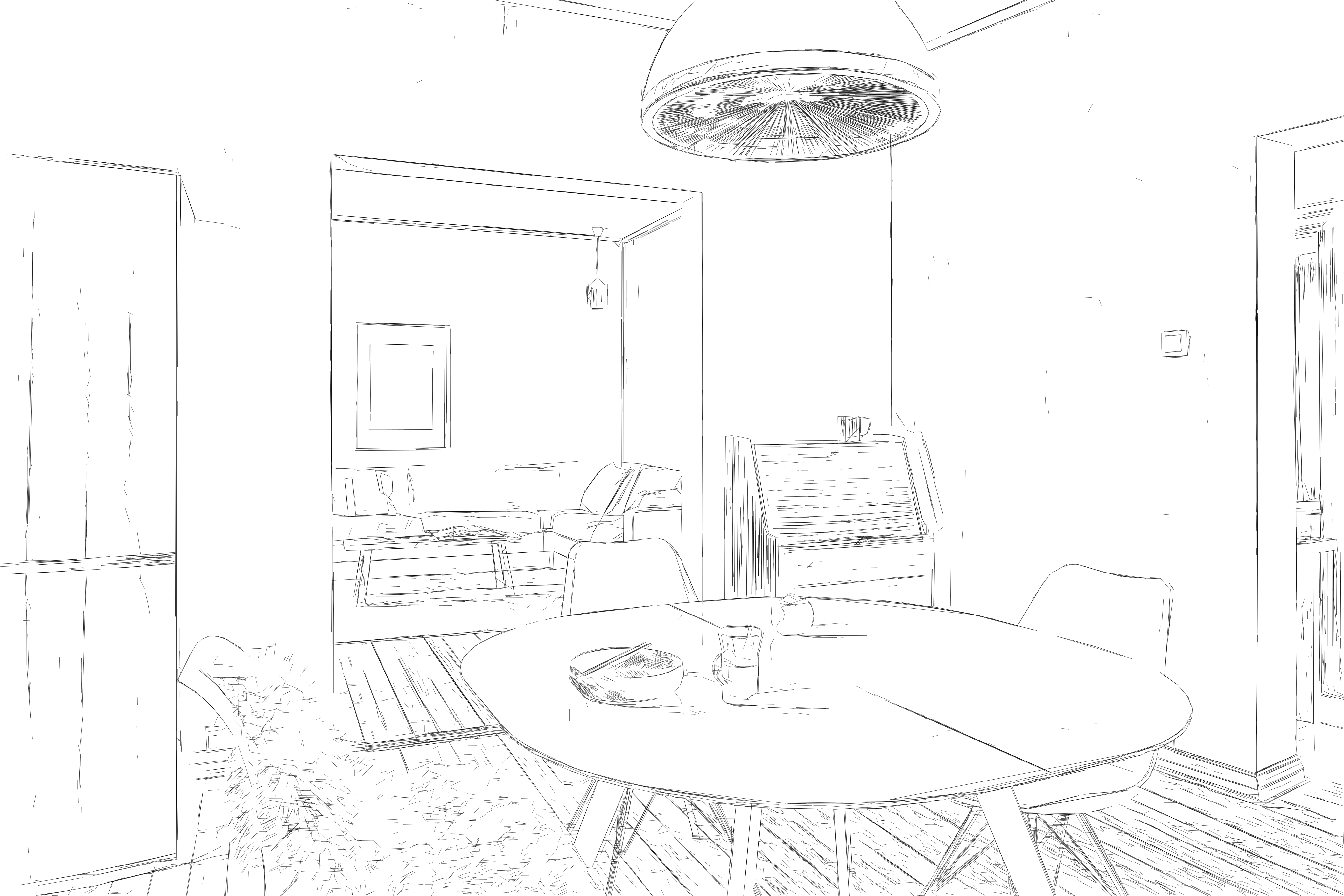
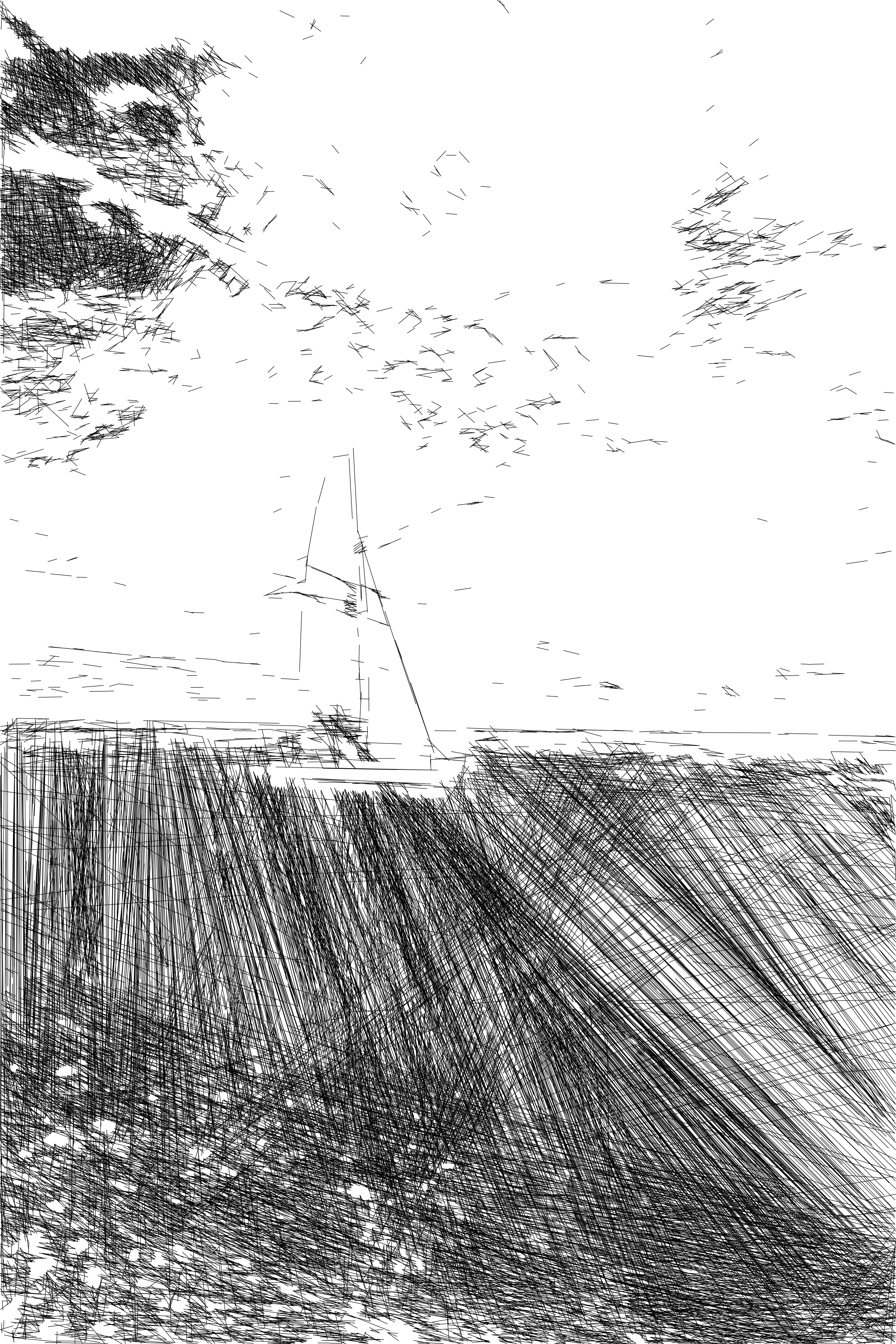
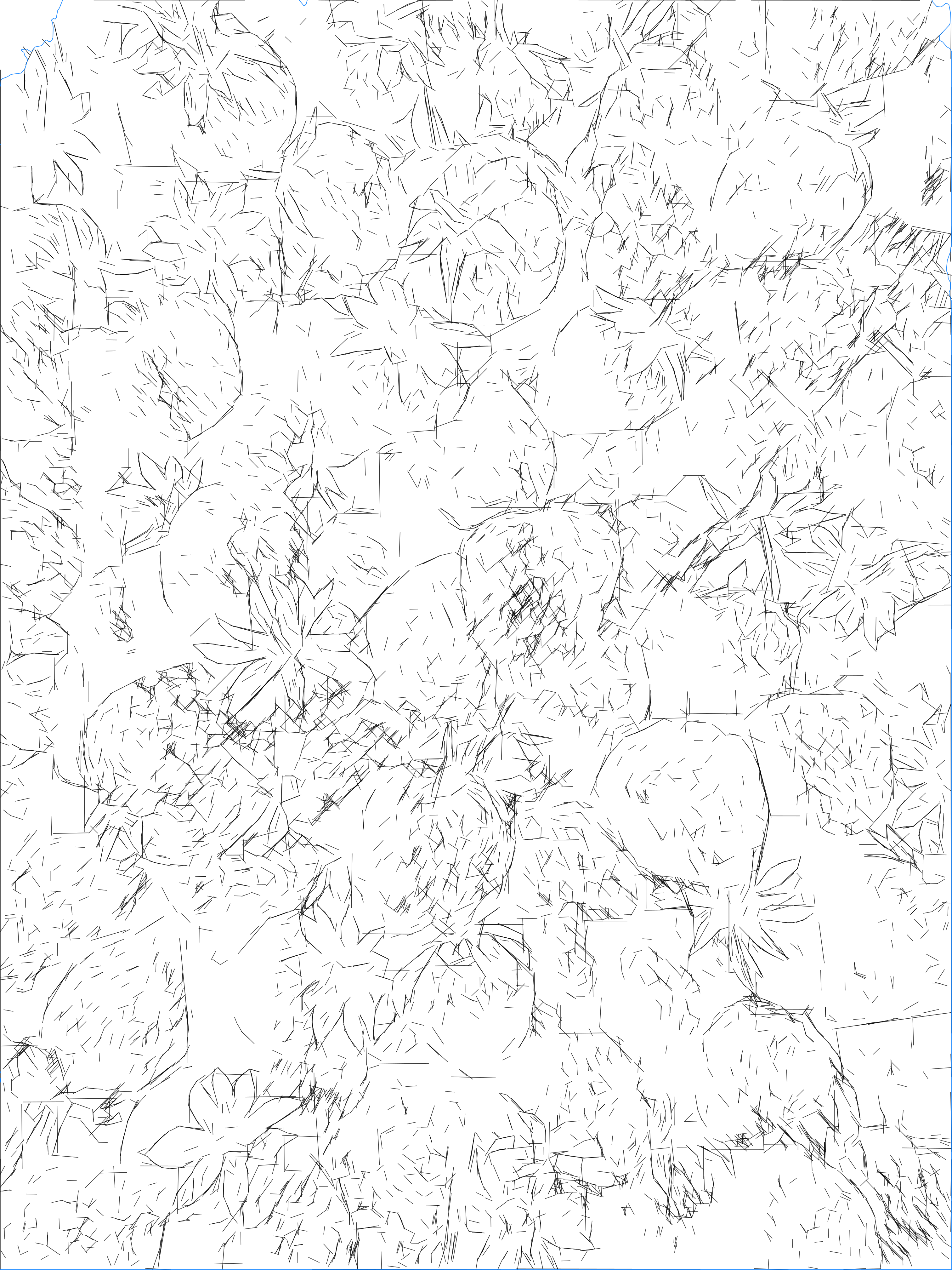
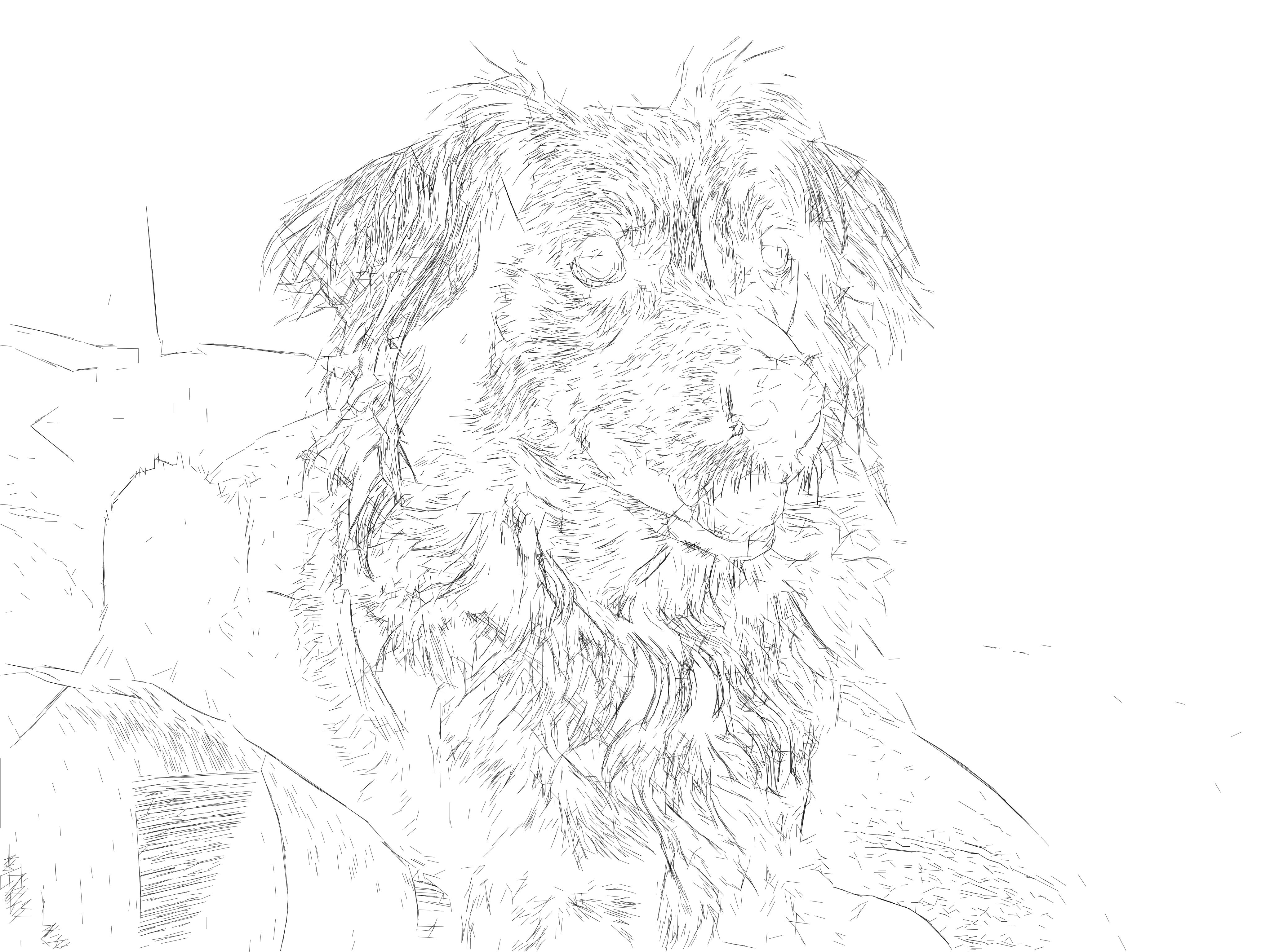
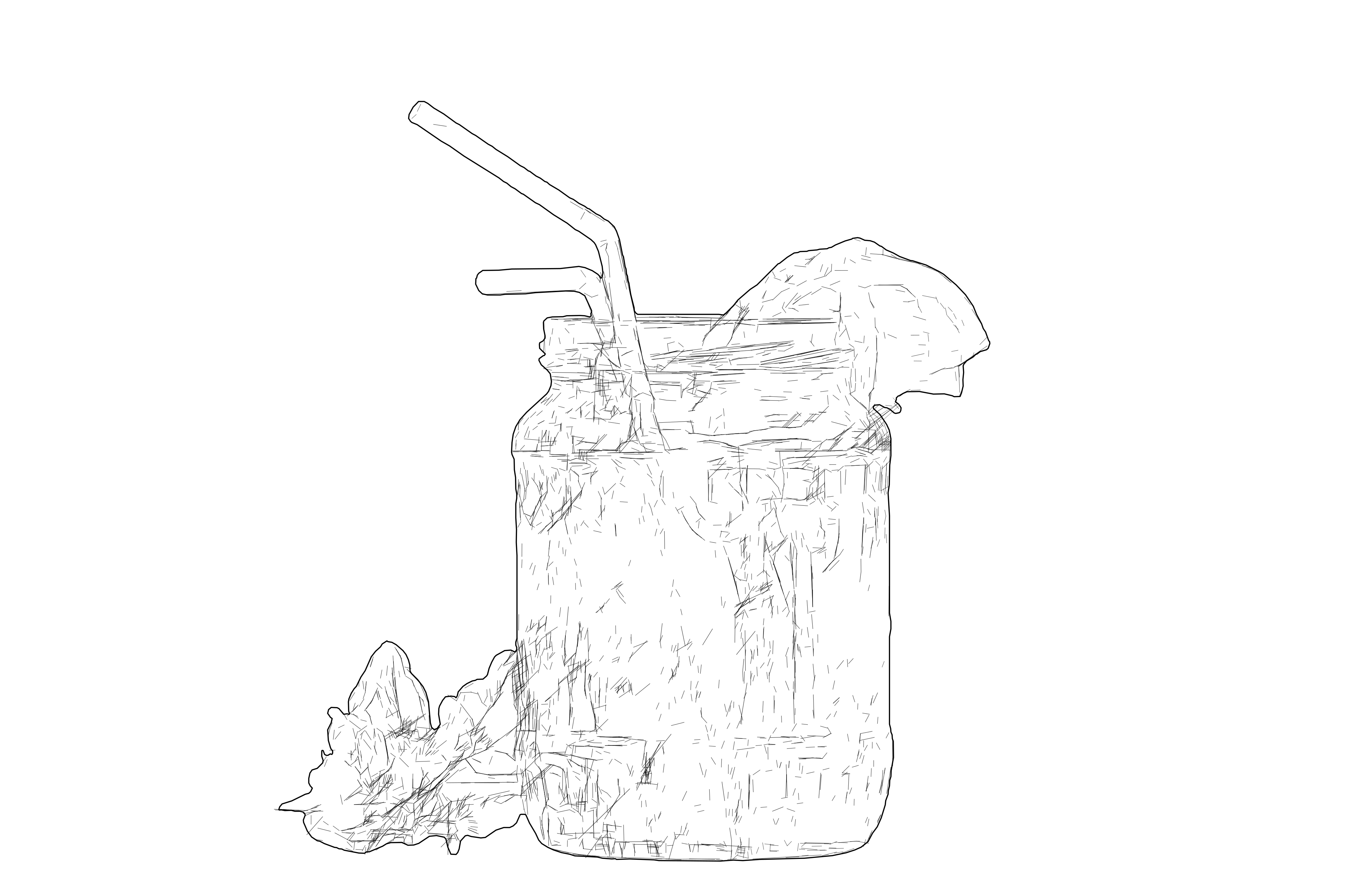
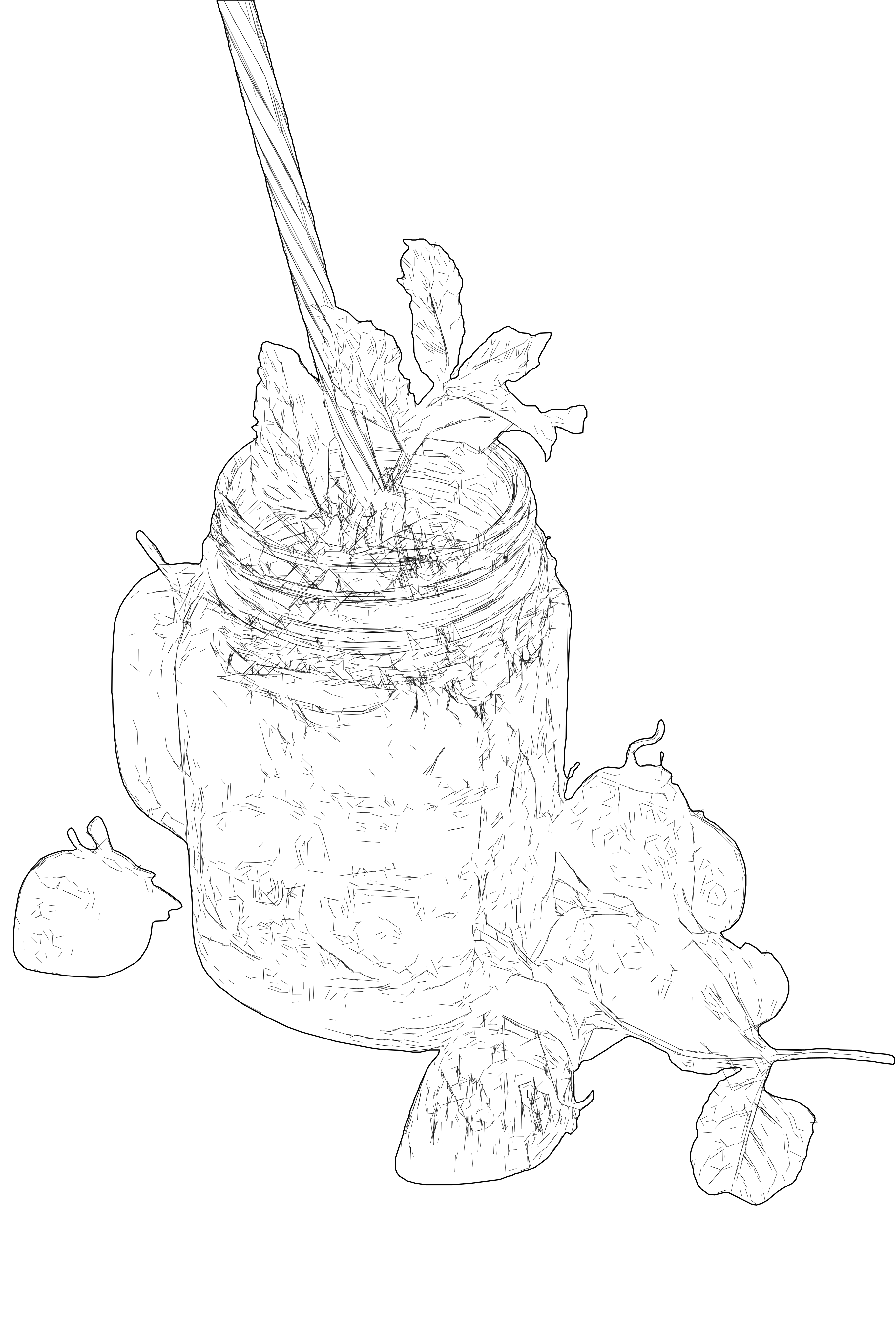
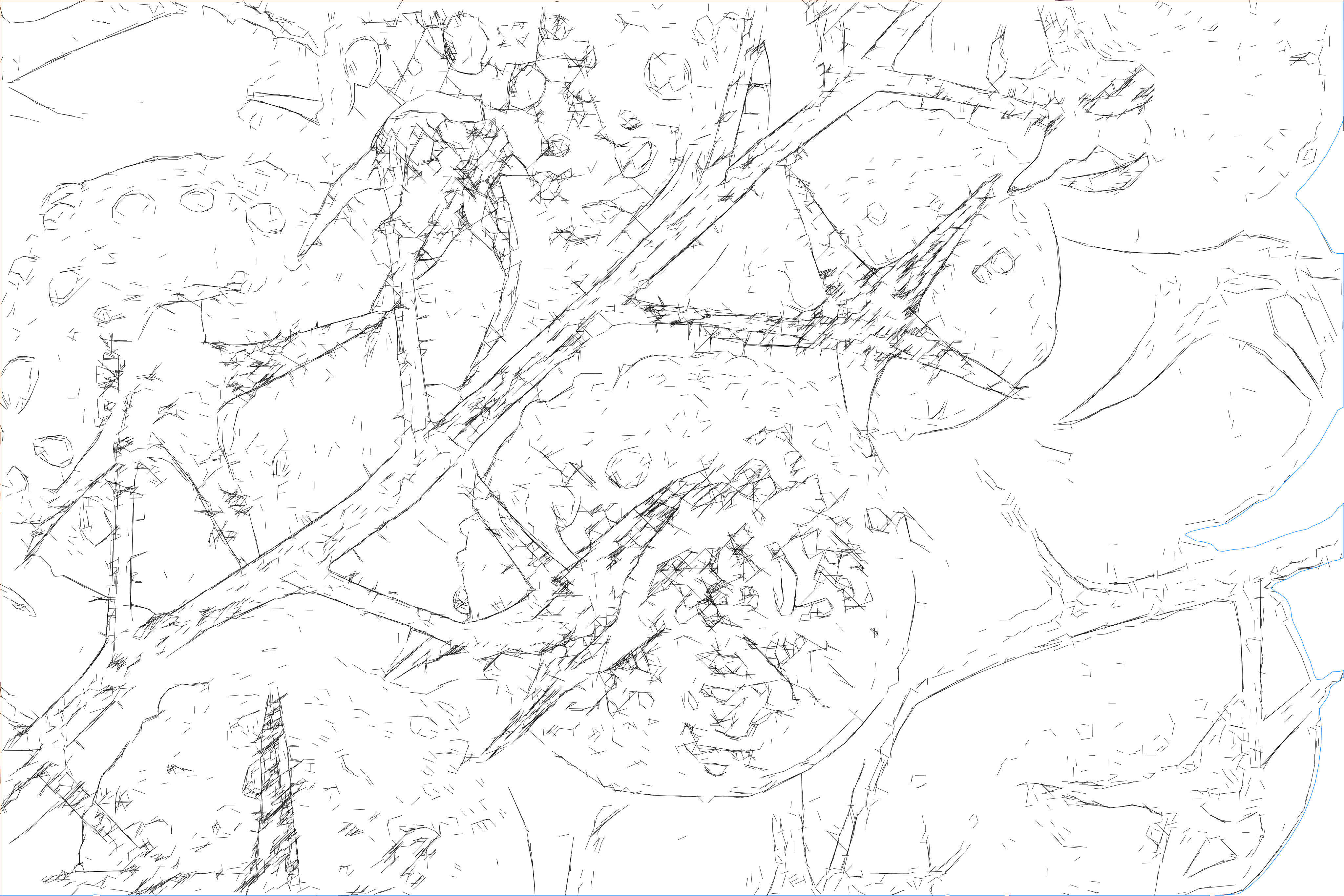
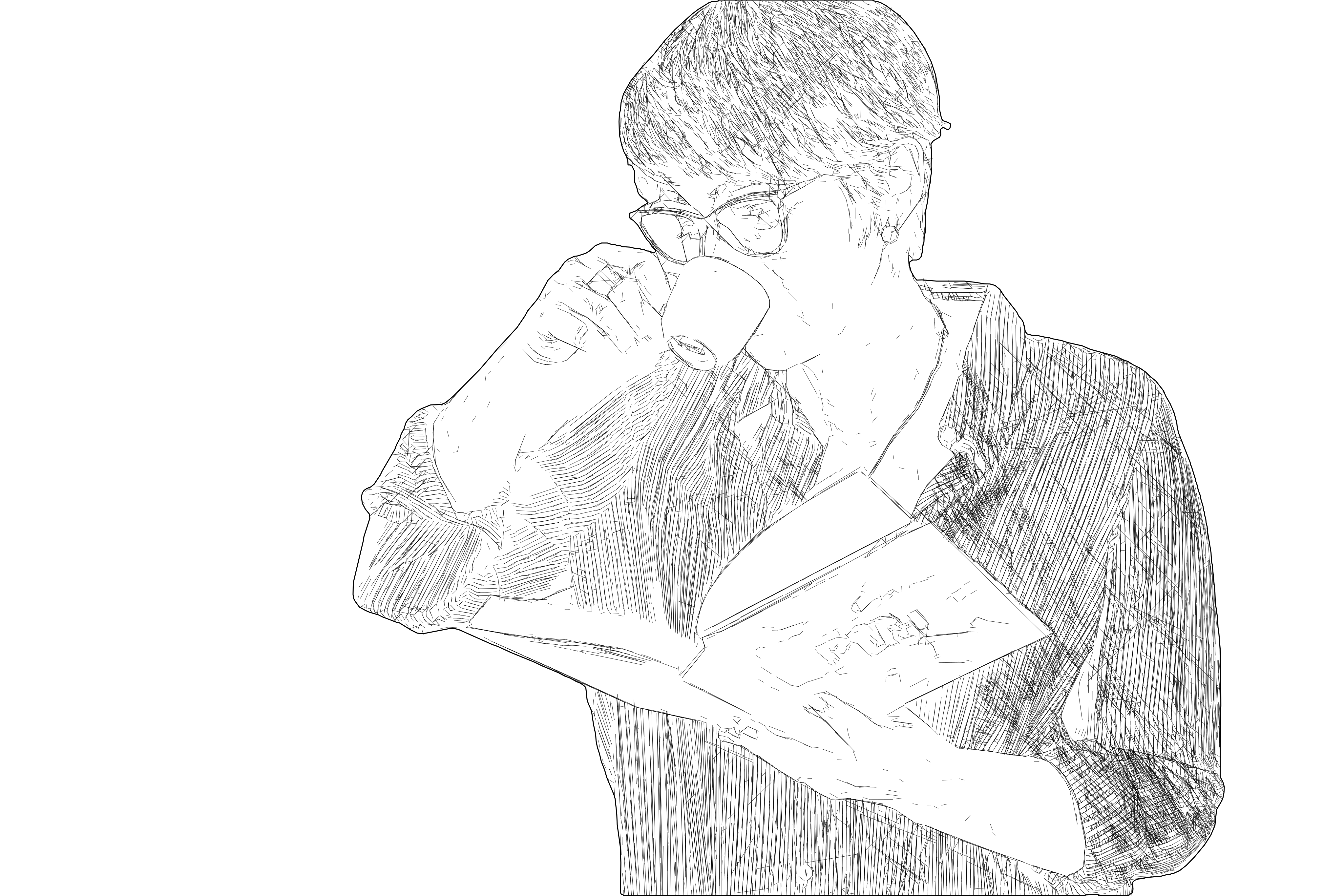
Detailed line-graphic SVG vectorization result
After
Original photo before tonal line vectorizationBefore
OUTPUT: SVG (Vector)
INPUT: JPEG | PNG | WEBP | AVIF | TIFF

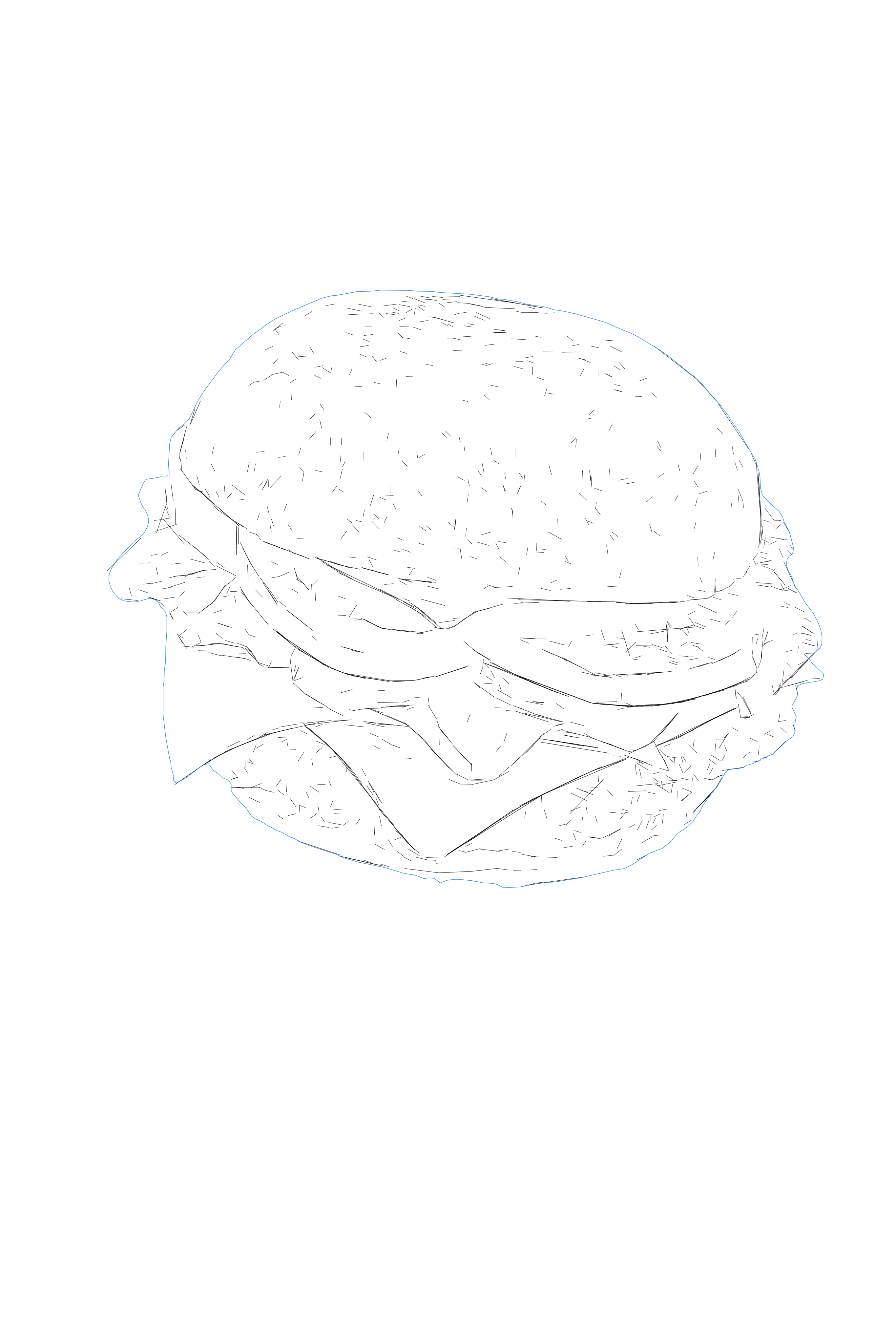
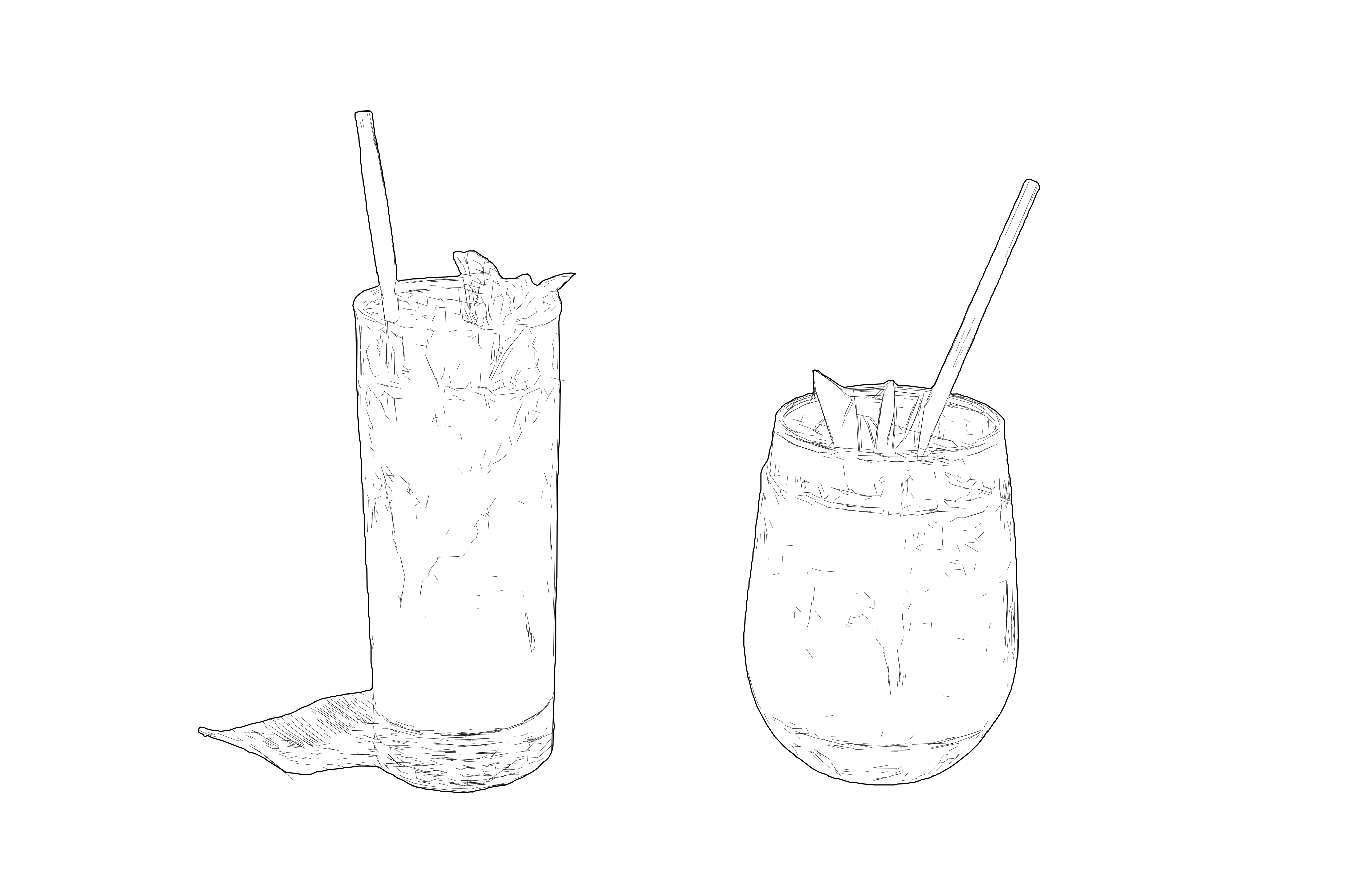
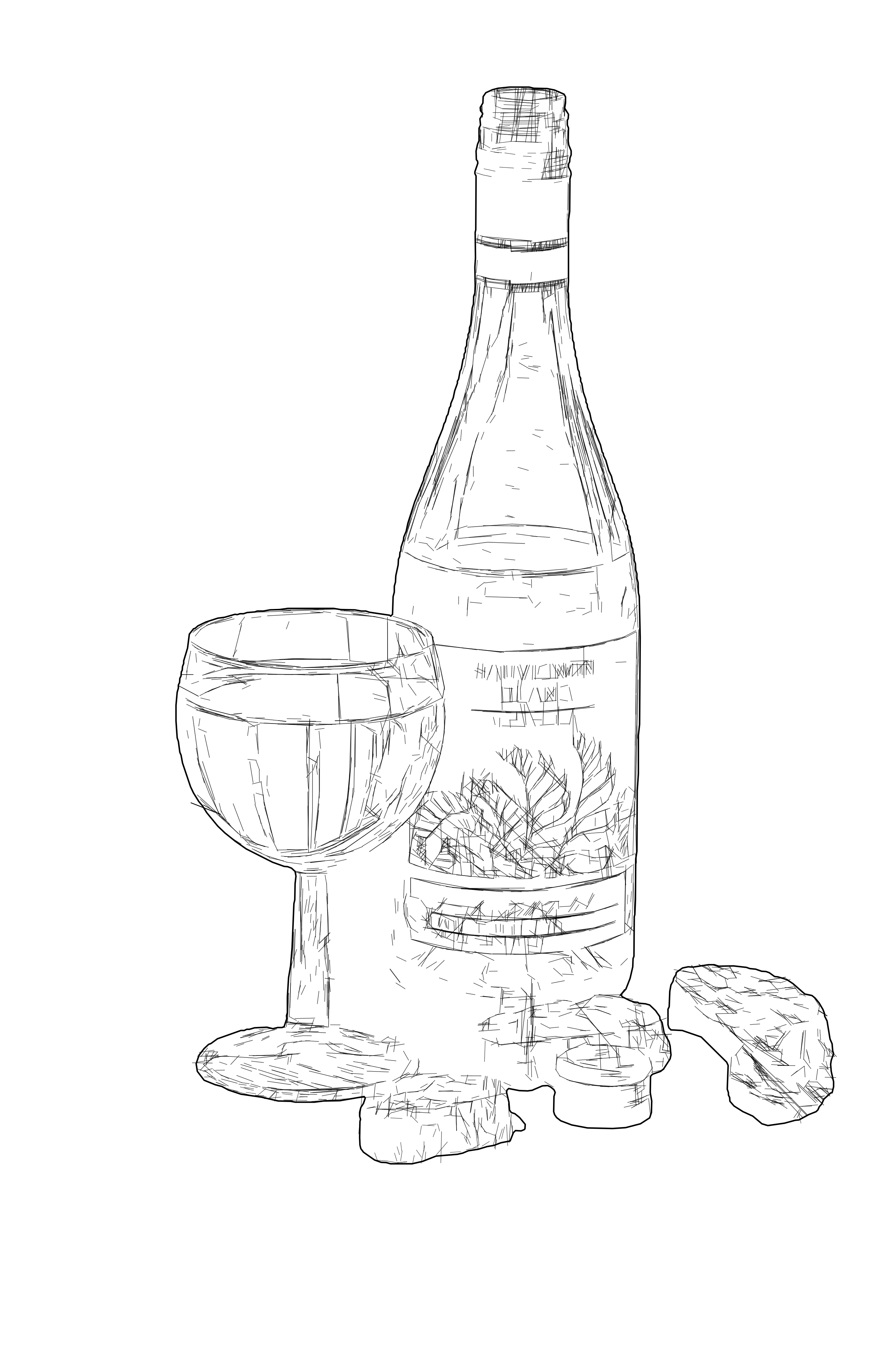
Detailed linework shaped by tonal variation

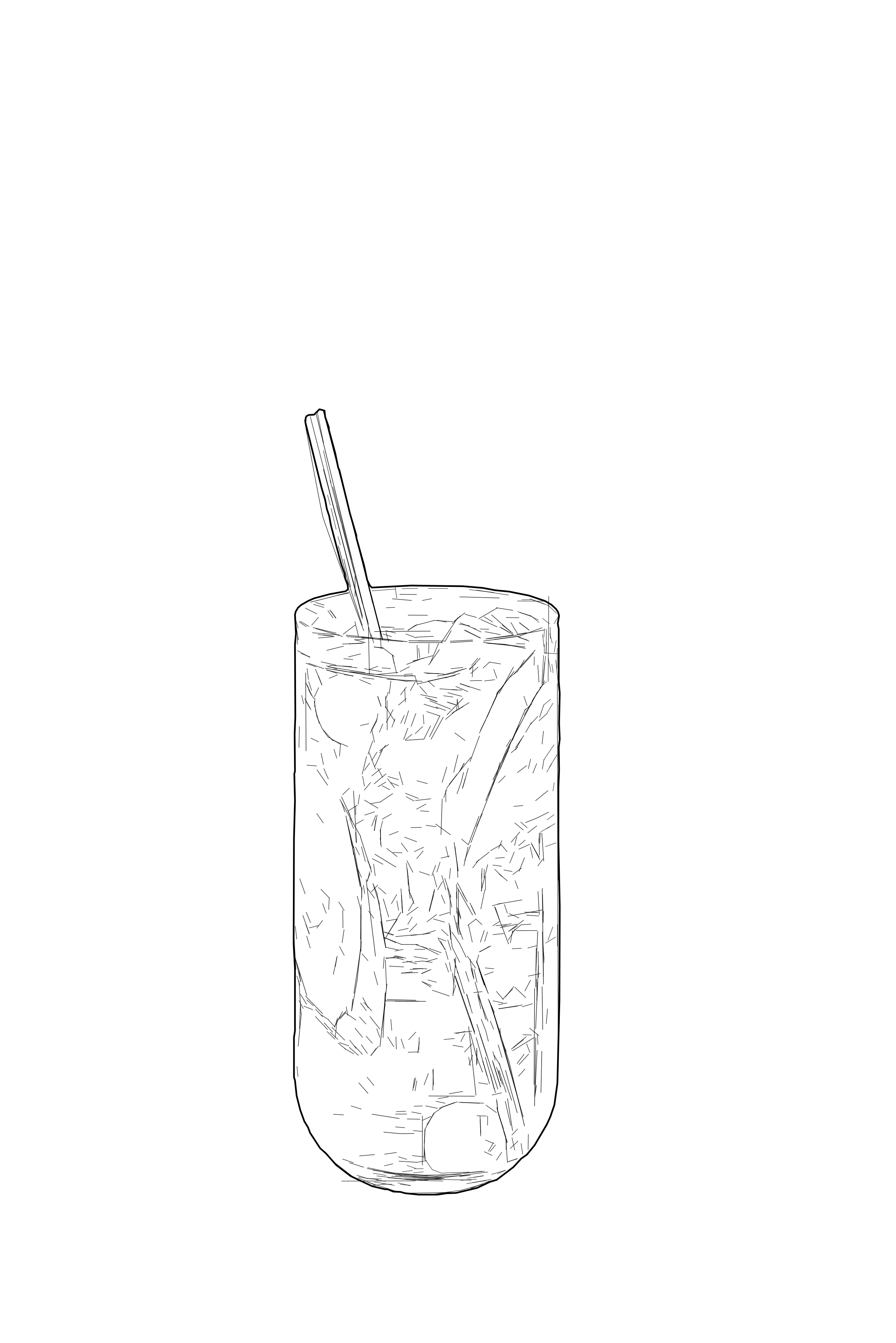
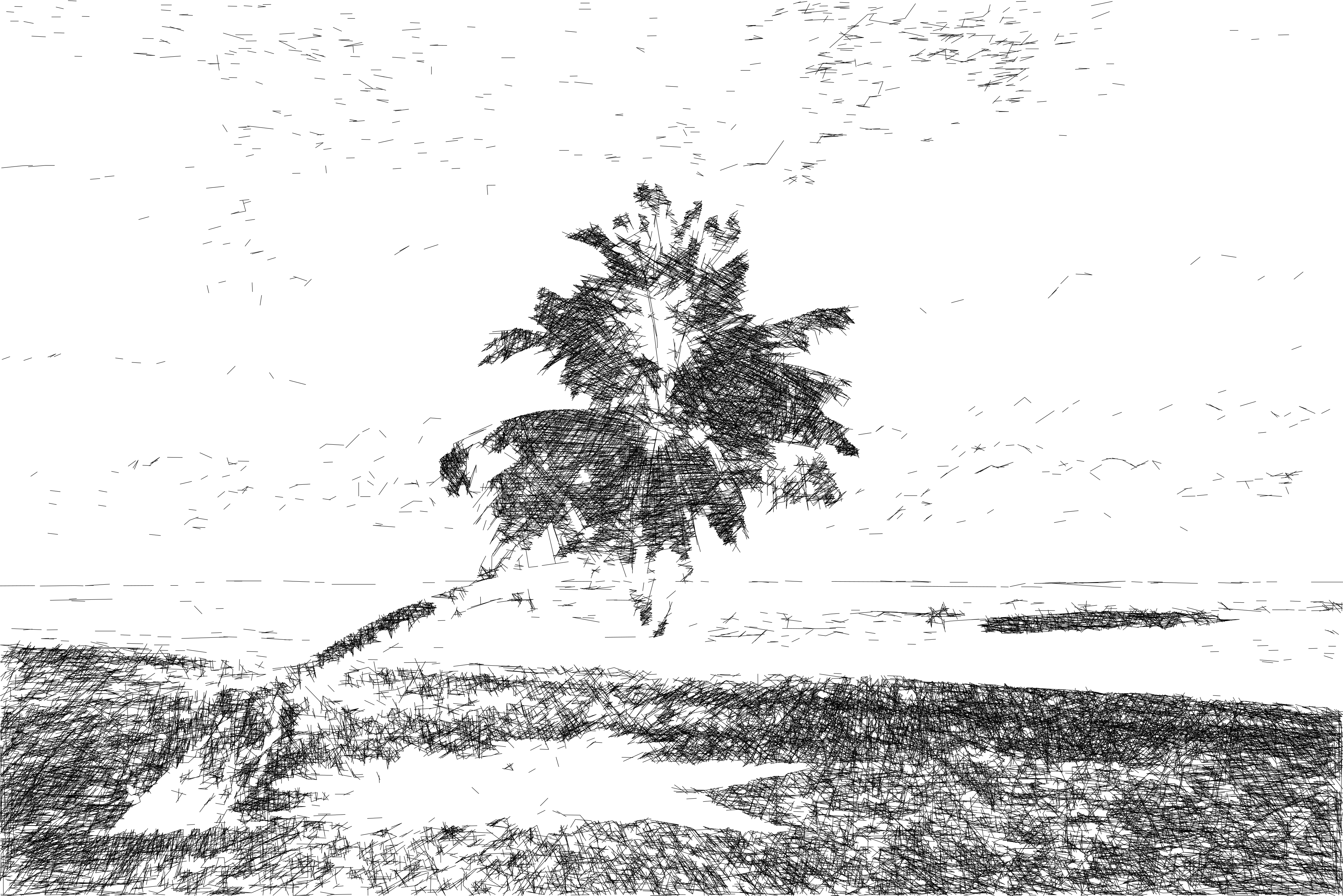
Tonal Line Vectorization represents visible contrast, contours and texture with dense vector paths, creating detailed SVG linework that can save hours of manual redrawing.

  • Tonal detail

    Dense linework represents form, texture and tonal variation found in the source image.

  • Editable vector paths

    The result is stroked SVG geometry that can be scaled, inspected and adjusted in compatible vector software.

  • Editable linework for focused vector workflows

    Use the SVG paths for laser engraving, pen plotting, architectural visuals, technical illustration and further design refinement. The paths are not closed profiles intended for cutting.

Adjust the detail level before export to suit the final output size, material, pen width, or design purpose.

When to use Tonal Line Vectorization

  • Input - Detailed raster

    Photos and complex images with a clear subject, visible contrast and enough detail to produce readable linework.

  • Output - Multi-line SVG

    Dense stroked vector paths represent contours, texture and tonal variation for engraving, plotting and further editing.

  • Best for - Engraving and line graphics

    Laser engravers, designers, architects, technical illustrators and pen plotter users working with detailed raster images.

  • Process - Automated line interpretation

    Automatically interprets contrast, texture and visible structure as dense vector paths, creating detailed, editable SVG linework in minutes—without manual redrawing.

Output format

  • SVG

    SVG - Editable SVG Linework

    Scalable SVG with stroked vector paths for laser engraving, pen plotting and further editing in compatible vector software. The paths are not closed profiles intended for cutting.

See tonal detail become vector linework

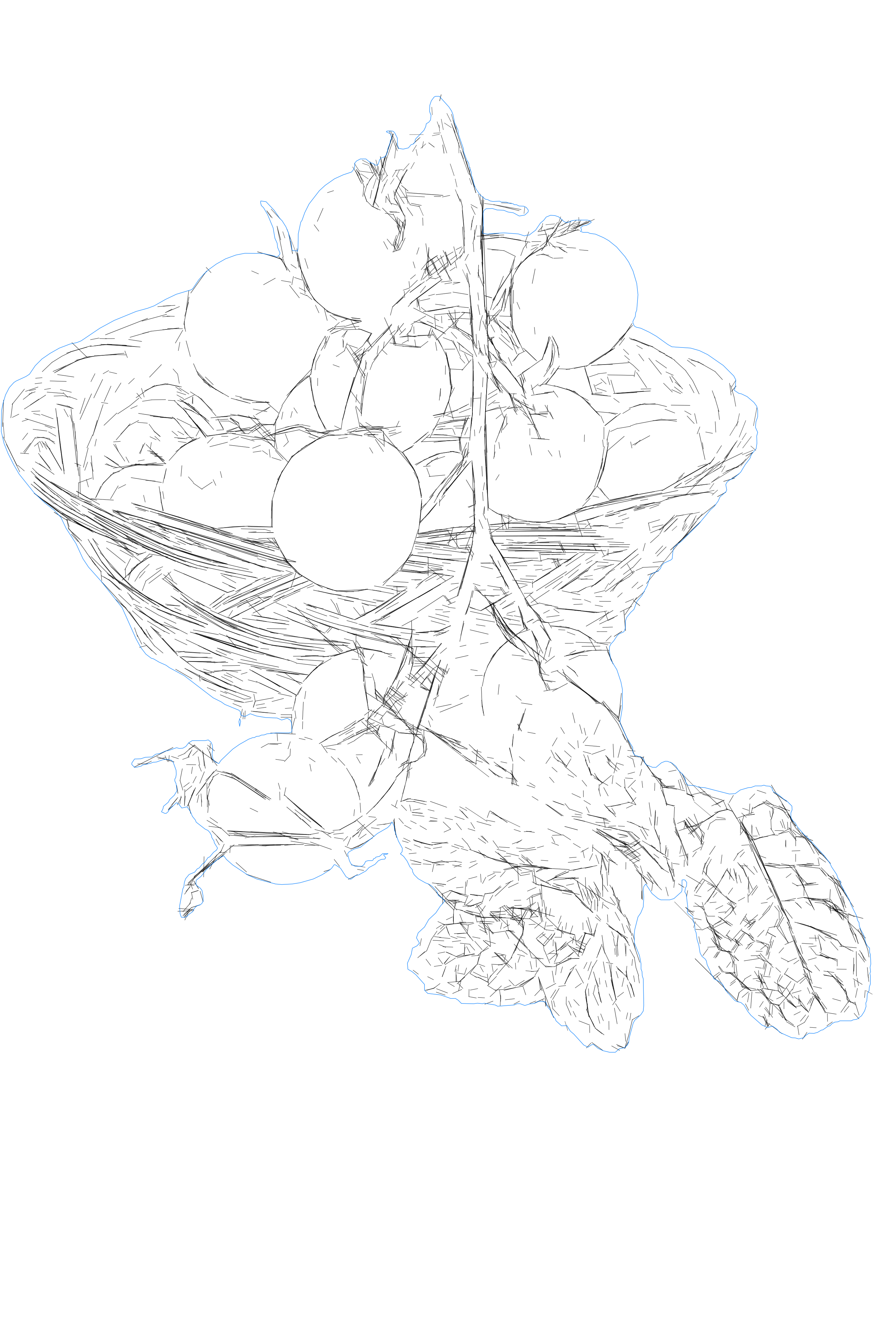
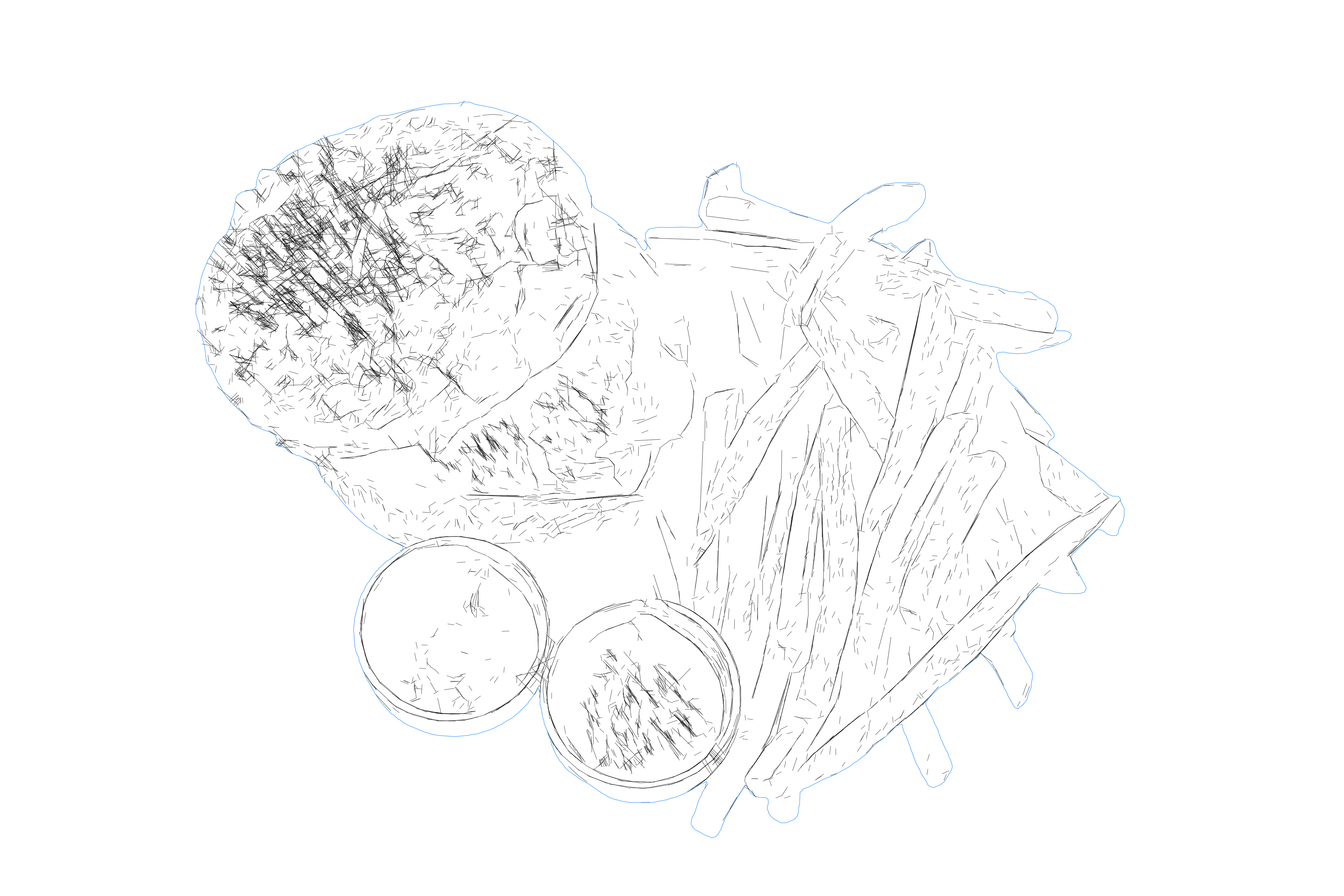
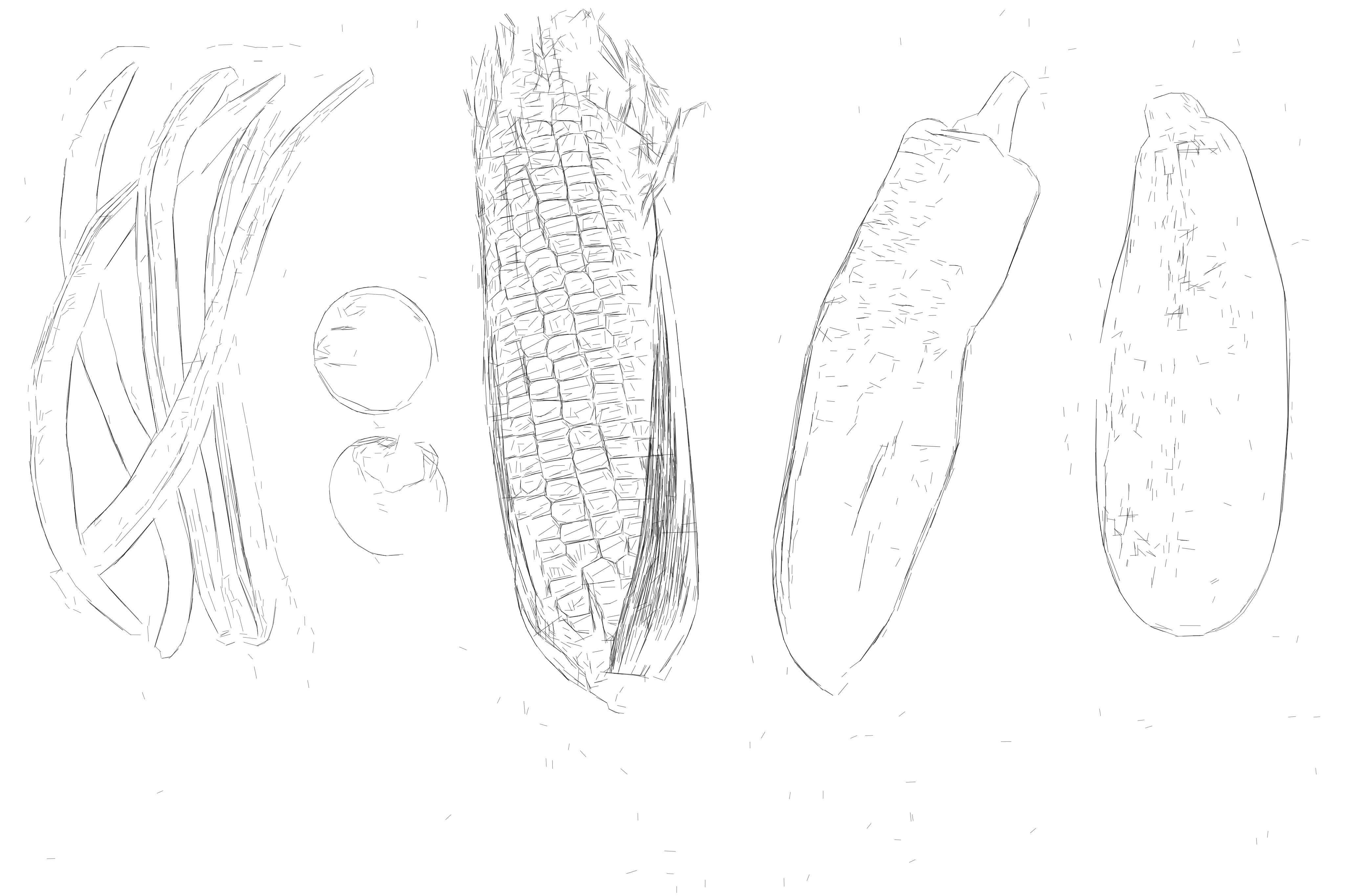
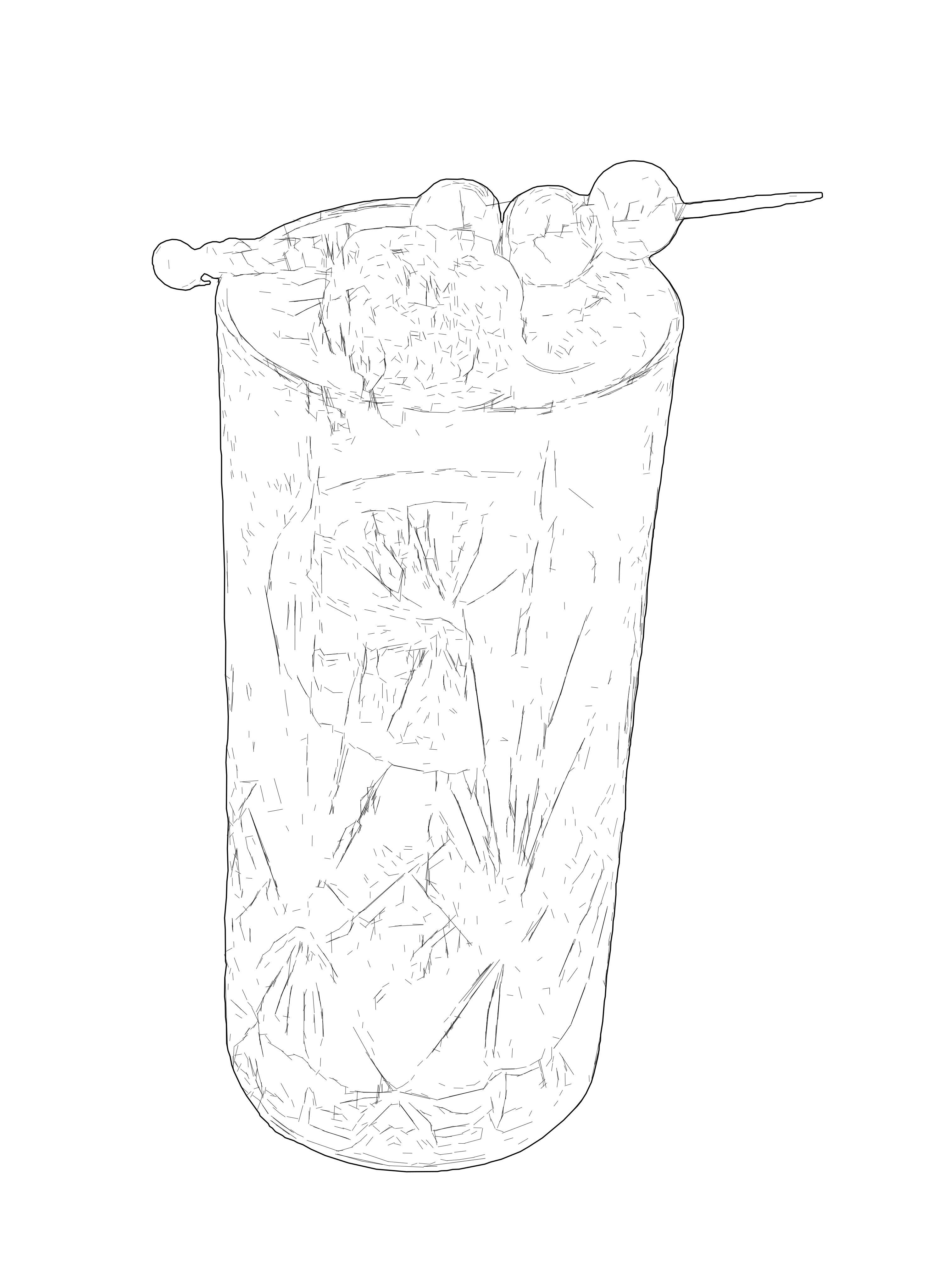
Compare the raster source with the SVG result to see how visible structure, texture, contrast and tonal variation become editable vector linework.

After
Before
OUTPUT: SVG (Vector)
INPUT: JPEG | PNG | WEBP | AVIF | TIFF
After
Before
OUTPUT: SVG (Vector)
INPUT: JPEG | PNG | WEBP | AVIF | TIFF

Examples
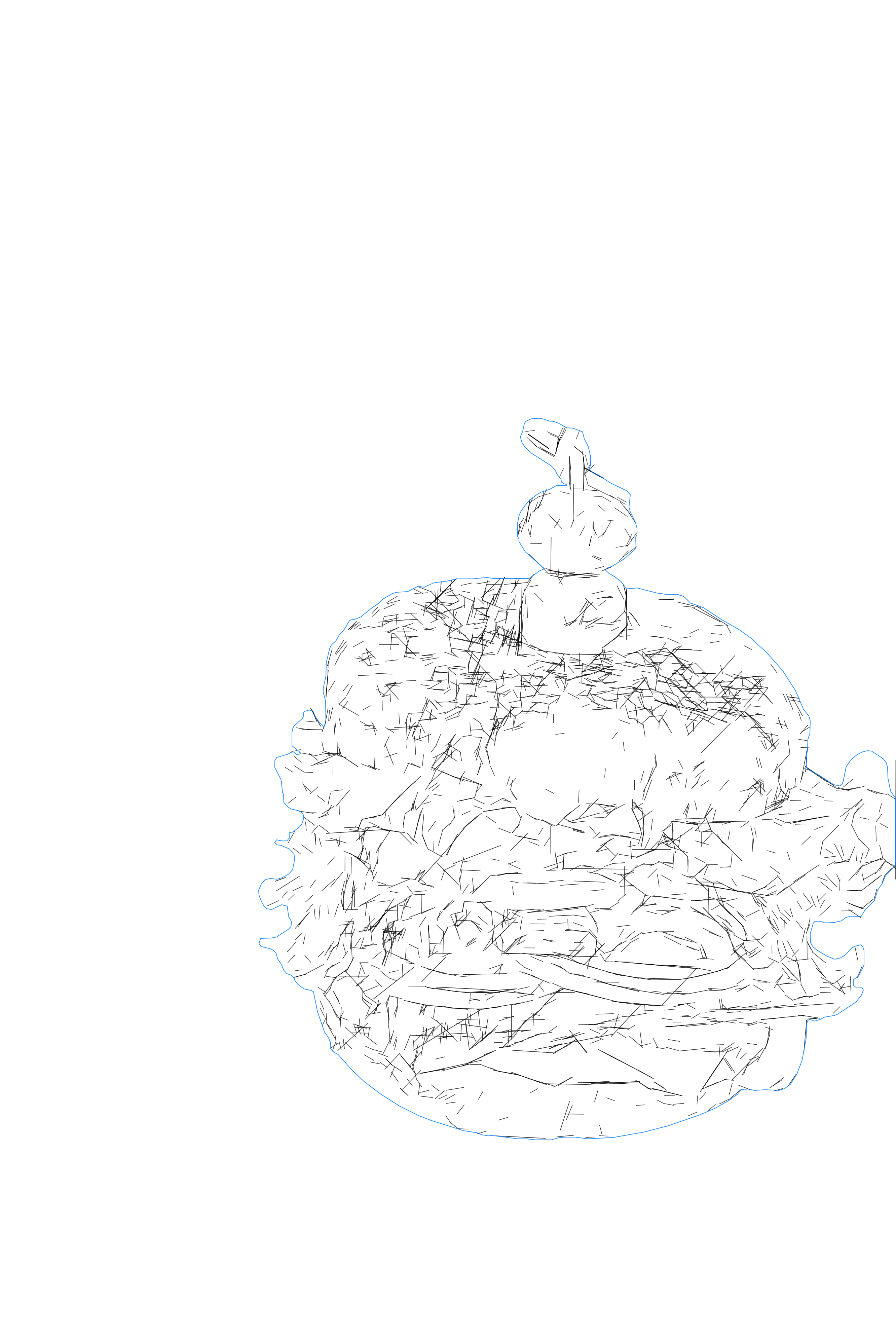
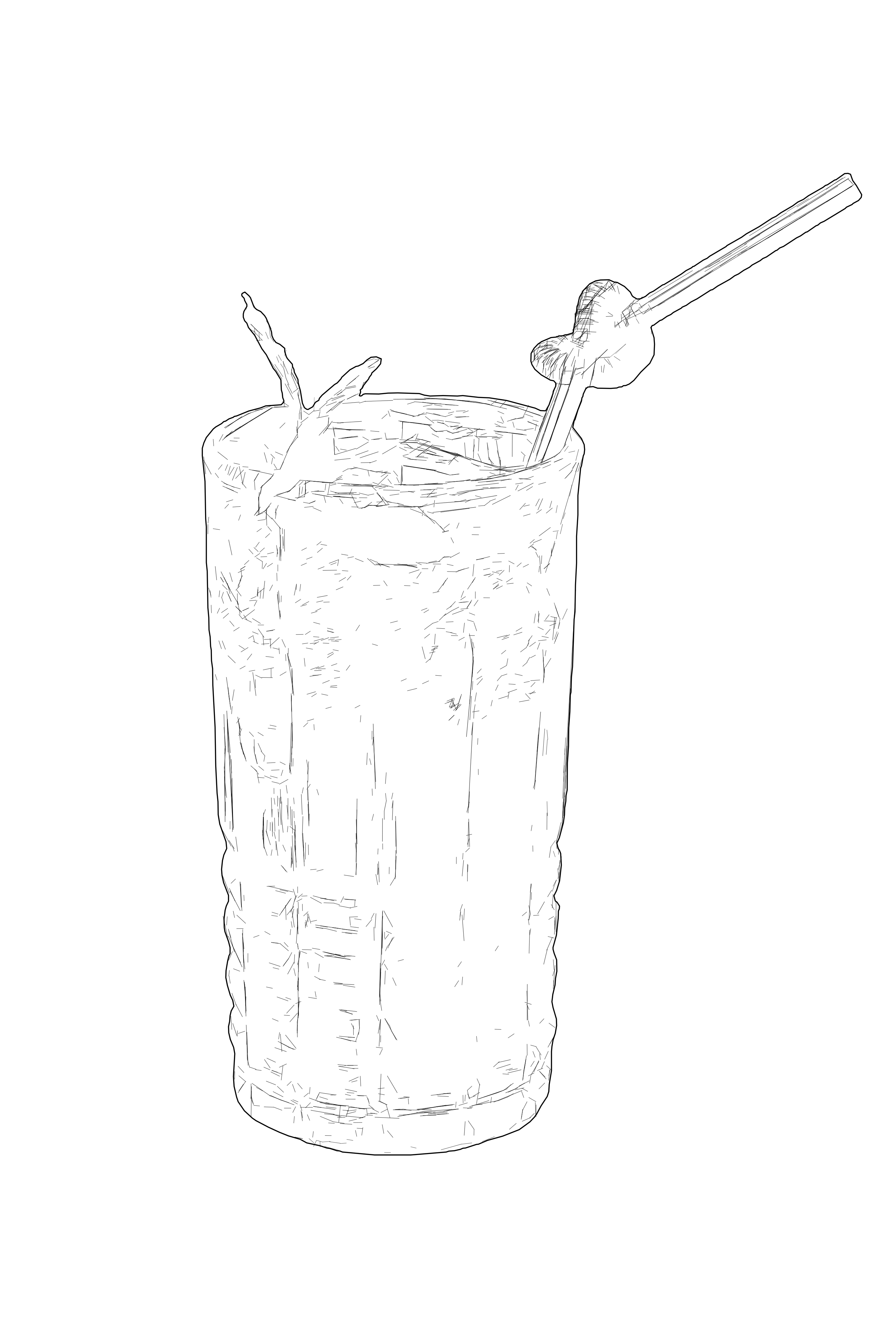
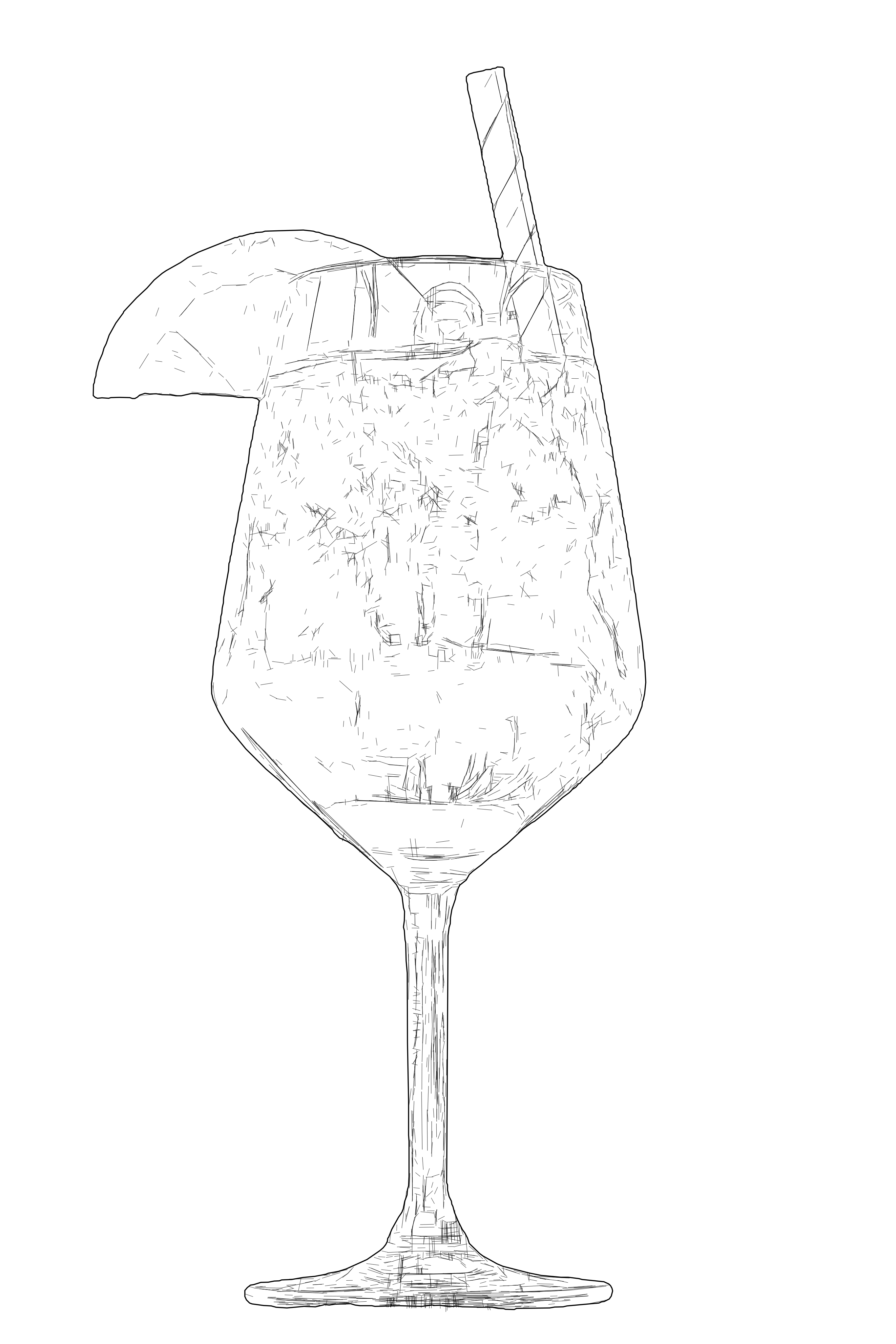
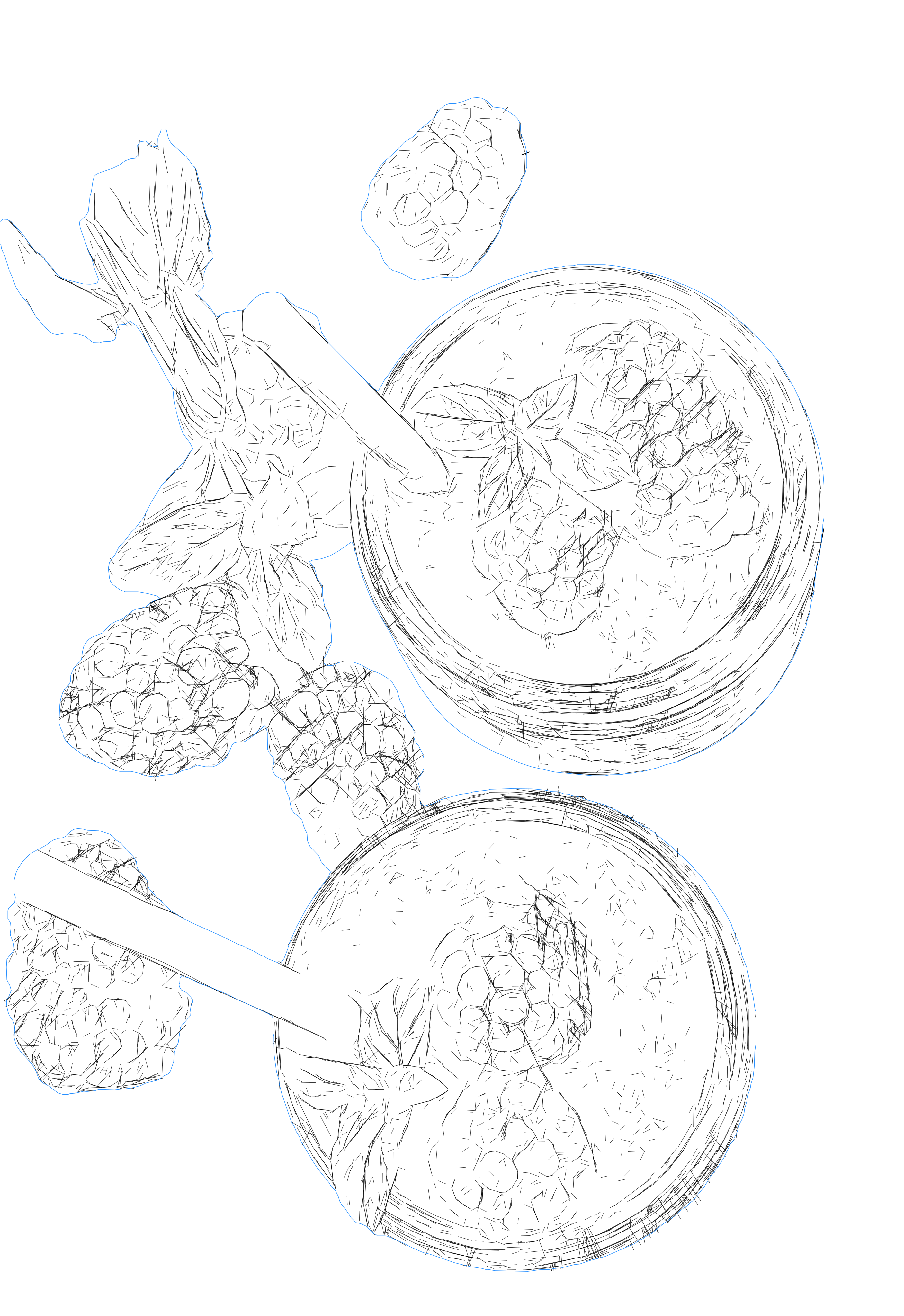
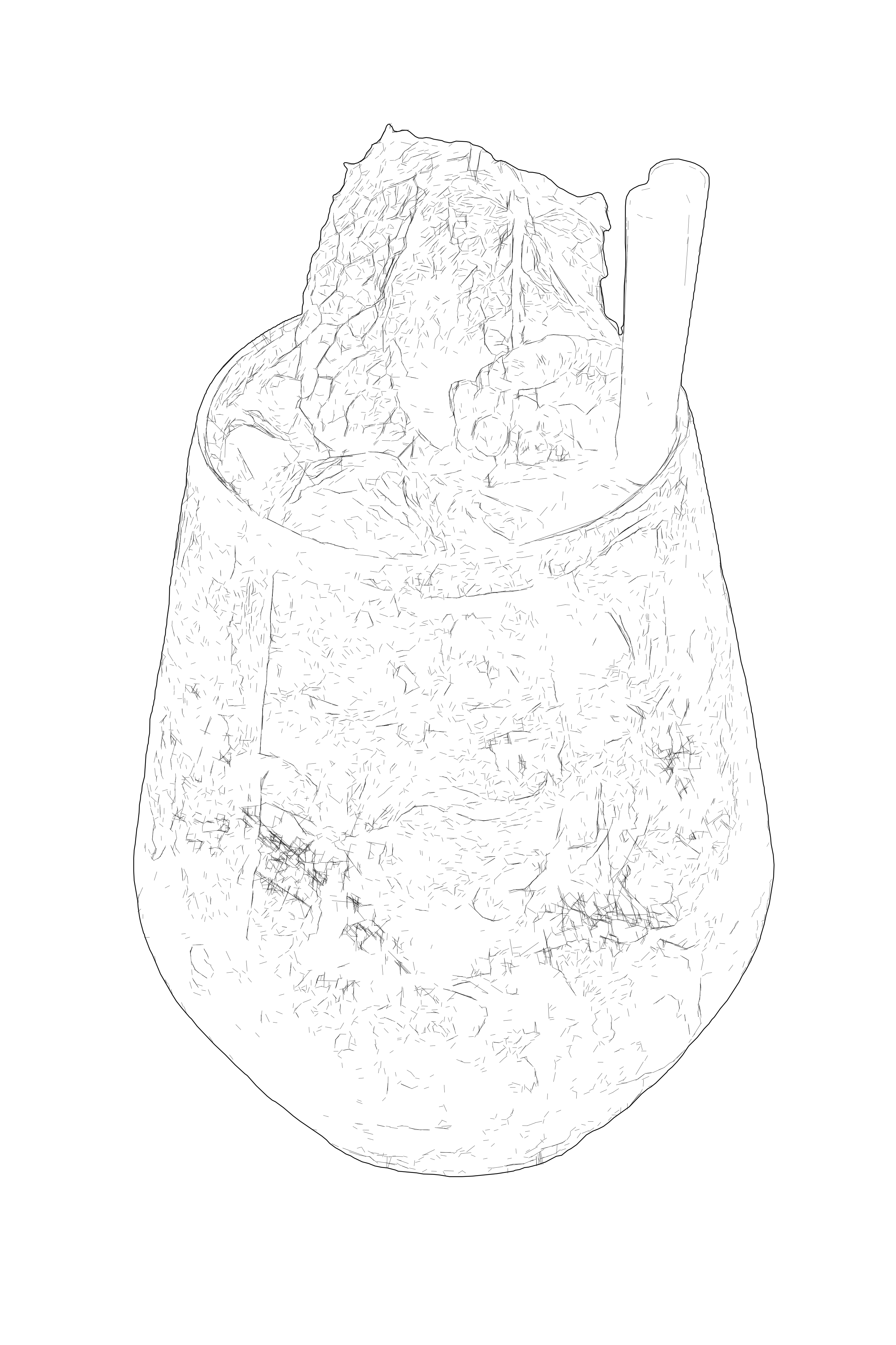
Editable SVG path example for product and documentation graphics.
Clean SVG drawing with simplified line geometry for technical workflows.
Production-ready SVG line art optimized for editing and export.
Technical vector drawing with precise contours and readable structure.
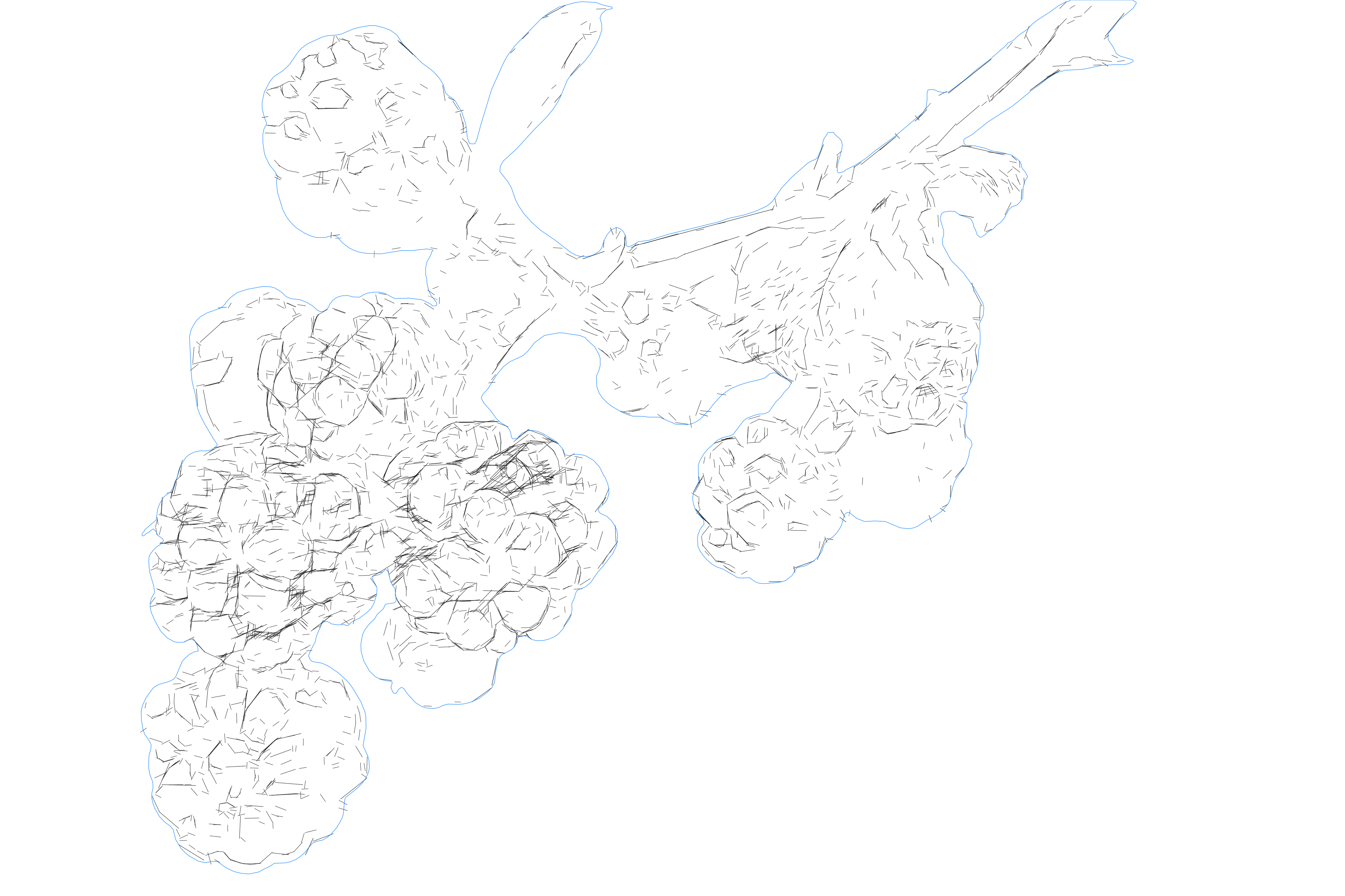
Detailed SVG drawing with clean linework and organized geometry.
SVG vector conversion example for scalable drawing workflows.
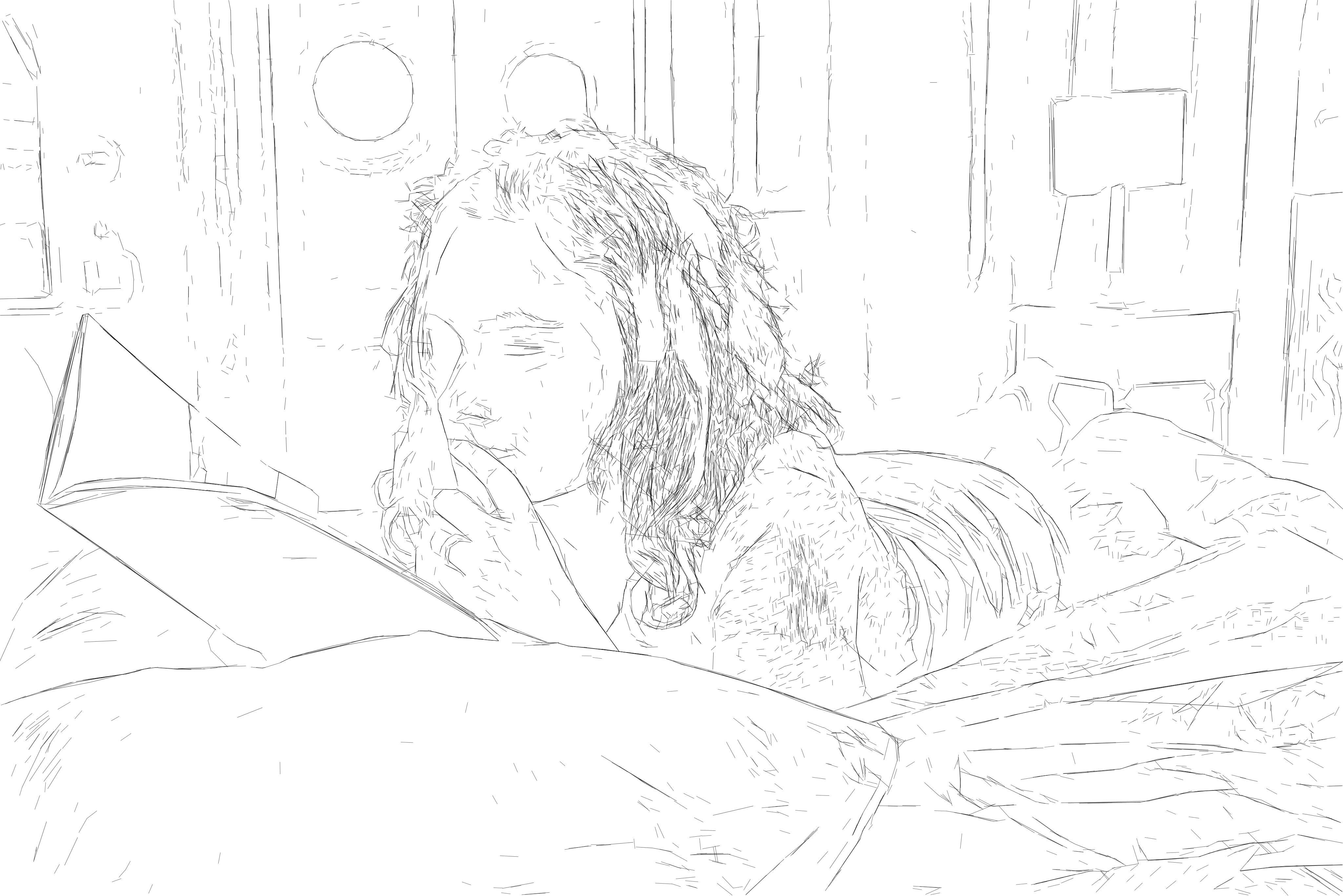
Production-ready SVG line art optimized for editing and export.
Technical vector drawing with precise contours and readable structure.
Editable SVG path example for product and documentation graphics.
SVG vector conversion example for scalable drawing workflows.
Production-ready SVG line art optimized for editing and export.
Technical vector drawing with precise contours and readable structure.
Editable SVG path example for product and documentation graphics.
Detailed SVG drawing with clean linework and organized geometry.
SVG vector conversion example for scalable drawing workflows.
Clean SVG drawing with simplified line geometry for technical workflows.
Production-ready SVG line art optimized for editing and export.
Detailed SVG drawing with clean linework and organized geometry.
SVG vector conversion example for scalable drawing workflows.
Clean SVG drawing with simplified line geometry for technical workflows.
Production-ready SVG line art optimized for editing and export.
Technical vector drawing with precise contours and readable structure.
Editable SVG path example for product and documentation graphics.
Detailed SVG drawing with clean linework and organized geometry.
Clean SVG drawing with simplified line geometry for technical workflows.
Production-ready SVG line art optimized for editing and export.
Technical vector drawing with precise contours and readable structure.
Editable SVG path example for product and documentation graphics.
Detailed SVG drawing with clean linework and organized geometry.
SVG vector conversion example for scalable drawing workflows.
Production-ready SVG line art optimized for editing and export.
Technical vector drawing with precise contours and readable structure.
Editable SVG path example for product and documentation graphics.
SVG vector conversion example for scalable drawing workflows.
Clean SVG drawing with simplified line geometry for technical workflows.
Production-ready SVG line art optimized for editing and export.
Technical vector drawing with precise contours and readable structure.
Editable SVG path example for product and documentation graphics.
Detailed SVG drawing with clean linework and organized geometry.

How it works

  1. 1

    Drop your image anywhere

    Drop a photo or detailed raster image anywhere on this page to open it directly in the workspace.

  2. 2

    Adjust and review the detail

    Choose Tonal Line Vectorization, adjust the detail level and review the rendered vector linework before export.

  3. 3

    Export your SVG

    Download editable SVG linework for laser engraving, pen plotting, or further editing in compatible vector software.

Ready to turn your image into detailed vector linework?

View credit packs

Where Tonal Line Vectorization works best

Editable vector line graphics for creative and technical workflows.

  • Photographic Scenes

    Convert detailed photographs, landscapes and complex scenes into editable line graphics for visual studies, compositions and further design work.

    Open workspace
  • Architecture & Visual Documentation

    Transform detailed photographs of buildings, interiors, historical sites and complex objects into scalable line graphics for documentation, archives, presentations and further design work.

    Open workspace
  • Design Mockups & Concepts

    Create editable SVG linework for concepts, layouts and graphic compositions—saving hours of manual drawing in Illustrator.

    Open workspace
  • Pen Plotting

    Generate detailed vector paths for plotted drawings, physical line art and experimental pen-plotter projects.

    Open workspace
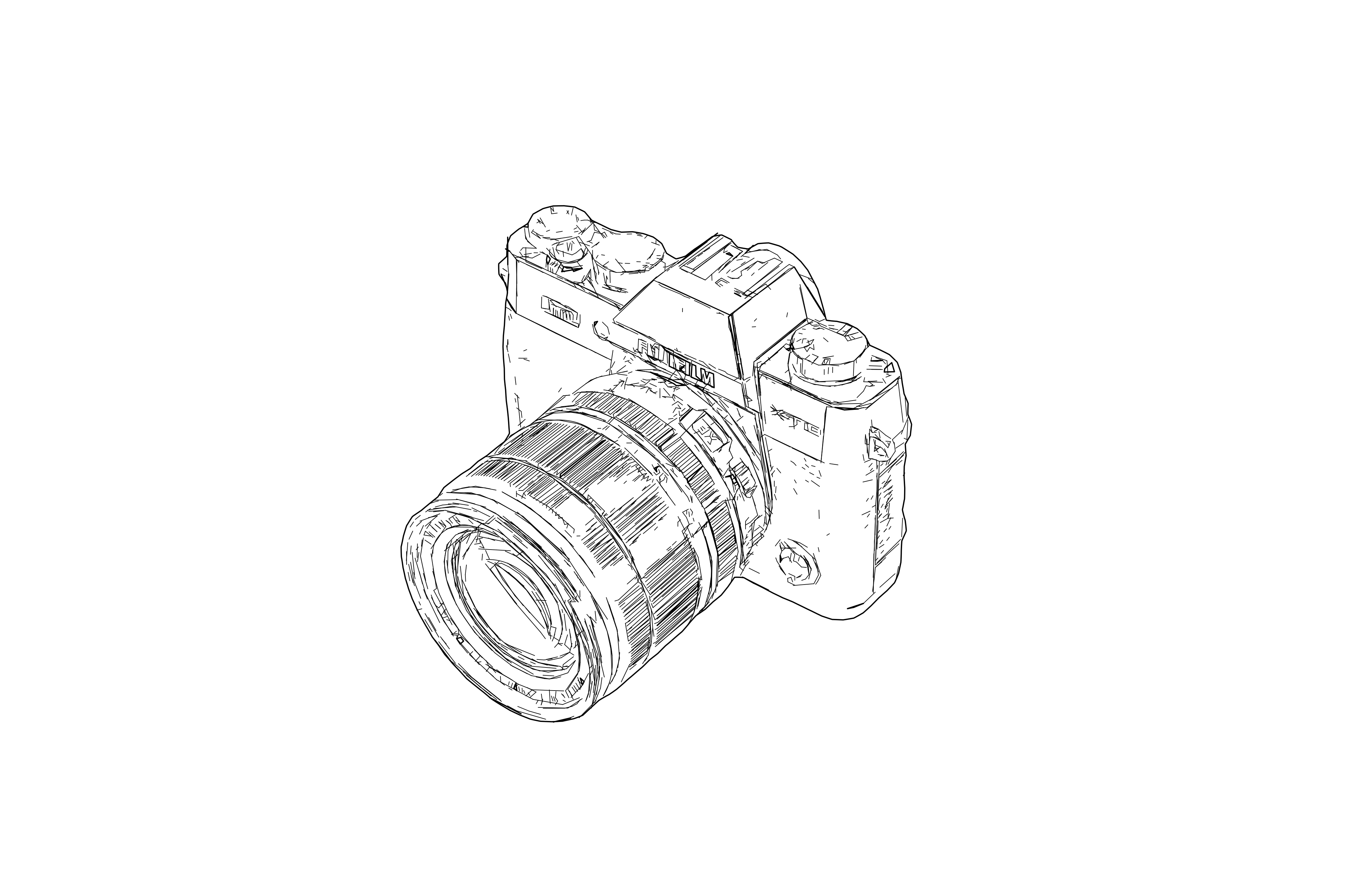
  • Technical Illustration & Manuals

    Turn products, tools, vehicles and machinery into line graphics for technical illustrations, manuals, instructions and service documentation.
    Open workspace
  • Laser Vector Engraving

    Prepare detailed linework for vector engraving when a photographic or textured result is more suitable than a simple outline.

    Open workspace

FAQ

It converts a photo or detailed raster image into editable SVG linework. Instead of tracing only the outer boundary, it uses many vector paths to represent visible contours, texture, contrast and tonal variation.
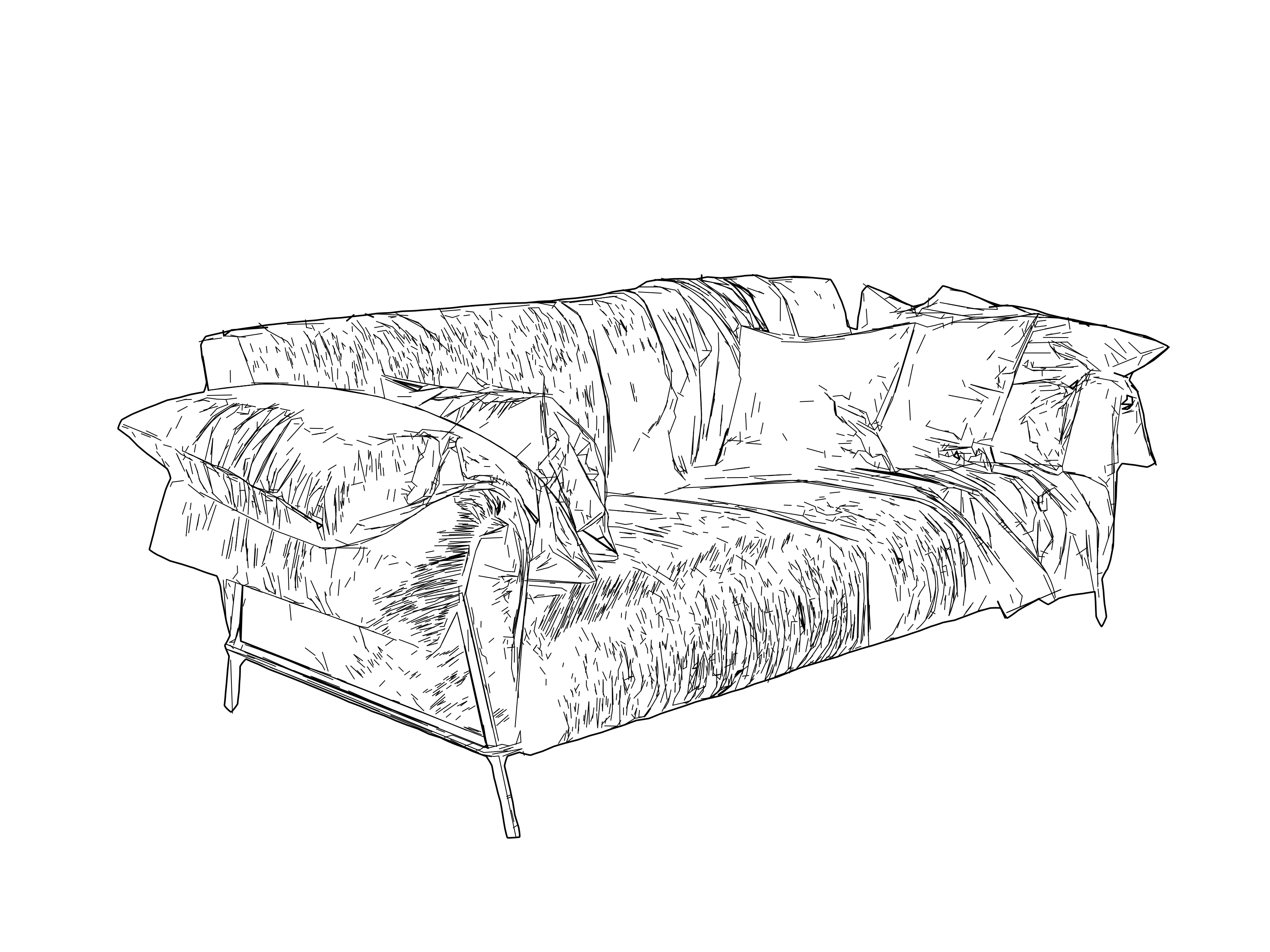
It automates the initial line-vector drawing process that can otherwise take hours. The result does not try to copy every decision a designer would make by hand; it creates its own detailed line interpretation that can be used directly or refined further in vector software.

High-resolution images with a clear subject, readable contrast, visible structure and meaningful texture work best. Photographic scenes, buildings, rooms, machinery, vehicles, products and detailed illustrations are strong candidates. Blurred images and subjects that blend into a busy background may produce less readable linework.

Yes. The result contains scalable vector paths that can be edited in compatible software such as Adobe Illustrator or Inkscape. The paths can also be used in compatible pen-plotter and laser software, although very detailed results may need adjustment for the final drawing size, pen width, material, or machine.

Tonal Line Vectorization uses many paths to interpret detail, texture and tonal variation in complex images. Contour Vectorization creates closed paths around shapes for cutting and production work. Centerline Vectorization creates centerline paths through existing strokes for lettering, scoring and other line-following workflows.

Create detailed SVG linework from your own image

Laserlinez

Cut-ready SVG and DXF contours for laser and CNC.

Open Workspace

1 file = 1 credit · from $0.10

Services

  • Contour VectorizationSVGDXF
  • Centerline VectorizationSVGDXF
  • Tonal Line VectorizationSVG
  • Photo to SVG Manual ProSVGPNG
  • SVG to DXFDXF

Resources

  • Gallery
  • API
  • Technology
  • Helpful Guides
  • All conversion tools→

Company

  • Pricing
  • About Us
  • Custom Development
  • Contact

Compatible with LightBurn, xTool and CNC

  • Legal
  • Privacy Policy
  • Terms
  • Cookies