Free SVG Editor
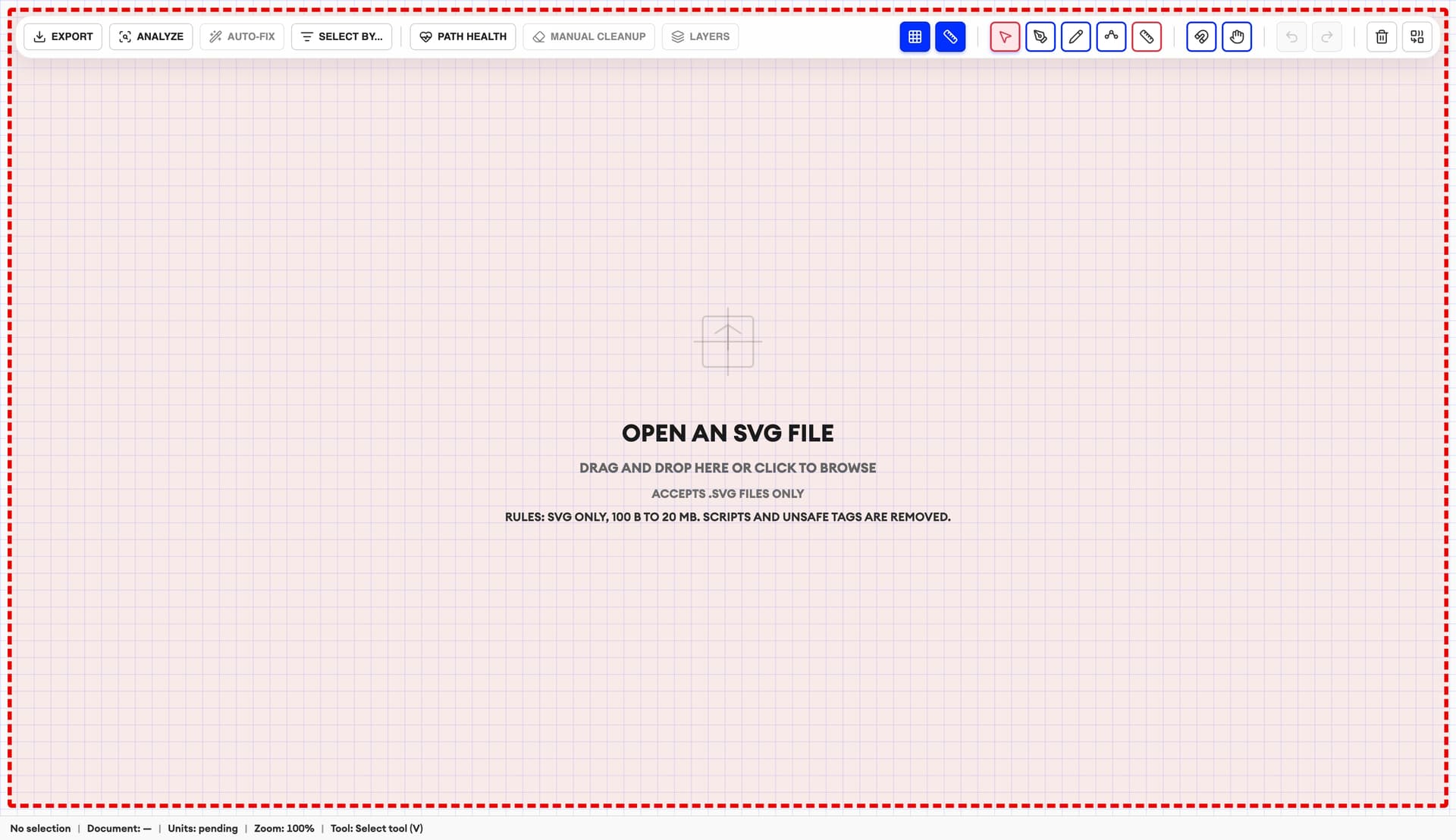
Repair, measure and export clean SVG files in your browser
We offer a free SVG editor for all users—designers, architects, laser engravers, CNC/CAD workflows and pen plotter makers—to inspect and clean SVG files before you hand them off to production or design tools like LightBurn. The editor runs locally in your browser (no upload), so you can open an SVG, verify scale and units, review layers and catch common vector issues that cause double cuts, messy plots, or unpredictable imports.
It’s especially effective for repairing vectorized SVG results, including Laserlinez’ ScriptFX engine exports: detect px/mm and measure in mm/in, run Path Health to flag open paths, duplicates, noise specks and overly dense geometry, then Auto‑Fix safe issues or apply targeted cleanup (simplify, close small gaps by threshold, remove duplicates/noise selectively, optimize cut/plot order). Export a cleaner, production‑ready SVG with layers and stroke colors preserved for a smoother LightBurn, CAD/CNC, or plotting workflow.
SVG-Editor features you can use for free
- Detect px/mm and measure distances in millimeters and inches.
- Analyze path health: open paths, duplicates, noise specks and dense paths.
- Auto-Fix safe issues (close small gaps, remove safe duplicates, remove noise when units are reliable).
- Manual cleanup: simplify paths, close gaps by threshold, remove duplicates/noise selectively.
- Optimize cut/plot order to reduce travel moves for lasers and pen plotters.
- Work with layers and selections: LightBurn-friendly stroke colors, batch edits and Select-by-Criteria.
How it works
- 1
Open your SVG (no upload)
Import a local .svg file — the editor runs locally in your browser.
- 2
Measure and analyze
Detect units (px/mm), measure in mm/in and run Path Health to find open paths, duplicates, noise specks and dense geometry.
- 3
Repair and export
Use Auto-Fix or manual cleanup tools, optimize cut/plot order, keep LightBurn-friendly colors and export a cleaner SVG.

Get credits now and start rendering
SVG Editor FAQ
Quick answers about the free SVG editor.